126 Chapter 5 Use the Océ TCS500 for scan-to-file jobs
Introduction to scan-to-file jobs
Introduction to scan-to-file jobs
Introduction
A basic scan-to-file job takes three steps. Feed the original, select 'Scan-to-file' and
press the start key. Every other type of scan-to-file job, where you change the
scan-to-file settings, is called an extended scan-to-file job. An extended scan-to-file
job takes one additional step. Define the scan-to-file job settings at the scanner
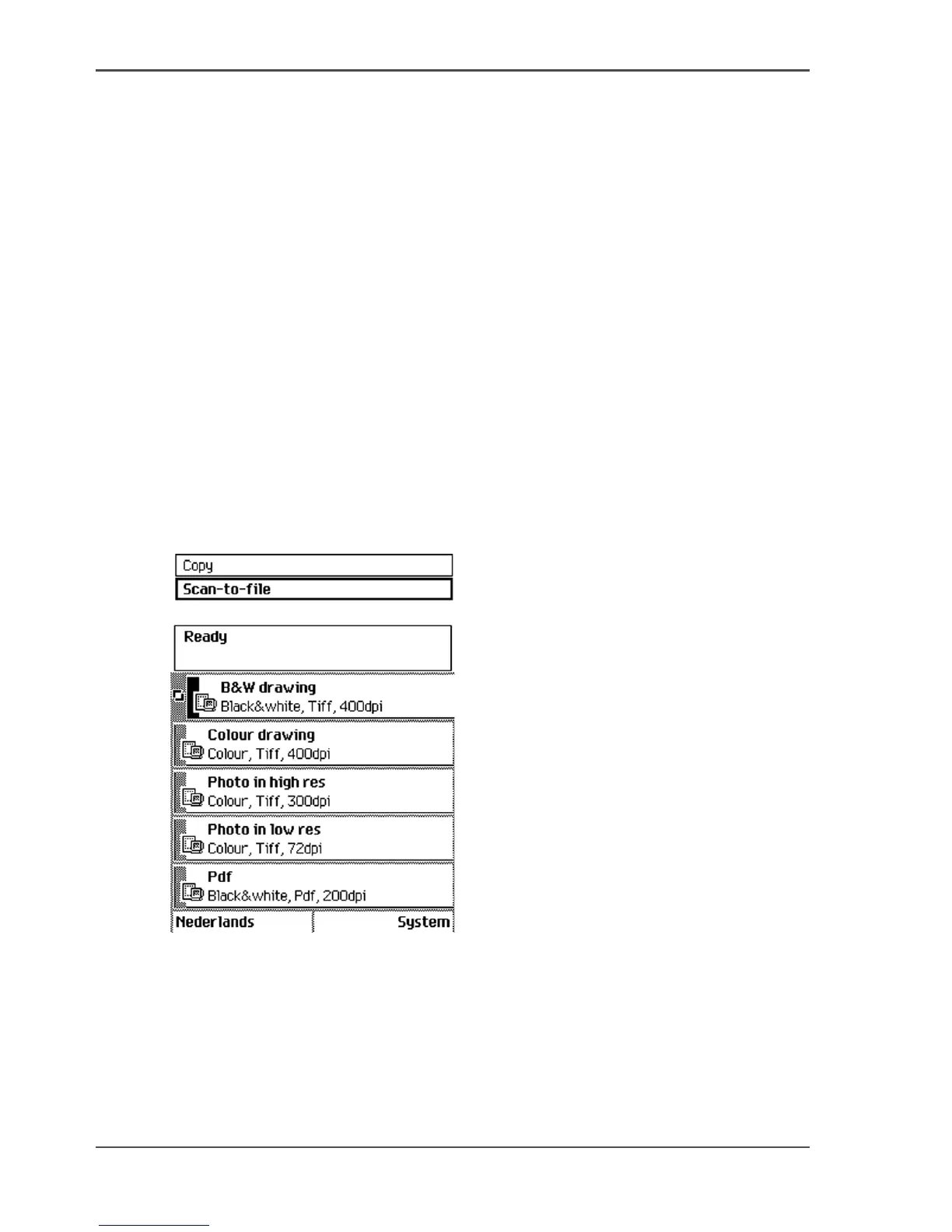
operator panel. When you select 'Scan-to-file', the scanner operator panel shows five
scan-to-file job templates. The scan-to-file job templates provide access to the
different settings per scan-to-file job template. When you select a scan-to-file job
template, the scanner operator panel shows the top 5 settings of the selected
scan-to-file job template. The top 5 settings are the most often used settings. You can
define the top 5 settings and their values for each scan-to-file job template with the
Océ Settings Editor. (see ‘Define the job templates for your scanner operator panel’
on page 82). You can use the scroll wheel to see the other settings. After you start a
scan-to-file job, you can manage your jobs from the Océ Queue Manager.
Illustration
[96]
[96] The scan-to-file job templates



 To Next Page