28 Chapter 2 Get to know the Océ TCS500 color printing system hardware
The Océ Power Logic® controller
The Océ Power Logic
®
controller
Introduction
The Océ Power Logic
®
controller is based on a PC platform running Windows
®
XP
Embedded.
Use the Océ Power Logic
®
controller to do the following.
■ define the default system settings
■ receive jobs over the network
■ process the scan-to-file jobs
■ process the copy jobs
■ process the print jobs
■ manage the job queue
■ manage the set memory
The location of the Océ Power Logic
®
controller
You can place the Océ Power Logic
®
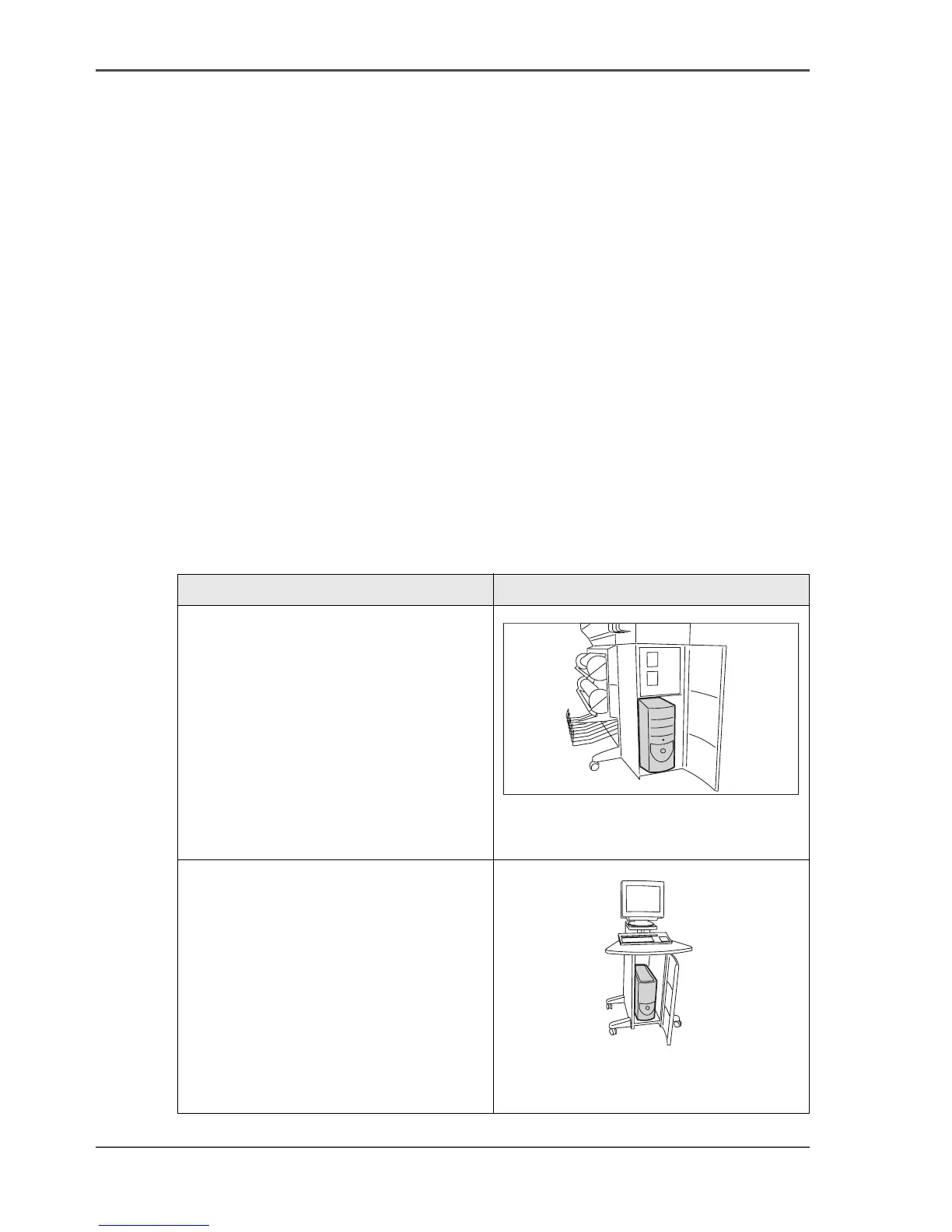
controller in one of the following locations.
[8]
[8] The location of the Océ Power Logic
®
controller
Location of the controller
Integrated in the right-hand side of the
Océ TCS500 printer.
[5]
[5] The Océ Power Logic
®
Controller
(printer)
Inside a separate controller cabinet.
When you have a monitor, a keyboard
and a mouse connected to the Océ
Power Logic
®
controller, the controller
is always placed inside a separate
controller cabinet.
[6]
[6] The Océ Power Logic
®
Controller (stand
alone)



 To Next Page