201
Output quality problems
Check the output quality
Output quality problems
Introduction
The Océ TCS500 offers three possibilities to check the quality of your printed
output.
■ Make a quality check print
■ Make a tone scale area print
■ Make a demo print.
This section describes the problems you can analyze by making one of these check
prints. The Optimize print quality section describes how you can solve problems
with the quality (see ‘'Quality check' print’ on page 206).
Overview of output quality problems - Graininess
[80]
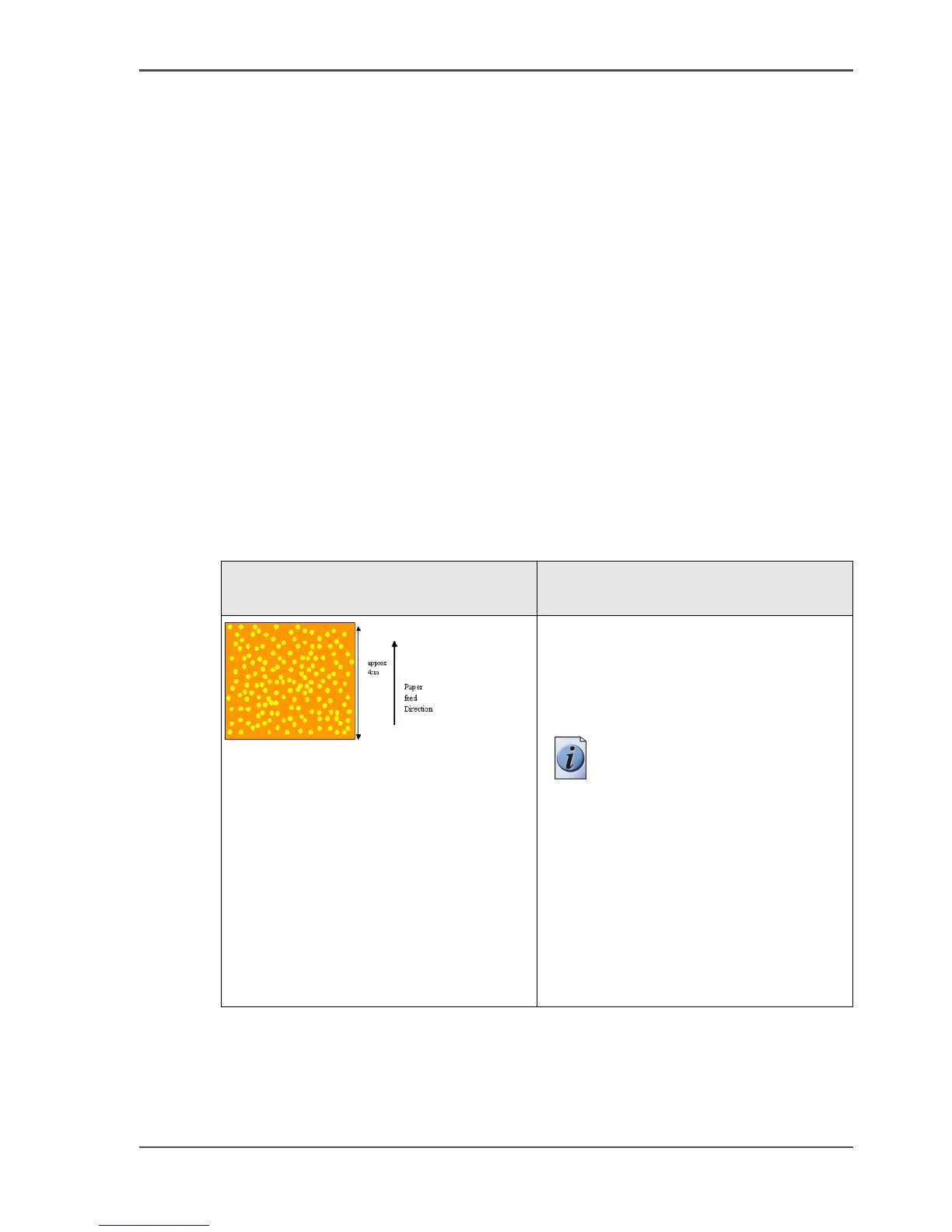
[80] Graininess problems
Graphical representation of the
problem
Description
[162]
Color specific graininess
Perform an 'Optimize print quality' test.
The test checks all printheads and the
printer compensates for missing
nozzles.
Note: After the 'Optimize
print quality' test is
completed, the printer may
ask you to replace a
printhead. In this case, take
out the printhead and clean
the contact area with a
lintfree cloth.
If the printhead is still not
accepted, insert a new
printhead.



 To Next Page