251
Replace a defective printhead
Replace a defective printhead
Introduction
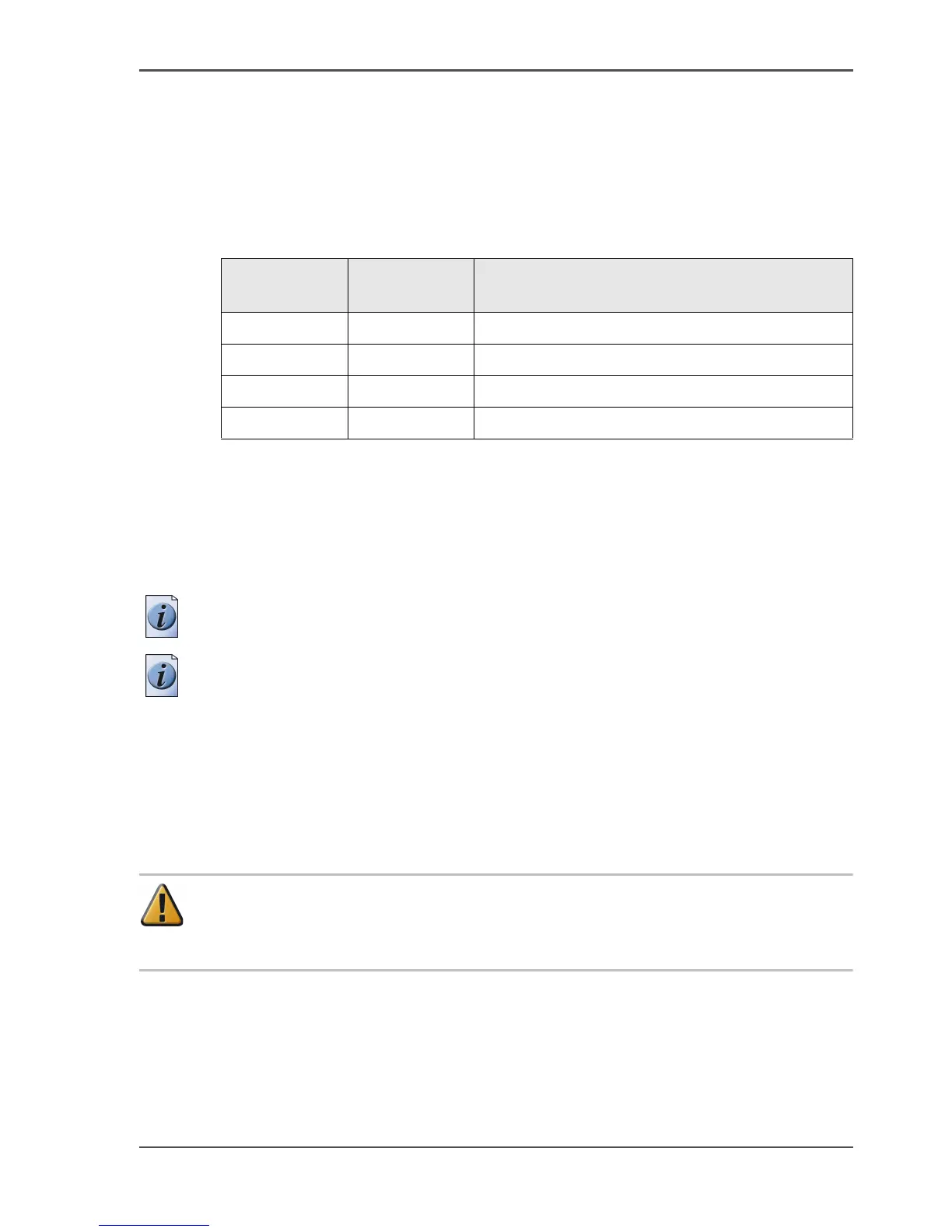
The Océ TCS500 contains the following nine printheads.
[87]
Always follow the instructions in the wizard on the printer operator panel when you
replace a defective printhead.
After you replace a defective printhead, the system performs an alignment. The
alignment requires the use of media. If you enter the 'Replace printhead' wizard
while no media is present, the printer asks you to load a roll of media first.
Note: Only replace a defective printhead using the 'Replace printhead' wizard.
Note: A printhead is defective when the printhead has an electric defect or a major
number of nozzles fail. You cannot continue to print before the printhead is replaced.
When to do
The system displays an error message and prompts you to replace the defective
printheads. Only replace the printheads the system indicates.
Attention: Only replace printheads when they are defective. Changing
printheads that are not defective will shorten the printhead lifetime and cause
problems with the ink system.
[87] Overview printheads
Quantity Color Printhead position (indicated on the
printhead carriage)
3 Black (K) 1, 2, 3
2Cyan (C)4, 5
2 Magenta (M) 6, 7
2 Yellow (Y) 8, 9



 To Next Page