262 Chapter 12 System messages and solutions
Clear an original jam
The Océ TCS500 scanner
Clear an original jam
Introduction
A red light at the scanner operator panel indicates that an original jam occurred.
How to remove a jammed original
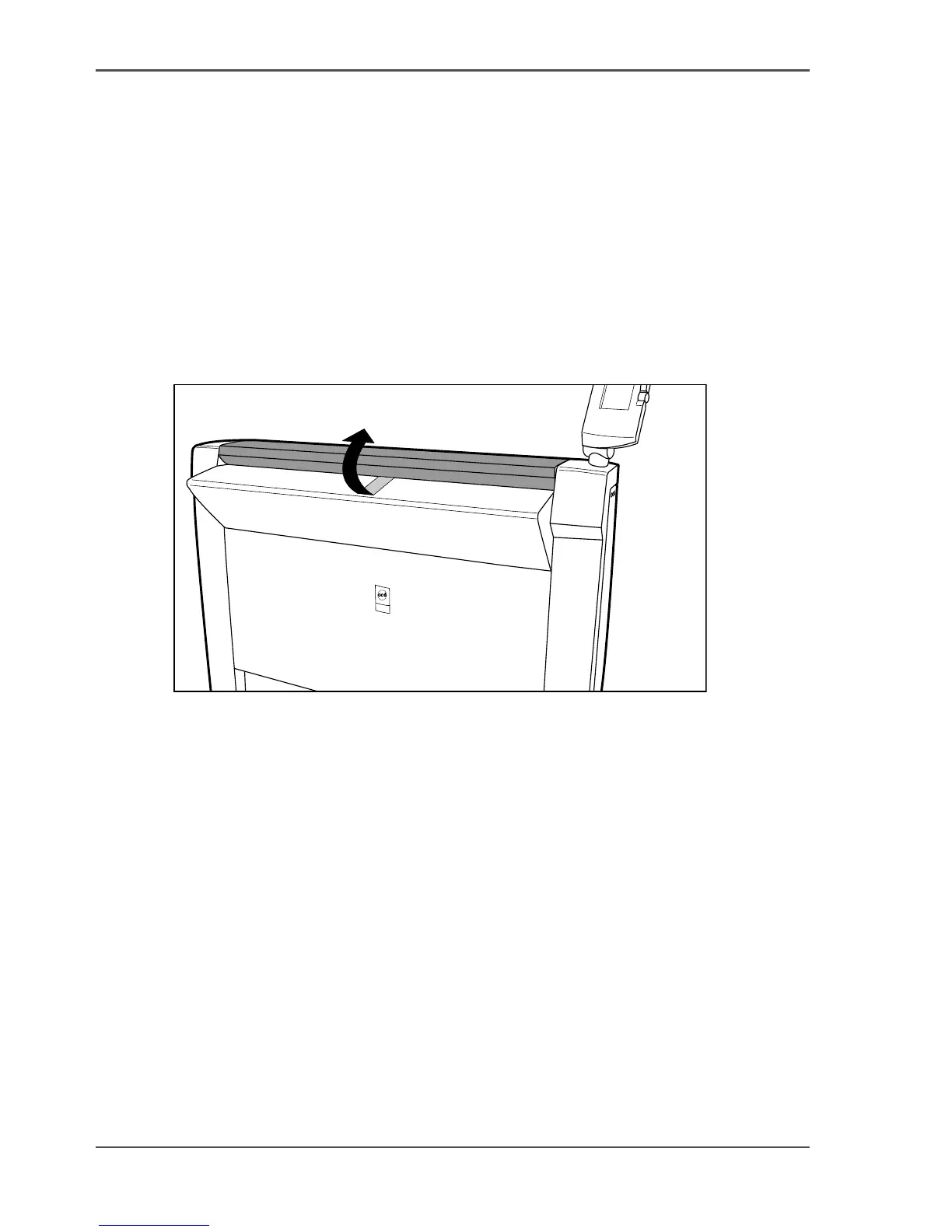
1. Pull the top cover towards you and lift the top cover to open it.
[208]
[208] Open the top cover
2.
Remove the original.
3. Lift the top cover, turn the top cover towards you and push the top cover backwards
until you hear or feel a click.
Result
The green light at the scanner operator panel is on.



 To Next Page