267
Cover or door opened
Cover or door opened
Cover or door opened
You are only allowed to open the top cover when you are in the 'Replace printhead'
wizard.
You are only allowed to open the maintenance door when you are in the 'Replace
cassette' wizard.
If you open the top cover or the maintenance door without accessing the wizard, the
system produces a warning signal. The red LEDs on the printer operator panel
remain illuminated. If you open a door or cover during printing, the printer stops. A
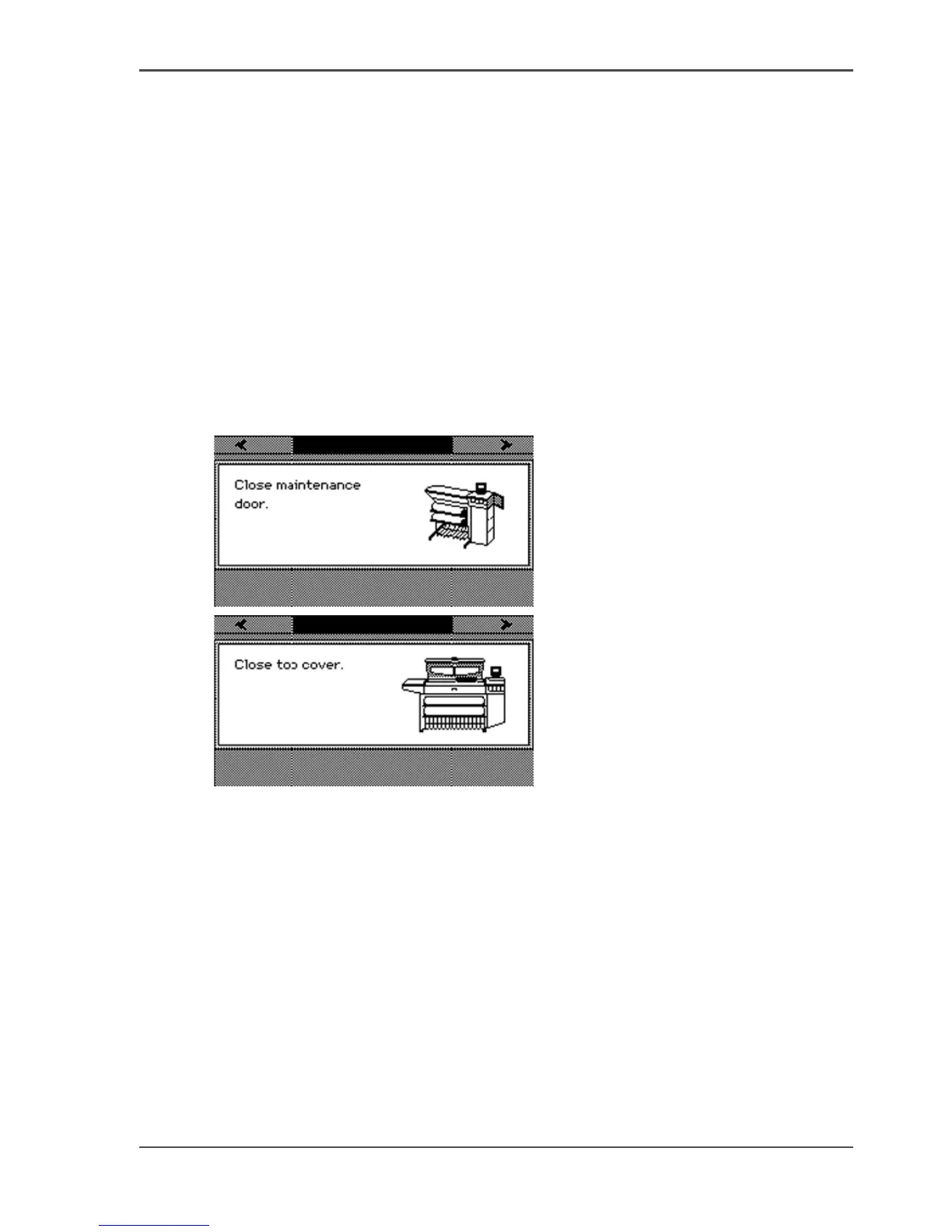
message on the printer operator panel tells you to close the top cover or the
maintenance door. Close the top cover or the maintenance door to continue.
[211]
[212]
If the cover or door is opened while the printer prints a job, the print is cut after you
close the cover. Then the whole print job is restarted.



 To Next Page