24 Chapter 2 Get to know the Océ TCS500 color printing system hardware
The Océ TCS500 scanner
The Océ TCS500 scanner
The Océ TCS500 scanner
Introduction
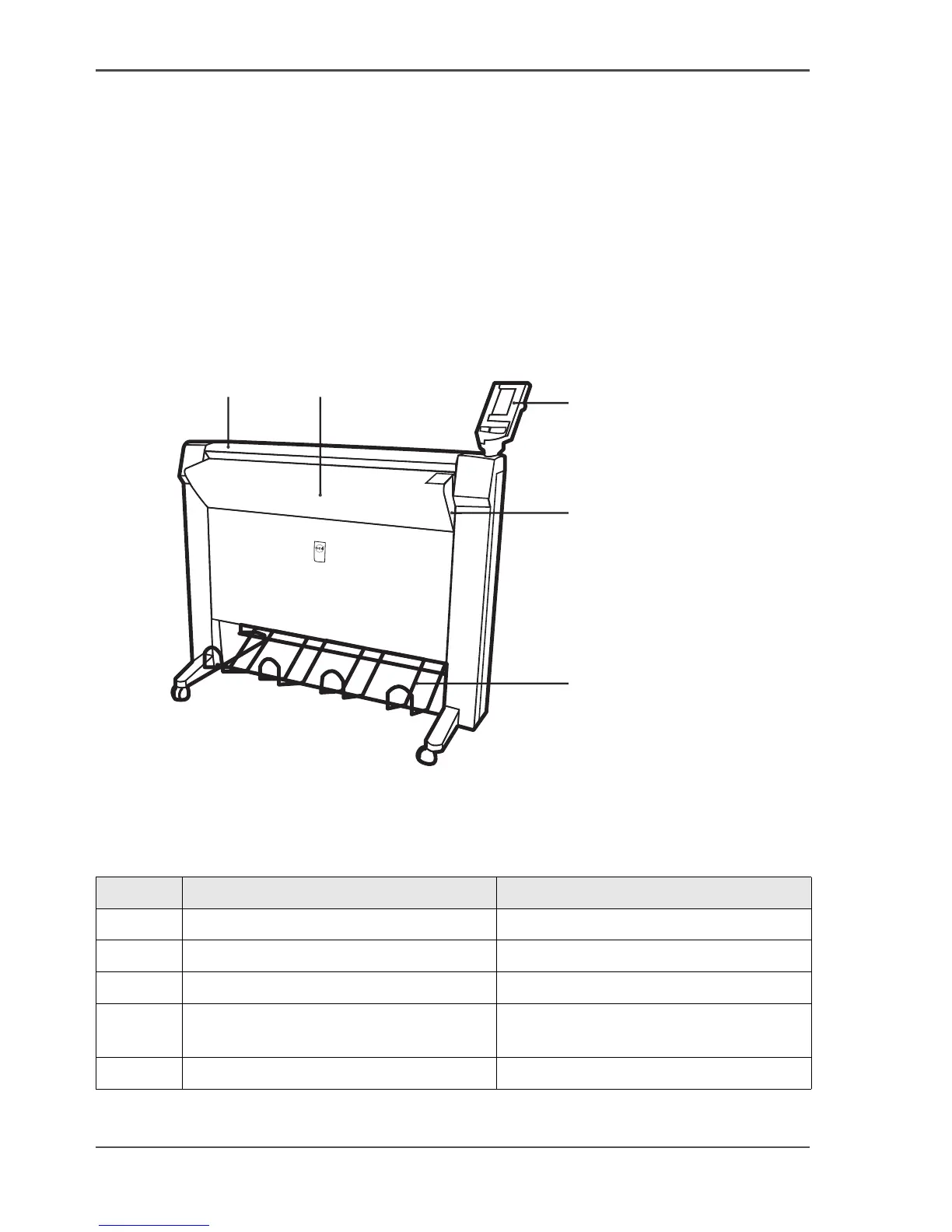
The Océ TCS500 scanner is a wide-format scanner with an optical resolution of 575
dpi.
Illustration
[3]
[3] The Océ TCS500 scanner
The main components of the Océ TCS500 scanner
[6]
1
2
3
4
5
Number Component Function
1 Top cover Get access to the glass plate.
2 Original feed table Feed the original.
3 Operator panel Define the job settings.
4 On / off switch Turn the Océ TCS500 scanner on and
off.
5 Integrated receiving tray Receive the originals.



 To Next Page