271
Clear the set memory
Clear the set memory
Attention: When you clear the set memory, all jobs on the system are deleted.
Clear the set memory
Clear the set memory if the Océ Queue Manager contains damaged jobs that you
cannot delete.
You can clear the set memory from the Océ System Control Panel.
From the 'System' menu, select 'Clear the system' to delete all the jobs on the system.
If you do not have a keyboard, mouse and monitor with your controller, you can also
clear the system with the 'Configure system' wizard on the printer. (see ‘Configure
the network settings of the Océ TCS500’ on page 66).
Correct system errors
Introduction
When a system error occurs, the system produces a double audio signal. The red
LEDs of the printer operator panel remain illuminated.
How to correct system errors
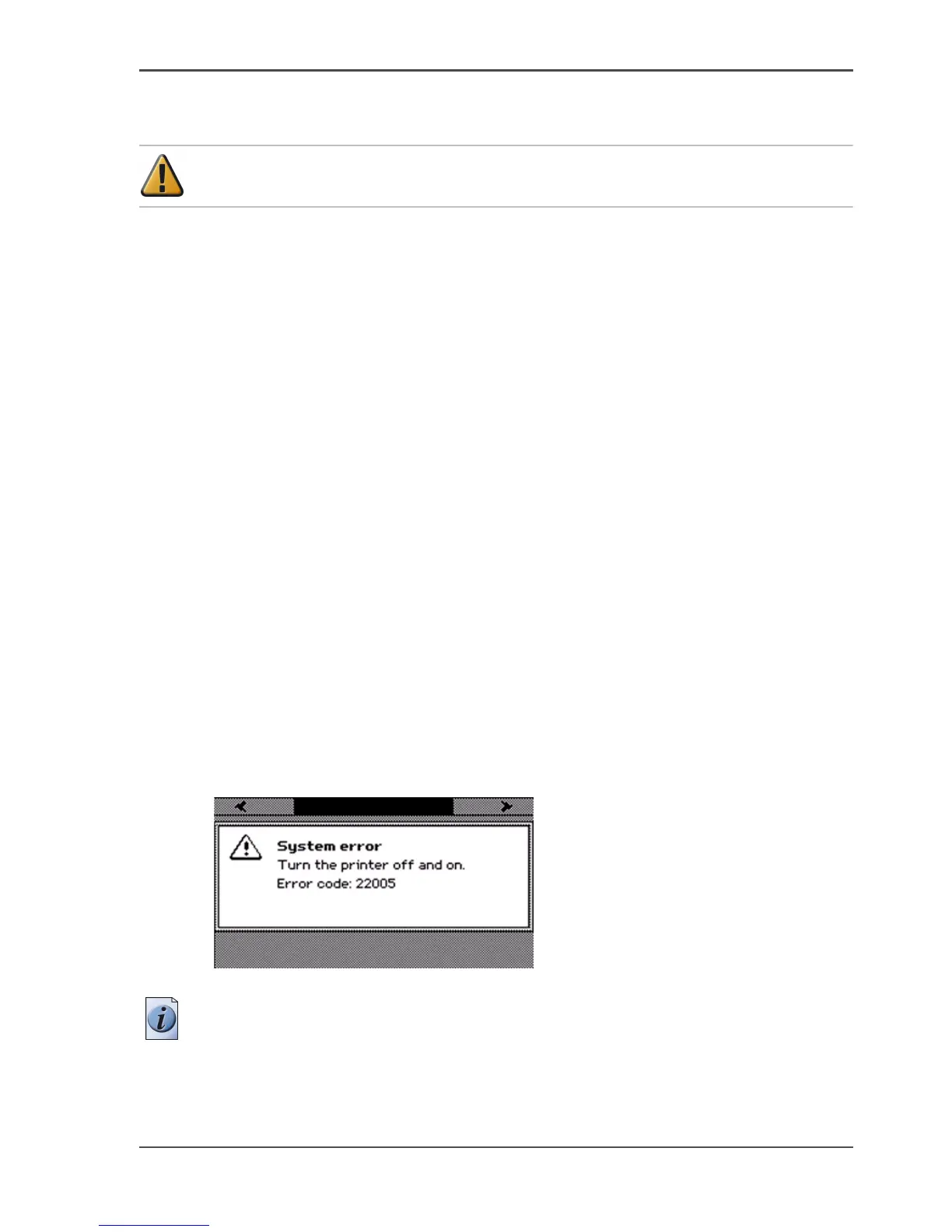
1. A system error is an error that the system can recover. When a system error occurs,
an error code is displayed on the screen.
[218]
2. When a system error occurs, you must turn the printer off and on.
Note: If the setting 'Synchronize controller power on / off' in the Océ Settings editor
is set to 'Enabled', wait for the Power Logic® controller to shut down before you turn
on the system again. If the setting 'Synchronize controller power on / off' in the Océ
Settings editor is set to 'Disabled' just wait a few seconds before you turn on the
system again.



 To Next Page