52 Chapter 3 Prepare the Océ TCS500 for use
Turn on and off the Océ TCS500 scanner
Turn on and off the Océ TCS500 scanner
Introduction
When you turn on the Océ TCS500 scanner, the Océ TCS500 scanner needs some
preparation time before it can handle jobs. The preparation time for scan-to-file and
copy jobs is less than twenty seconds.
Illustration
[36]
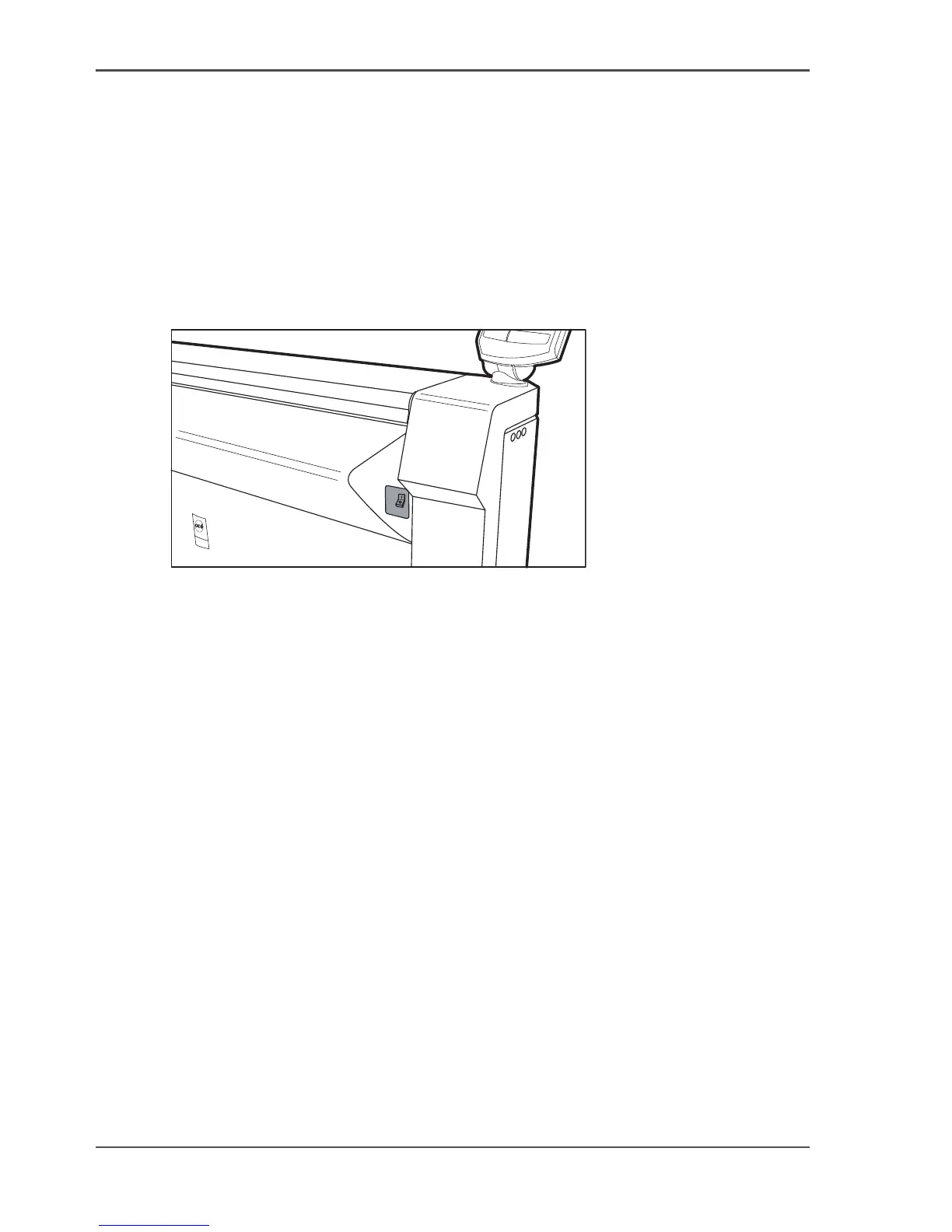
[36] The on / off switch at the right of the Océ TCS500 scanner
Turn on the Océ TCS500 scanner
1. Set the on / off switch at the right to position 1.
The green light at the operator panel illuminates.
Turn off the Océ TCS500 scanner
1. Set the on / off switch at the right to position 0.
The green light at the operator panel is turned off.



 To Next Page