195
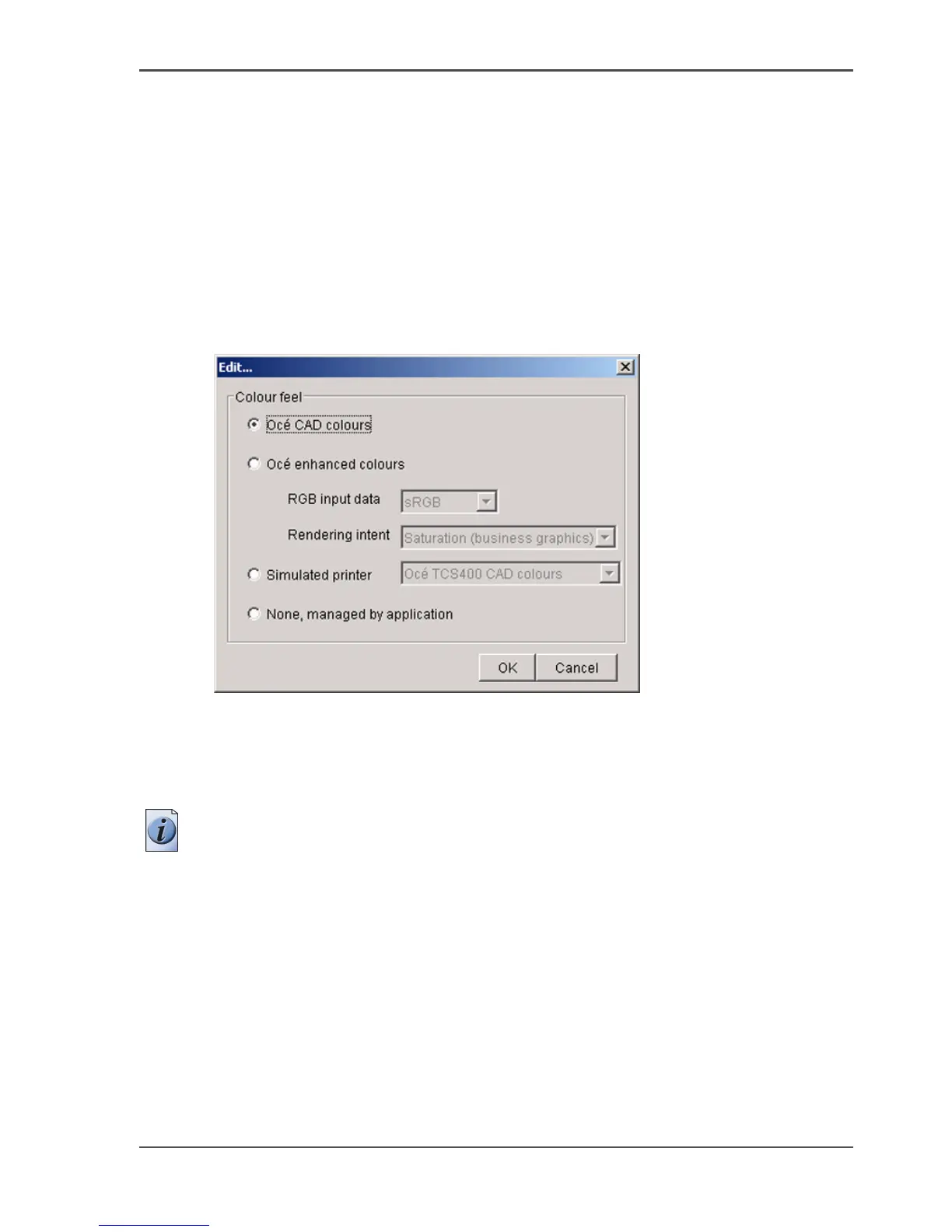
'Color feel'
'Color feel'
Path: Key Operator - Jobs - Print - Defaults - Color Management - HP-GL,
HP-GL/2, HP-RTL
Path: Key Operator - Jobs - Print - Defaults - Color Management - TIFF
Path: Key Operator - Jobs - Print - Defaults - Color Management - PostScript,
PDF
'Color feel' settings in the Settings Editor
[161]
One of the options you have to finetune your output quality is to adjust the 'Color
Management' settings.
With the 'Color Management' setting 'Color feel' you can finetune the look and feel
of the printed colors.
Note: You can select the 'Color feel' setting for each input 'File type' ('HP-GL,
HP-GL/2, HP-RTL' / 'TIFF' / 'PostScript
®
, PDF').



 To Next Page