226 Chapter 10 License management with Océ License Logic
The structure of license files and licenses
The structure of license files and licenses
Introduction
A license file contains a license per option of your Océ system. You can view the
current active licenses with Océ License Logic. You can preview the new active
licenses with Océ License Logic during the license activation job.
A license file contains licenses of the same license-type
A license file you receive from Océ contains only licenses of the same license-type.
The following license types are possible.
■ Demo
■ Resale.
If you order demo and resale licenses, you receive 2 license files.
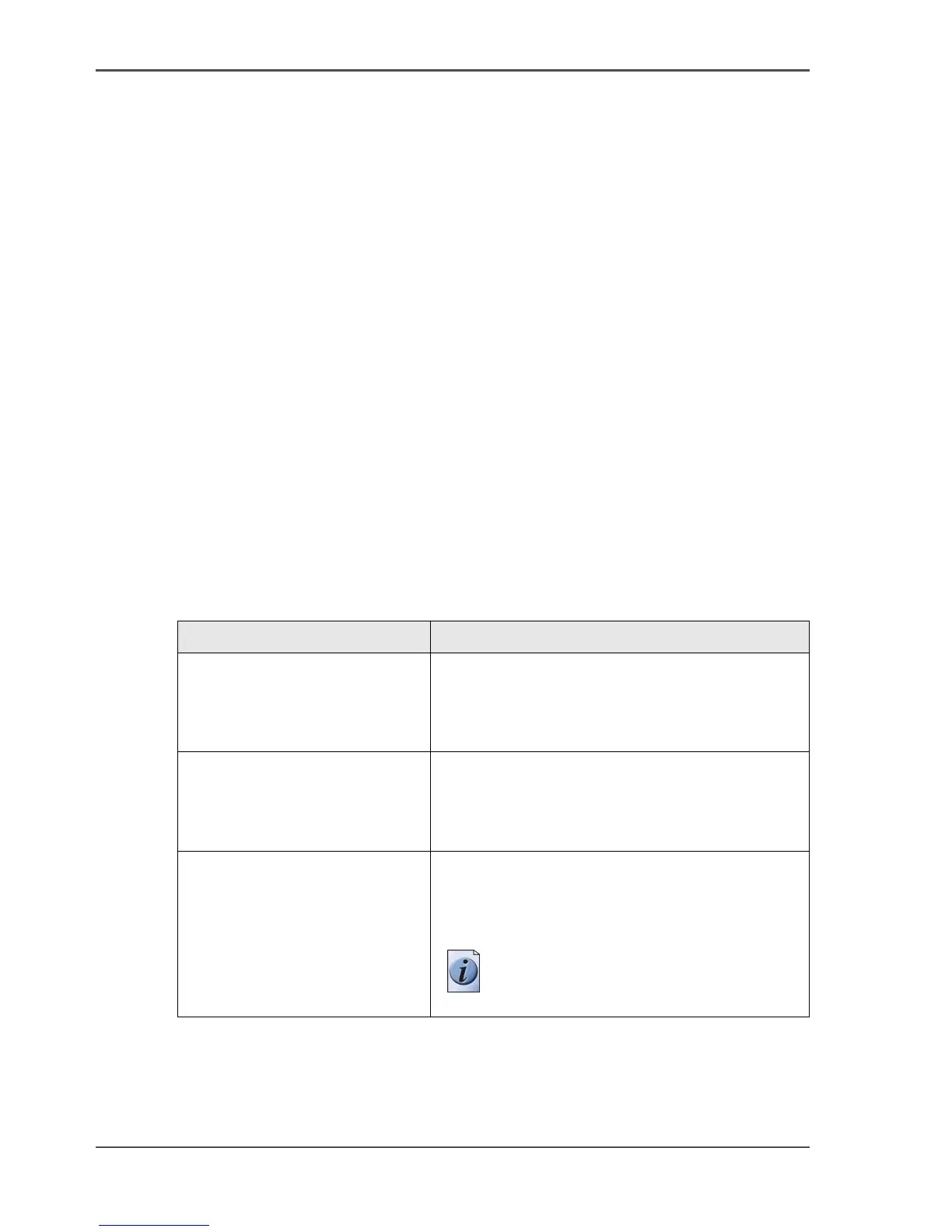
What you see per situation
What you see per situation depends on the license file you use.
[86]
[86] What you see depends on the situation (1 – 2)
Situation What do you see
View the current active
licenses.
You see the following.
■ All current active demo licenses
■ All current active resale licenses
■ All current other not active options.
Océ delivered one or more
license files.
You see one of the following options.
■ A demo license file
■ A resale license file
■ A demo license file and a resale license file.
Preview the demo licenses
during the license activation job
if you use the license file with
demo licenses.
You see the following.
■ All current active demo licenses
■ All new active demo licenses.
Note: You can not see the current
active resale licenses at this point.



 To Next Page