269
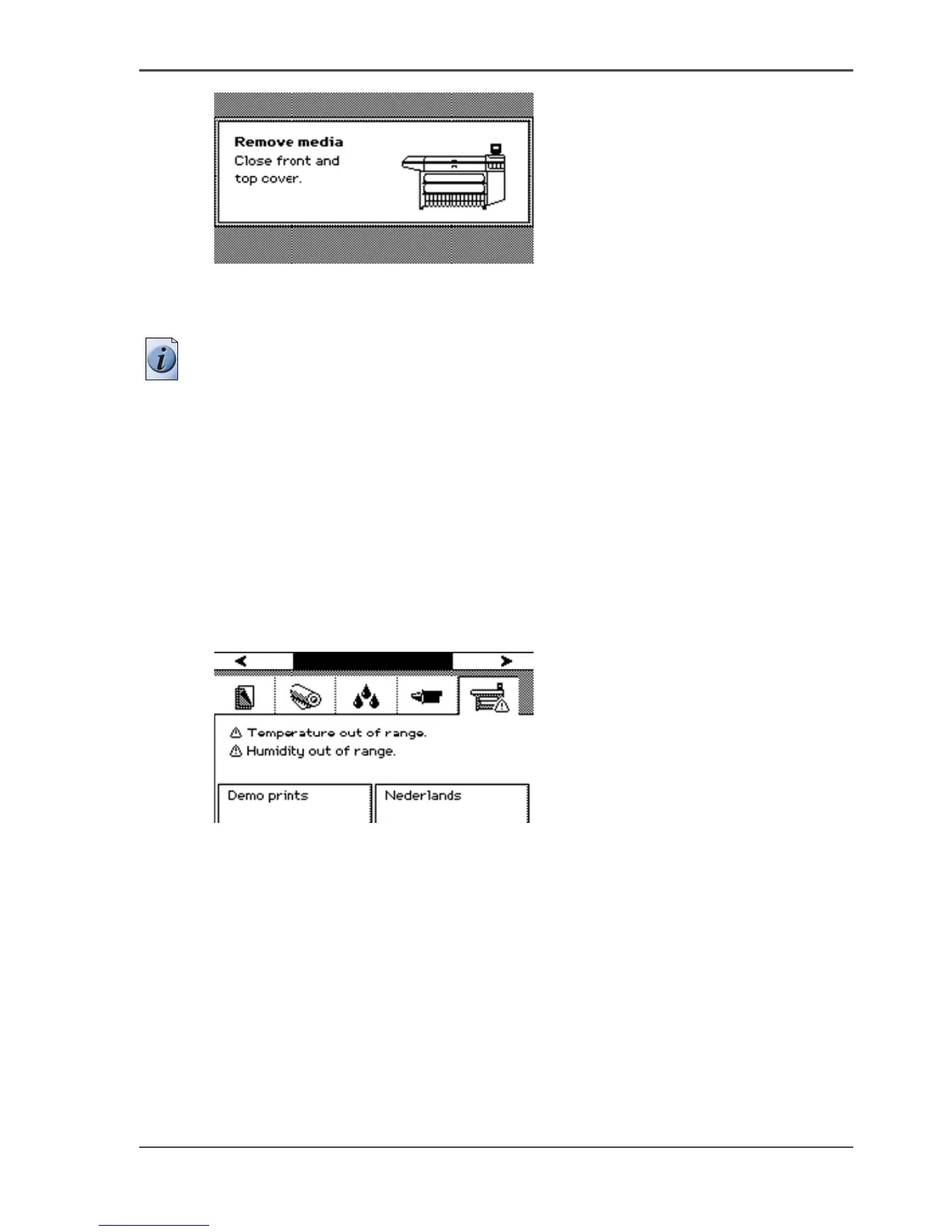
Temperature or humidity out of range
[215]
6. Insert the roll of media in the printer.
The printer is ready for use.
Note: If you remove the media from the front of the printer, there is a risk of ink
pollution in the media feed section.
Temperature or humidity out of range
Temperature or humidity out of range
The system produces a short interrupted audio signal. The red LEDs on the printer
operator panel flash two times. Press the key for 'OK'. The system information card
on the on-line screen of the printer operator panel displays the following message
until the problem is solved..
[216]
When this error persists, contact your local Océ service organization.



 To Next Page