155
Set up unattended / overnight printing optimization
Set up unattended / overnight printing optimization
Introduction
The Océ TCS500 has the possibility to print unattended, for example outside office
hours. To use this option, the setting Key Operator - Printer - Settings -
Calibration - Overnight printing optimization in the Océ Settings Editor must be
set to 'On'.
When the setting 'Overnight printing optimization' is set to 'On', the system will
automatically perform checks, after the selected number of prints, to ensure a
consistent output quality. For each check, the system uses a approximately 25
centimeters of the loaded media roll.
Set up overnight printing
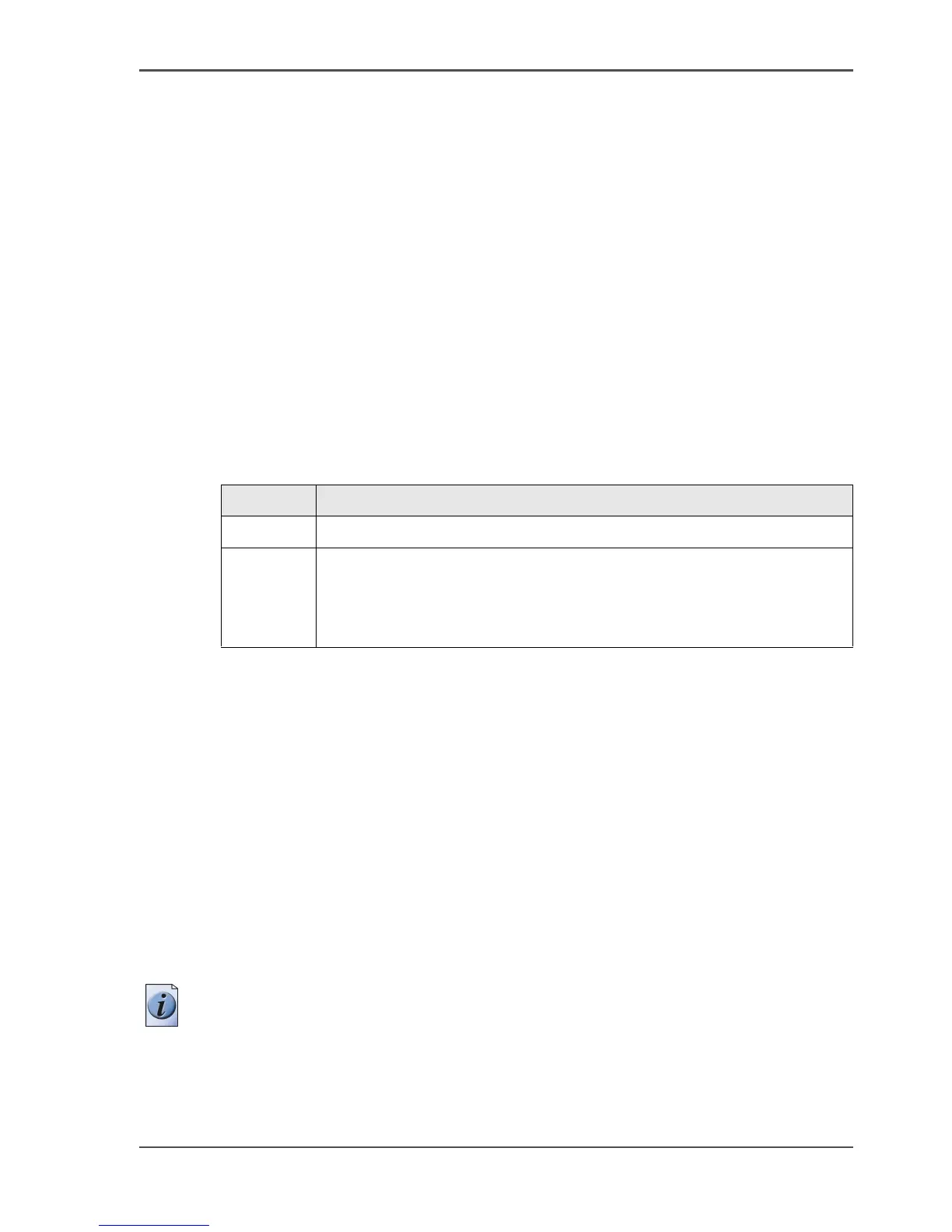
The setting 'Overnight printing optimization' has the following options.
[63]
Calibration is only possible when one of the following media types are loaded on the
system.
■ Draft paper
■ Standard paper
■ Premium coated paper
■ Bond
■ Coated bond
■ Matte photopaper
■ High gloss photopaper
■ Deluxe bond
■ Recycled plain paper
■ Plain paper coated
Note: When these media types are not available on the system, the check is delayed
until the next time a print is made on one of these media types.
Setting Function
'Off' The system will not check the output quality.
'On'. The system checks for failing printhead nozzles and corrects the
alignment.
You can define the number of prints after which the system
automatically does a check.



 To Next Page