202 Chapter 8 Ensure the best output quality
Output quality problems
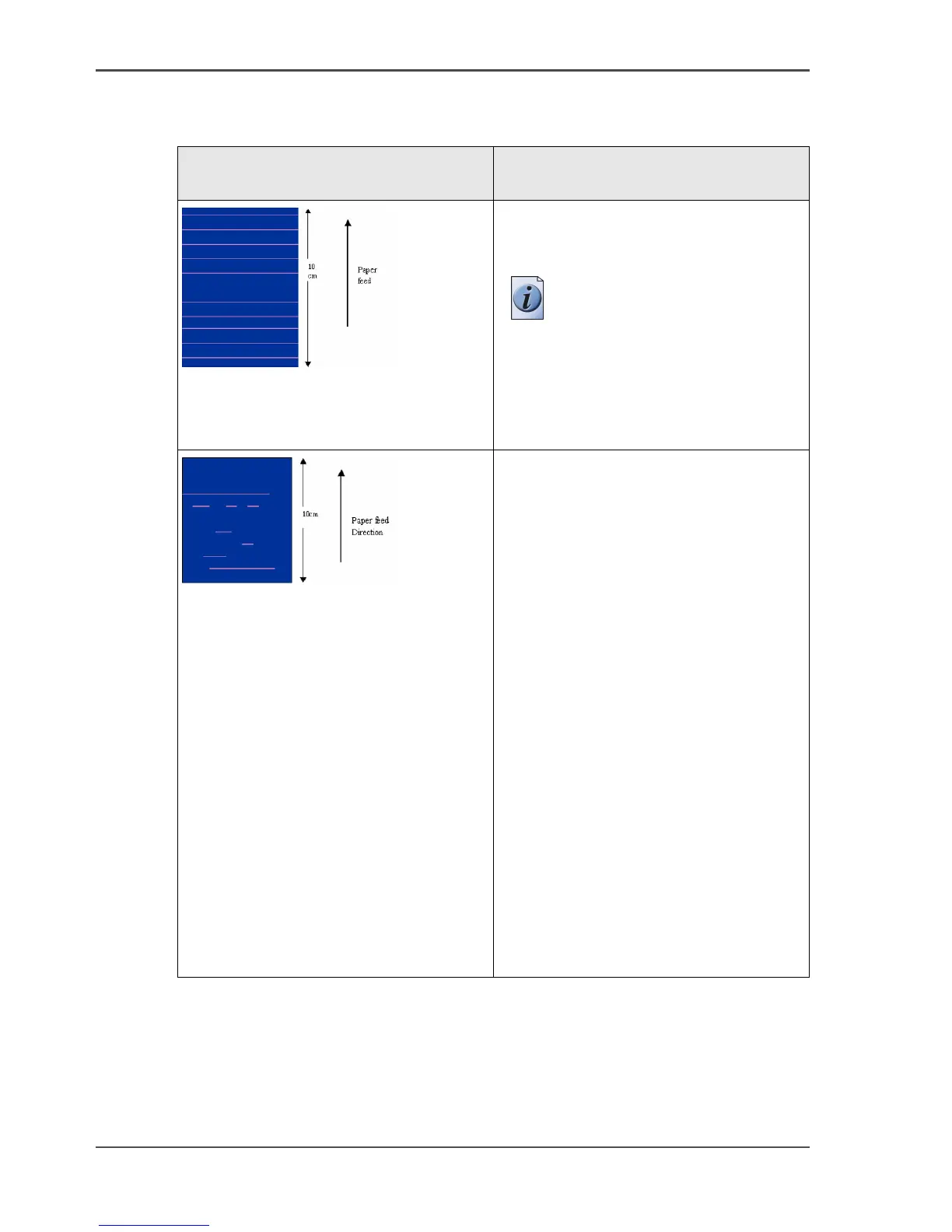
Overview of output quality problems - Stripes and Banding
[81]
[81] Stripes and Banding problems (1 – 2)
Graphical representation of the
problem
Description
[163]
Small stripes over the entire width of
the print (color independent)
Perform an 'Optimize print quality' test.
Note: This problem can
occur in all print modes.
[164]
■ Thin (White) Stripes or weak lines
(Nozzle dropouts)
■ Stripes per primary color
■ Stripes in parts / dotted lines but
also over the entire width
Usually you will find these stripes only
in the check mode. In this mode some of
these lines are acceptable, because there
is no nozzle compensation.
The nozzle compensation, that is used in
the release mode and in the presentation
mode, will correct the lines.
■ If these lines are unacceptable,
switch to a slower mode ('Release' or
'Presentation'). Perform an
'Optimize print quality' test. The test
checks all printheads and the printer
compensates for missing nozzles.
■ Check if the maintenance cassette is
clean. If necessary, clean the wipers
with a moist, lintfree cloth.



 To Next Page