203
Output quality problems
[165]
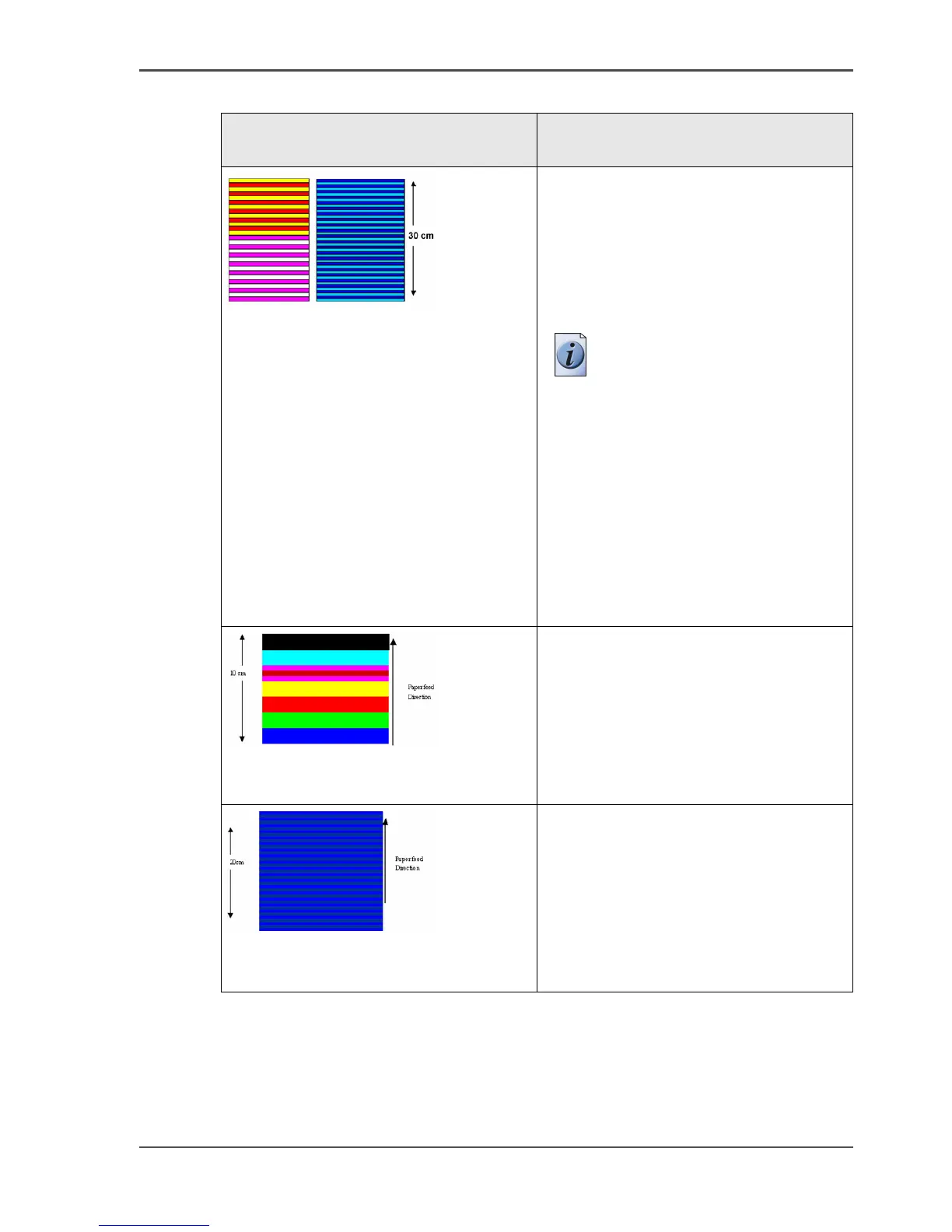
Stripes perpendicular to the paper
feed direction
In check mode the width of these lines is
12 mm.
In release mode the lines are smaller
(3-6 mm) and less visible.
Perform an 'Optimize print quality' test.
Note: After the 'Optimize
print quality' test is
completed, the printer may
ask you to replace a
printhead. In this case, take
out the printhead and clean
the contact area with a
lintfree cloth and re-insert
the printhead.
If the printhead is still not
accepted, insert a new
printhead.
[166]
Banding in specific colors
Perform an 'Optimize print quality' test.
[167]
Banding in all colors with alternating
light and dark bands (bands can have
different widths)
Perform an 'Optimize print quality' test.
If the problems persists, repeat the
'Optimize print quality' test.
[81] Stripes and Banding problems (2 – 2)
Graphical representation of the
problem
Description



 To Next Page