27
The scanner operator panel
Note: The function of a softkey depends on where you are in the definition the job
settings step.
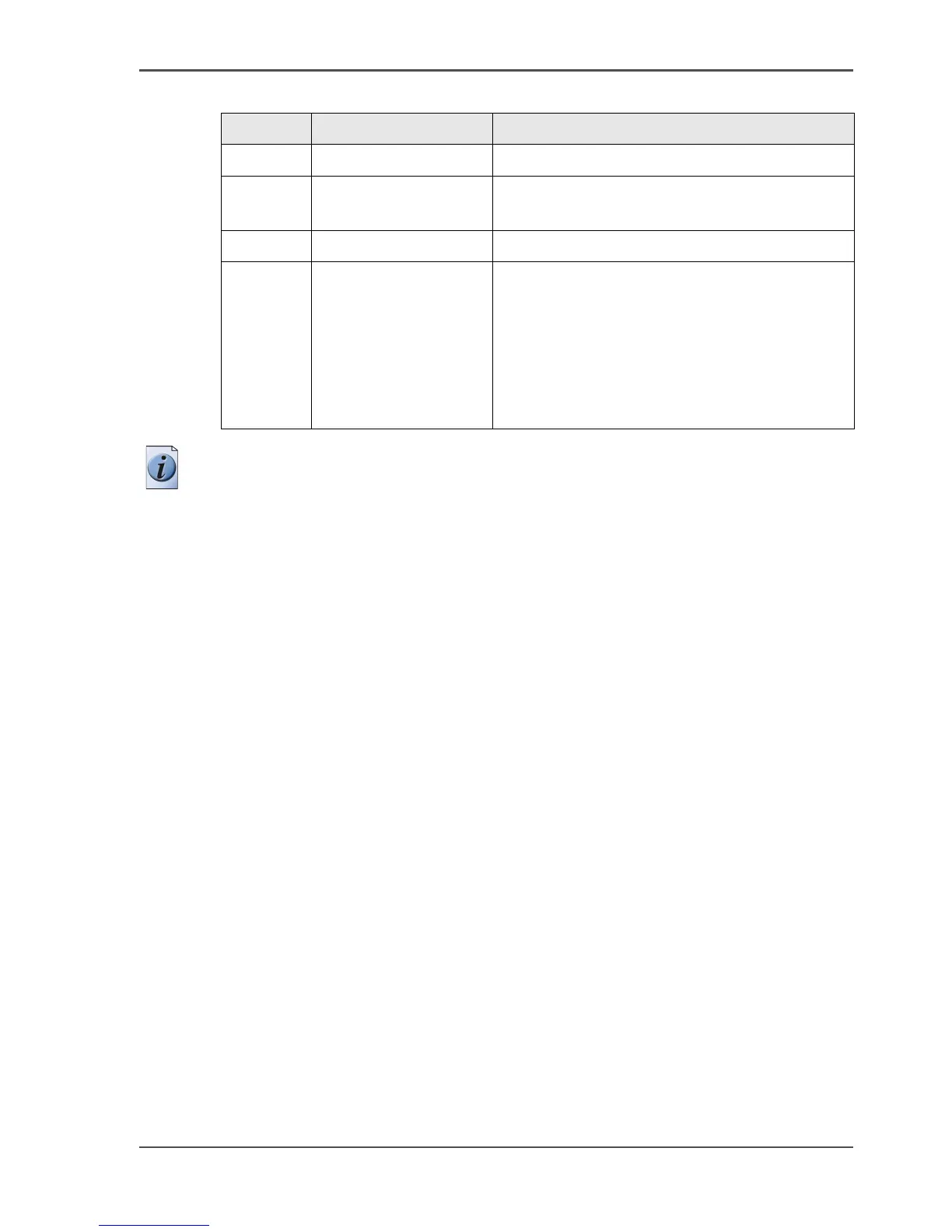
7 Start key Start a copy or scan-to-file job.
8Stop key
■ Stop a copy or scan-to-file job.
■ Release an original.
9 Numeric keys Enter a numeric value.
11 Left softkeys
■ Open a template.
■ Define a setting that contains two values.
This setting is called a toggle setting.
■ Open a setting that contains various values.
■ Open a setting that contains various
settings.
This setting is called a grouped setting.
[7] The keys and their functions (2 – 2)
Number Component Function



 To Next Page