134 Chapter 5 Use the Océ TCS500 for scan-to-file jobs
Do an extended scan-to-file job
[100]
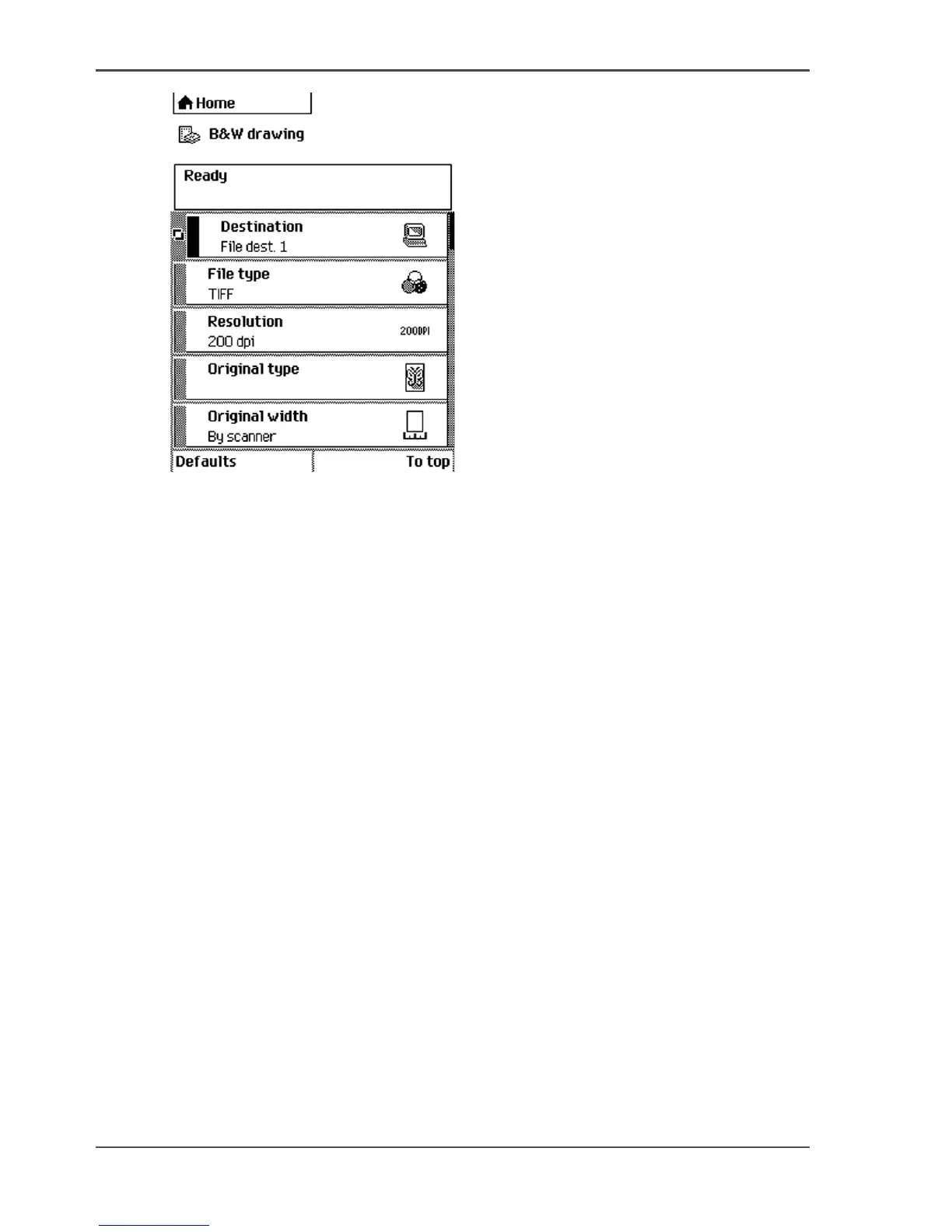
[100] The top 5 settings of a scan job template
(see ‘Available settings for scan-to-file jobs’ on page 136)
■ Open a scan-to-file job template with a left softkey.
The top 5 settings display.
■ Scroll to a setting.
■ Select a setting with the left softkey.
■ Scroll to the required value.
■ Select the next setting with the left softkey.
■ Scroll to the required value.
■ Select 'Close' to close the setting.
■ Repeat the selection of settings from bullet 3 if you need to define more settings.
4. Press the green 'Start' key.
Result
The scanner scans the original and sends the scanned file to the defined scan-to-file
destination.



 To Next Page