137
Available settings for scan-to-file jobs
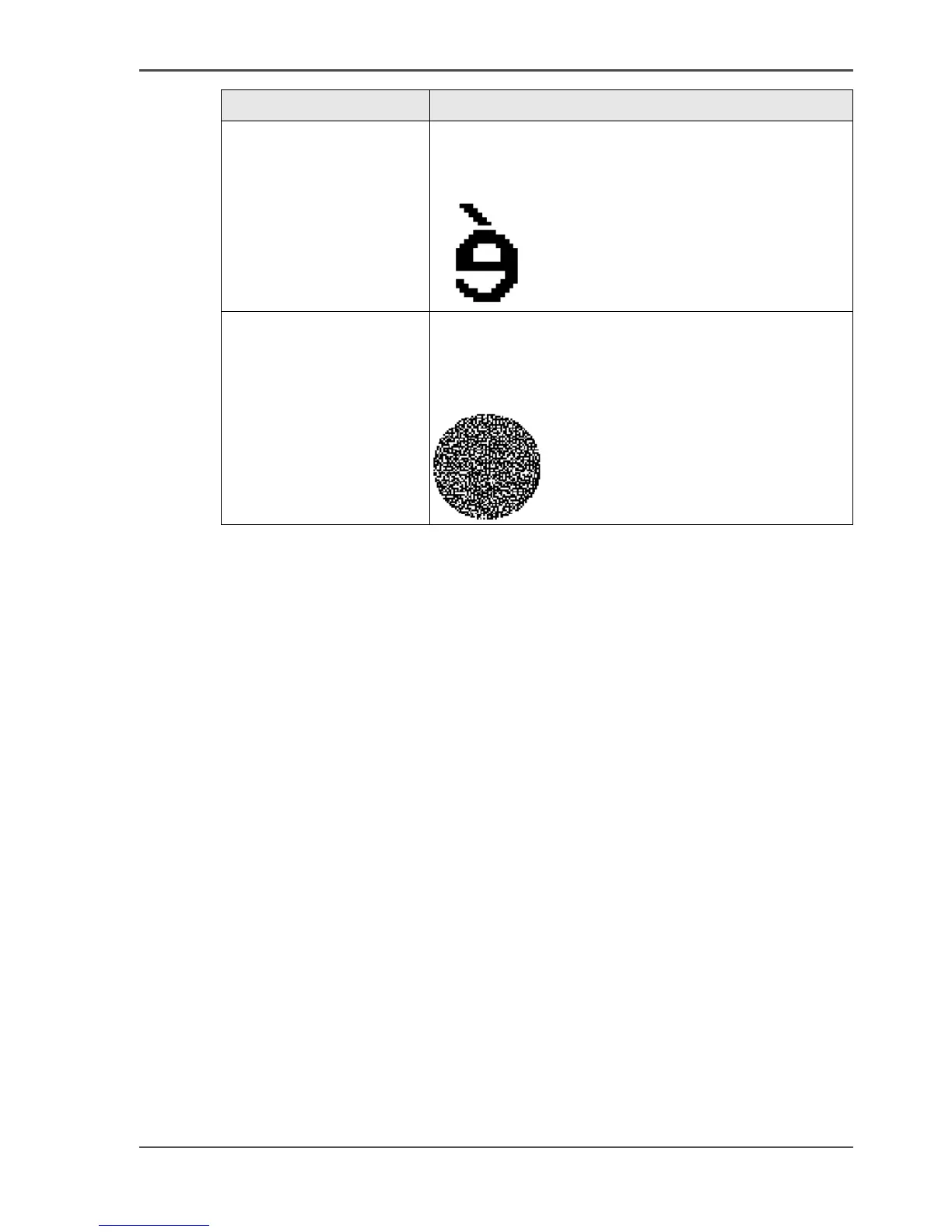
'Mirror' Use this setting to create a mirrored image of an
original. Mirroring occurs in the transport direction.
(The image is mirrored along the vertical axis.)
[102]
'Lighter/darker' Use this setting to define the exposure of the original.
Negative values mean less exposure and darker
scanned output. Positive values mean more exposure
and grayer scanned output.
[103]
Setting Description



 To Next Page