153
Cut the output and clean cut a roll of media
[123]
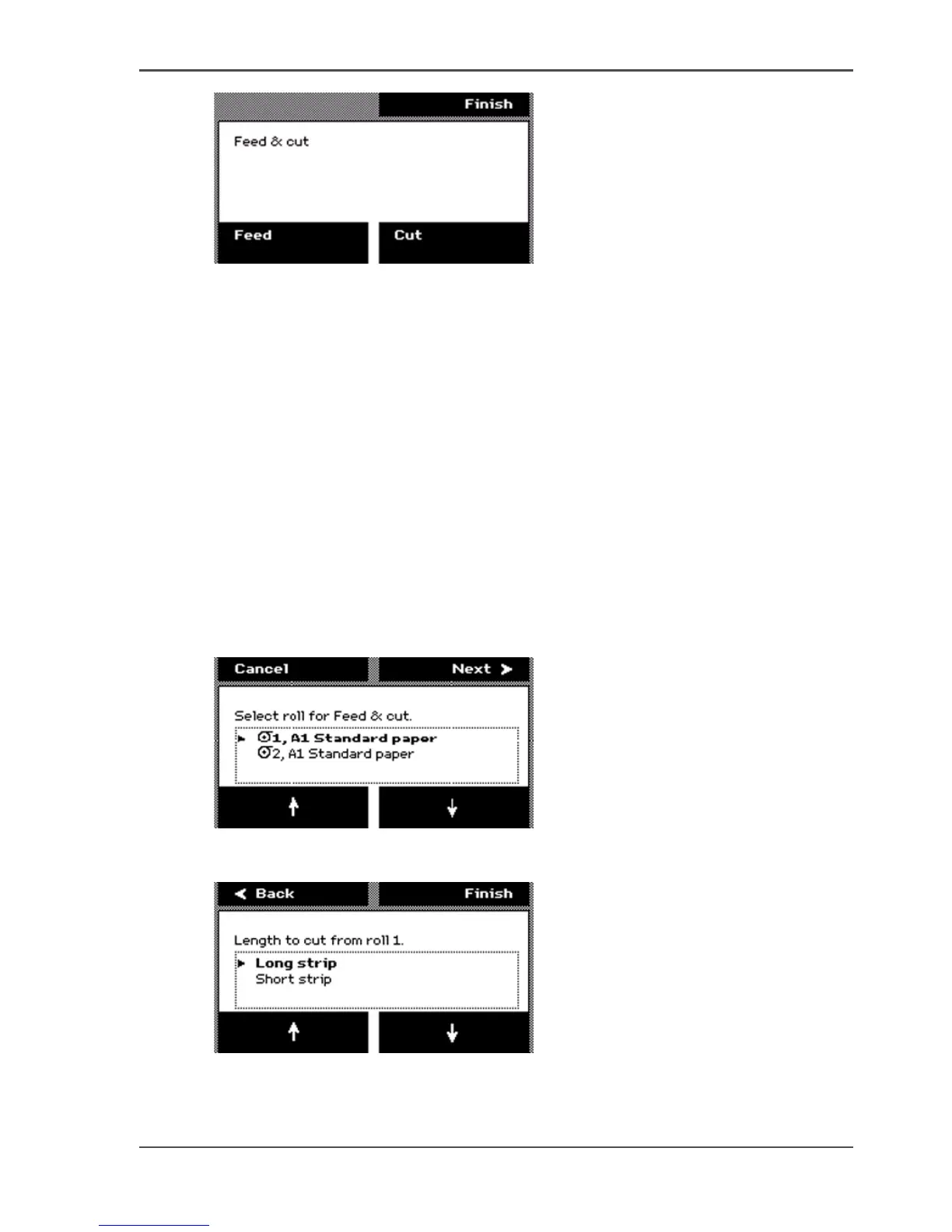
5. Press the key for 'Cut' to cut the output.
If you do not require the output to be cut, press the key for 'Finish' to return to the
on-line screen.
After you select 'Cut', the system returns to the on-line menu.
How to use the Feed & cut wizard to clean cut a roll of media
1. Press the On-line / off-line key to set the printer off-line.
2. Use the upper softkeys to scroll to the 'Feed & cut' card.
3. Press the softkey below the 'Feed & cut' card to enter the wizard.
■ When multiple rolls are available on the system, the screen displays the message
'Select roll for Feed & cut.'
■ When 1 roll is available on the system, the wizard moves directly to the 'Cut'
screen.
4. The screen displays the message 'Select roll for Feed & cut.' Use the lower softkeys
to select a media roll to clean cut.
[124]
5. Press the key for 'Next' to continue. The screen displays the message 'Length to cut
from roll '
[125]
6. Use the lower softkeys to select the cut length option. Select one of the following.
■ 'Long strip'



 To Next Page