181
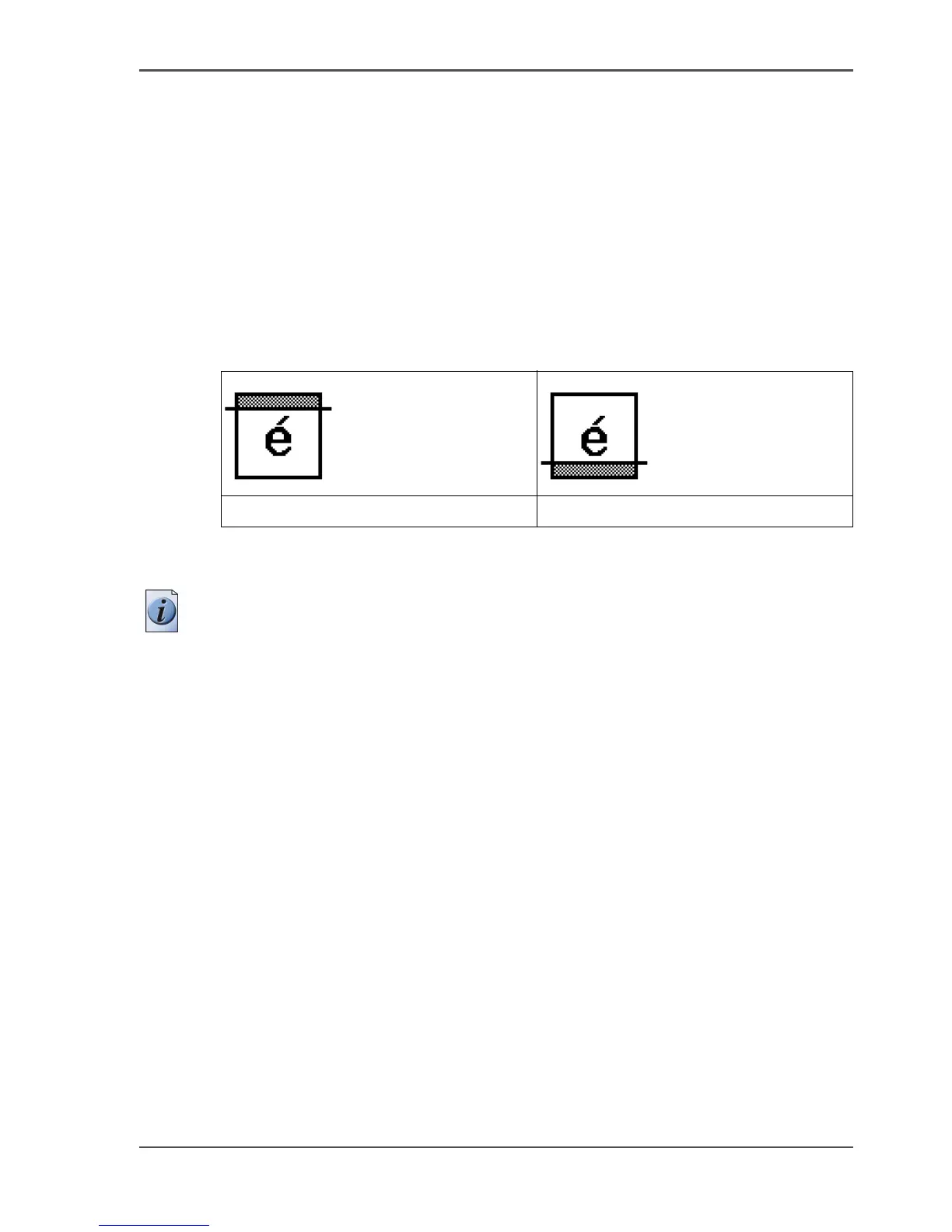
Make a copy and remove a strip
How to make a copy and remove a strip
1. Place the original face down and right aligned.
The scanner takes the original.
2. Define the job settings.
■ Select 'Copy' with the upper-left softkey.
The copy job templates appear.
■ Open a copy job template with a left softkey.
The top 5 settings display.
■ Scroll to 'Remove strip' and open this setting with the left softkey.
■ Select 'Leading' or 'Trailing' with the left softkey and define the value with the
scroll wheel or numeric keys.
[66]
3. Define the number of copies if necessary and press the green start key.
Note: To measure the size of a strip you can use the ruler available at the scanner
(metric).
Result
The Océ TCS500 removes a trailing or leading strip to the copy.
[153] [154]
The 'Leading' strip The 'Trailing' strip



 To Next Page