213
Use the Optimize print quality wizard
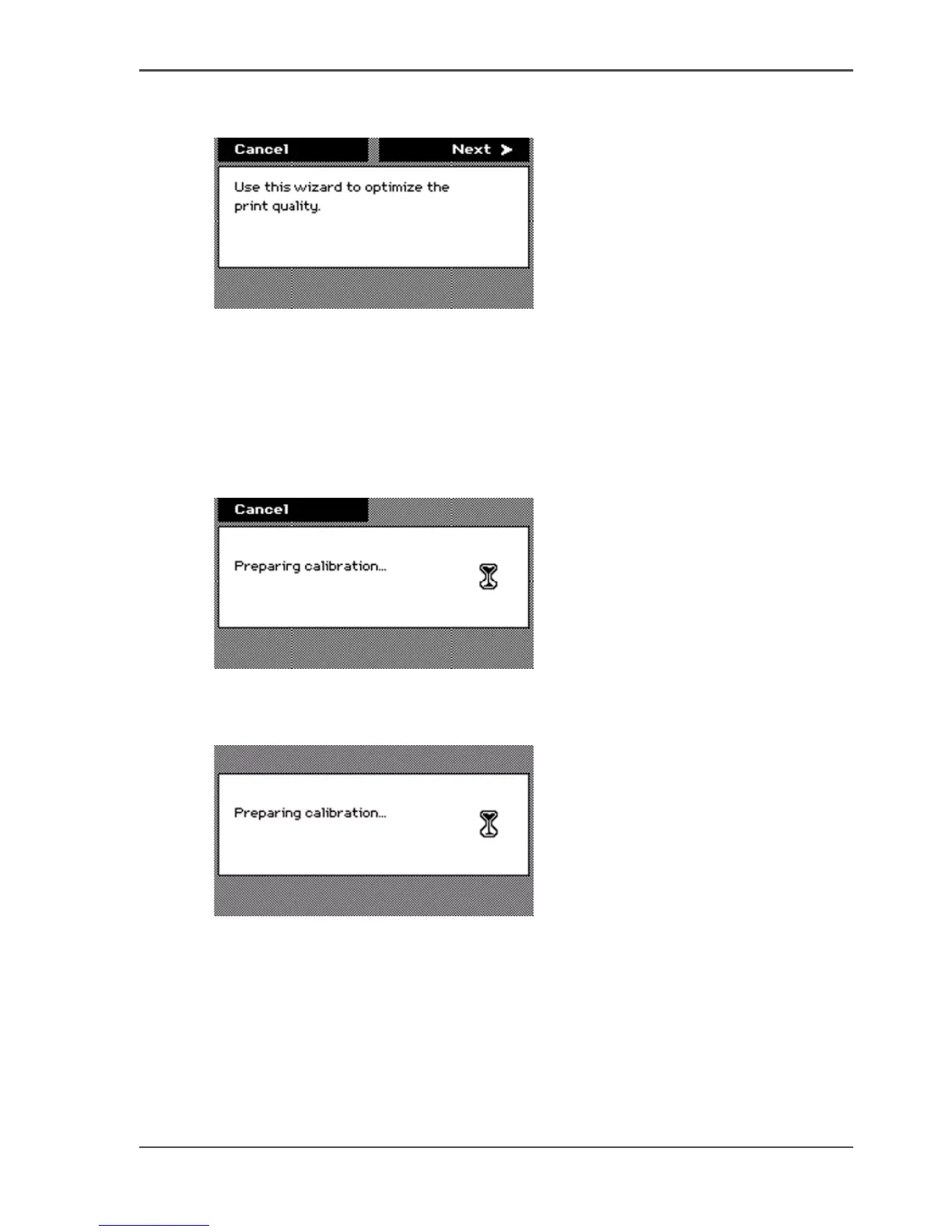
An introduction screen displays the message 'Use this wizard to optimize the print
quality.'
[173]
4. Press the key for 'Next'.
The screen displays the message 'Select roll to use'.
You can only calibrate on the defined media types (see ‘Set up unattended / overnight
printing optimization’ on page 155). When calibration is not possible with the
loaded media, the system asks you to load the correct media. When calibration is
possible with one of the rolls, the system automatically uses the correct roll of media.
When calibration is possible with both rolls, continue with step 5.
5. Press the lower softkeys to select a media roll for the calibration.
[174]
6. Press the key for 'Next'.
The screen displays the message 'Preparing calibration...' The system prepares for
the quality check.
[175]
The screen displays feedback about the calibration process. The system does a
nozzle failure recovery and alignment.
You can stop the calibration process at any time. Press the key for 'Cancel' to stop the
calibration process.
In case more than 75 nozzles fail, a 'Printheads failing' message appears. Then you
must replace the printhead, using the 'Replace printhead' wizard .



 To Next Page