240 Chapter 11 Maintain the Océ TCS500
Clean the scan area
How to clean the glass plate
1. Turn off the Océ TCS500 scanner.
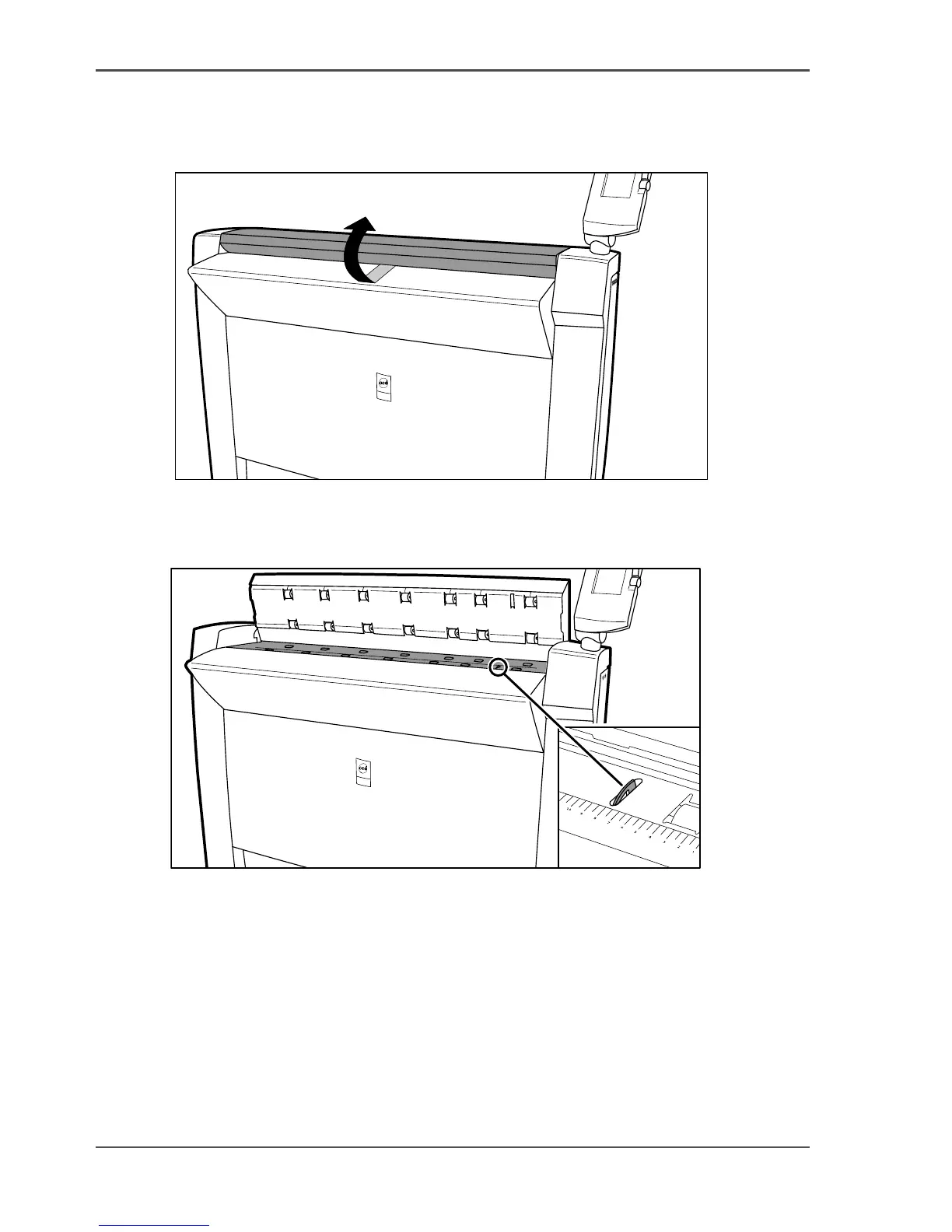
2. Pull the top cover towards you and lift the top cover to open it.
[180]
[180] Open the top cover
3.
Clean the glass plate and the white plate with a lint-free cloth and a small quantity
of the cleaner.
[181]
[181] Do not damage the sensor at the right side in front of the glass plate.
4.
Dry the glass plate and the white plate with another lint-free cloth.
5. Clean the white plate.
6. Lift the top cover, turn the top cover towards you and push the top cover backwards
until you hear or feel a click.
7. Turn on the Océ TCS500 scanner.



 To Next Page