244 Chapter 11 Maintain the Océ TCS500
Replace the media
[186]
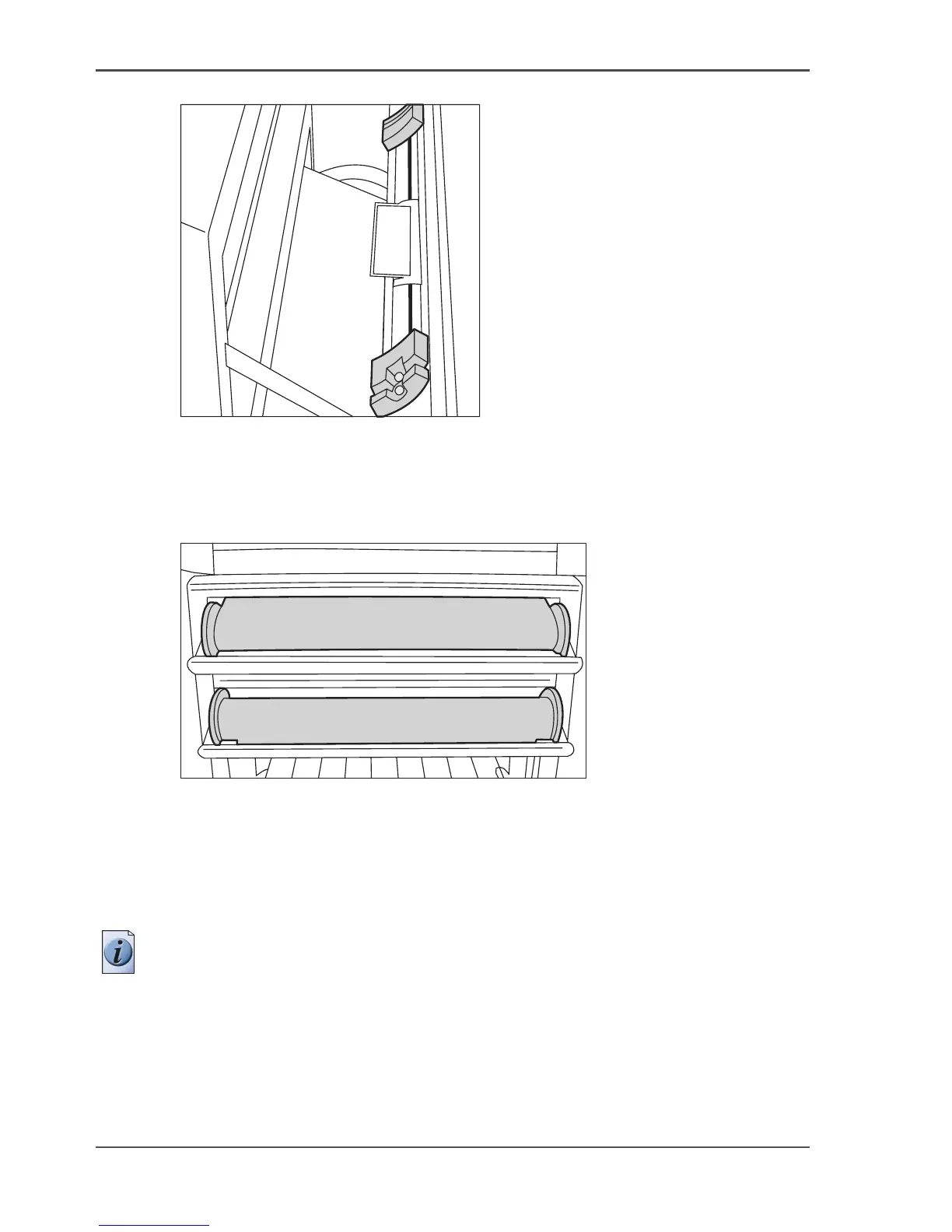
[186] Saddles
4.
Use both hands to place both flanges in the green saddles on the printer.
5. Use both hands to slide the medium under the paper guide. Place the media on the
printer as shown in the figure below.
[187]
The medium loads into the printer from the top of the media roll.
Make sure the medium makes contact with the paper guide.
6. The printer automatically draws the medium in the correct position.
When the printer loads the roll of media, the screen of the printer operator panel
shows the feedback.
Note: The printer automatically detects the width of the media.



 To Next Page