259
Replace the maintenance cassette
How to place the maintenance cassette
1. Slide the new maintenance cassette into the cassette holder.
2. Close the cover of the maintenance cassette . The cover locks automatically.
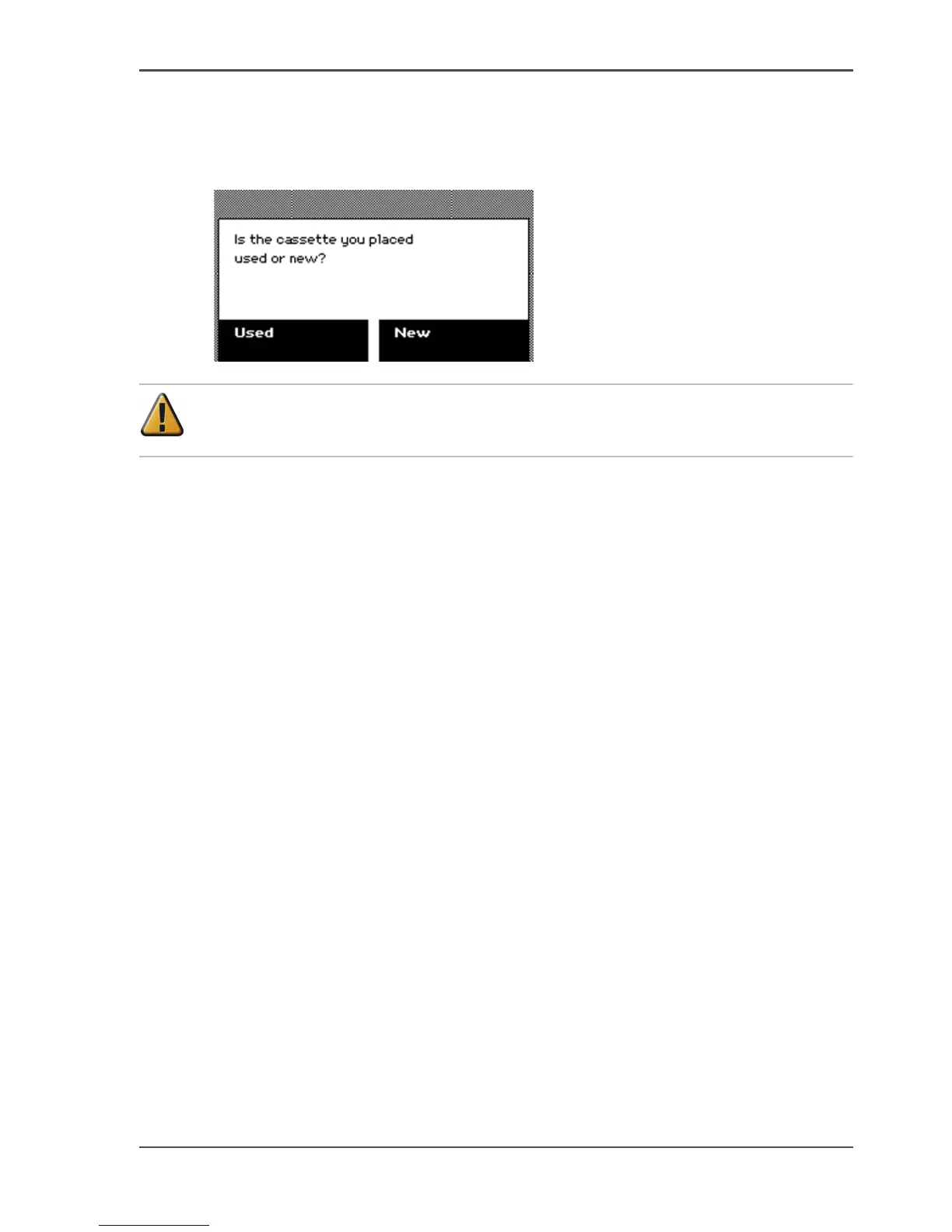
The screen displays the message 'Is the cassette you placed used or new?'
[207]
Attention: Make sure that you select the correct option. Never select 'New' for
a used cassette. This can seriously damage your printheads.
3. Press the key for 'Used' or 'New'.
Select 'Used' if you inserted a cassette that was used before. The end-of-life counter
is not reset to zero.
Select 'New' if you inserted a cassette that was not used before. The end-of-life
counter is reset to zero.
4. Close the door to the maintenance cassette.
The screen displays the message 'Carriage moving to home position...'



 To Next Page