30 Chapter 2 Get to know the Océ TCS500 color printing system hardware
The Océ Power Logic® controller
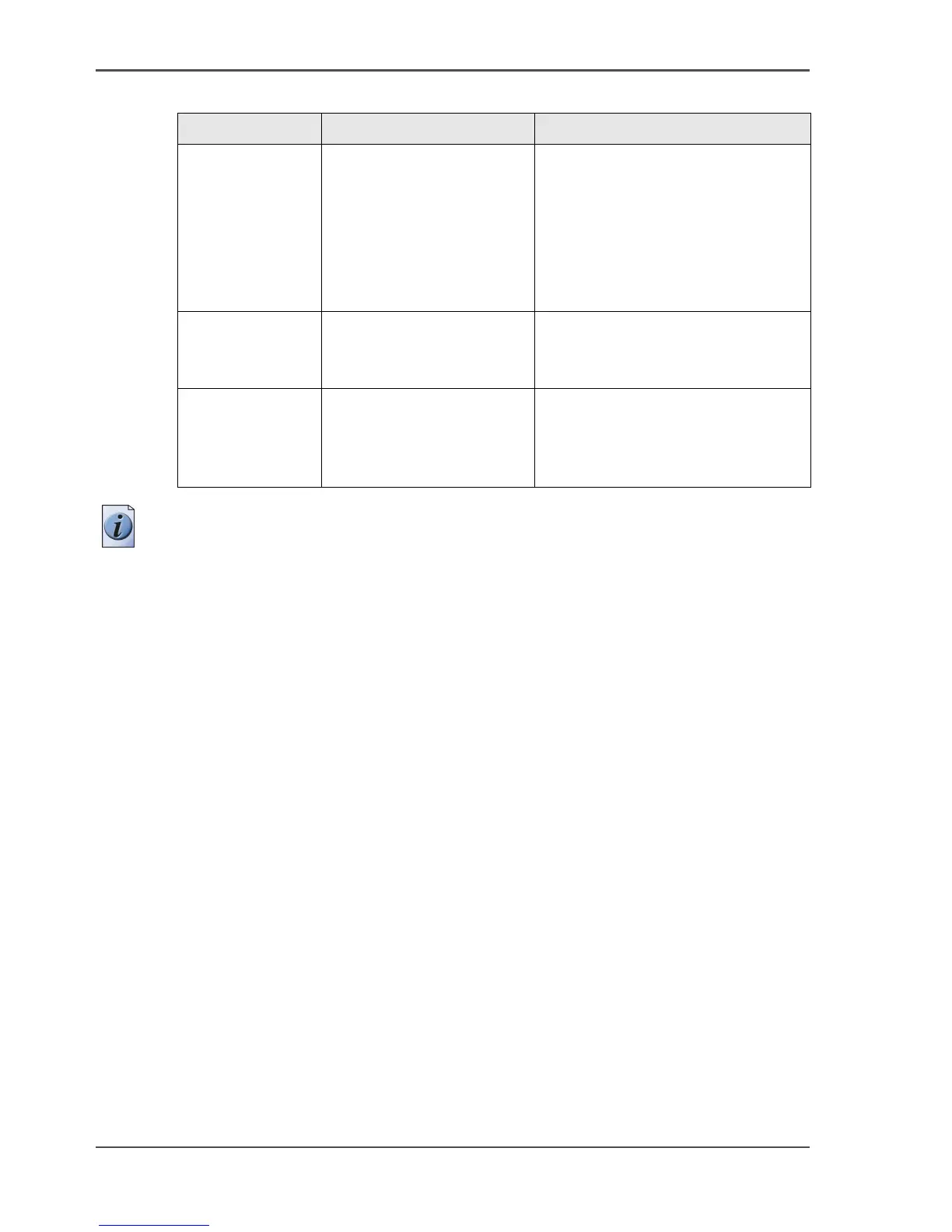
Note: To perform some of these actions you need a password.
Océ Remote
Logic
®
(Server)
Possibility to set up and
control your workflow
from a remote workstation
If you install Océ Remote Logic
®
(Client) on your remote
workstation, you can access the
Océ System Control Panel, the
Océ Settings Editor, and the Océ
Queue Manager on the Océ Power
Logic
®
controller.
Océ License
Logic
Manage the licenses for
the Océ software
applications
Océ Account
Logic
Create an exact record of
the print, copy and
scan-to-file volume for
accounting purposes.
[9] Océ applications that can run on the Océ Power Logic
®
controller (2 – 2)
Application Function Description



 To Next Page