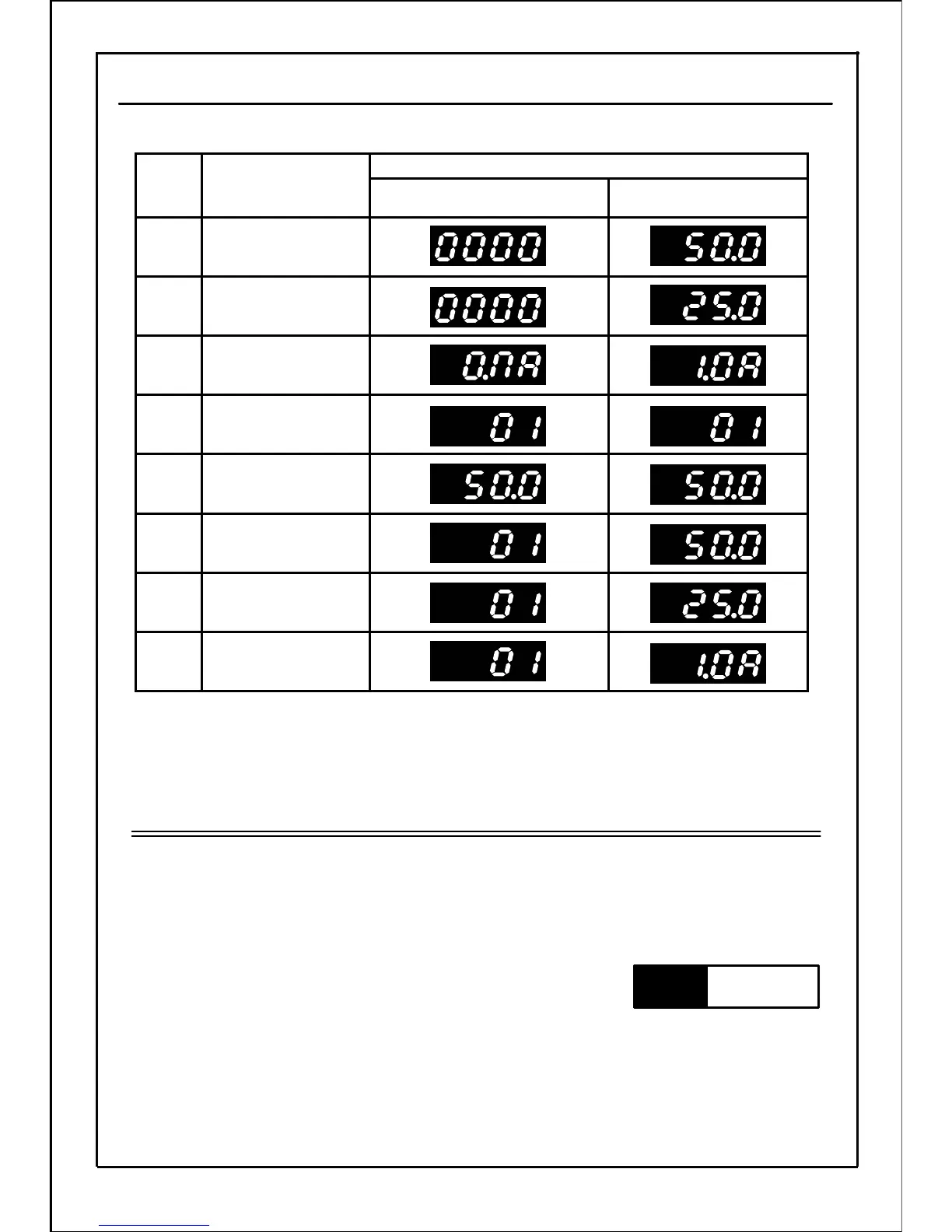
P145:Operation status monitor
Communication station
No./ output current
7
Communication station
No. / line speed
6
Communication station
No. / output frequency
5
Setting frequency
4
Communication
station No.
3
Output current
2
Line speed
1
Output frequency
0
Operation status
Operation preparation completed
state (in stopped state)
LED indication
Function name
Data
setting
value
Used to change display on the panel according to applications.
* The values shown in the above table are displaying examples for operating frequency "50.0",
output current "1.0 A", setting frequency "50.0", communication station No. "01" and line speed
multiplier "0.5".
・ In the "operation status display mode", press the SET button and switch to current display.
Note
・ Operation preparation completed state is recorded as "0000" in this manual. When changing
this parameter, indication will change depending on data setting value.
136
P146
Related
parameters







 To Next Page