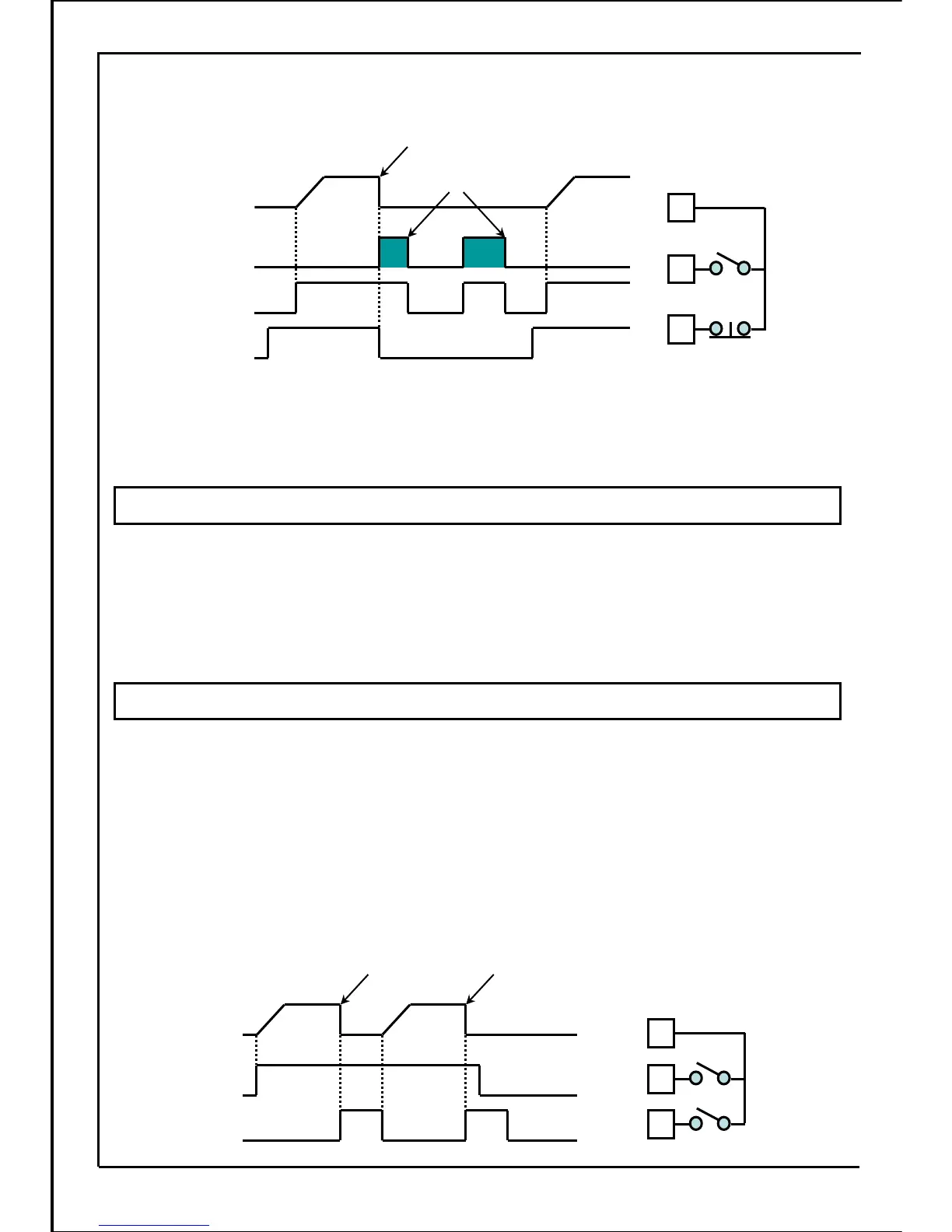
《Example:》 When SW1 (parameter P036 = 4) is set to external fault stop, and logic setting
(P041 =1) and run command select (parameter P003 =2) are input,
Inverter operation
status
CLOSE
External fault
Stop signal
External fault stop
ON
Run signal
Inverter trip
state
ON ON
Run Run
CLOSE
1
2
Run/stop
Common
[Terminal connection]
4
External
fault stop
signal
(SW1)
B contact signal
Fault reset
*
When external fault stop signal is set to B contact input, fault reset can be applied after run signal
is turn OFF, even if external stop signal is "OPEN". However, if turn the run signal ON again, a
fault trip will occur.
Turn the external fault stop signal "CLOSE", and then turn the run signal ON to apply the normal
operation.
OPEN
Used to set the signal input terminal for applying coast-to-stop through external control.
・During operation, when the signal input is turned ON, "0.0" will be displayed and the inverter will
stop output immediately.
(NO fault indications and fault alarm output will be output.)
・When the signal input is turned OFF, the inverter will start operation immediately after run signal
is turned ON.
[Note] If signal is turned OFF, the inverter may start simultaneously. Ensure personal safety before
operation.
・When signal input is turned OFF, the inverter is normally stopped after the run signal is turned OFF.
Used to set the signal input terminal for disabling the parameter setting through external control.
・After signal input is turned ON, setting parameters with the operation panel and communication is
disabled.
・When the signal input is in ON state, function parameters and built-in memory parameters settings
are all disabled. Only monitor can be applied.
・In the process of data setting, SW cannot change the data even if the SET button is pressed when
the signal is ON.
Coast-to-stop function
Parameter setting disable function
Coast-to-stop
Inverter operation
status
ON
Coast-to-stop
signal
ON
Run signal
Run Run
1
2
Run/stop
Common
【Terminal connection】
4
Coast-to-
stop signal
ON
Coast-to-stop
《Example:》
When SW1 (parameter P036=6) is set to coast-to-stop and run command select
(parameter P003 =2),
85







 To Next Page