11. Setting mode and copy function of built-in memory
In VF100 inverter, main unit and operation panel both have built-in memory and "parameter copy
function". Remove the panel and copy the data inside the panel to main unit in other VF100 inverter.
Four parameter copy functions are available. In the "function setting mode", "CPY1~CPY4" are
displayed after P151. Parameter copy function can be used depending on using the setting data.
In addition, the data of memory built into the panel can be confirmed in "built-in memory setting mode".
Built-in memory parameters are E001~E151 in conformity with details of each function parameter
P001~P151. Built-in memory parameter data can be changed in "built-in memory setting mode".
11-1. Setting method of built-in memory parameters
Display or undisplay of built-in memory setting
mode can be selected in setting mode display select.
Confirm whether function parameter of the main unit is
in conformity with details on built-in memory parameters
of the operation panel.
Download the built-in memory parameters of the operation
panel to the parameter setting of the main unit.
Upload the parameter setting of the main unit to built-
in memory parameters of the operation panel.
Details
built-in memory
setting mode select
CPY4
Check functionCPY3
Down function
CPY2
Upload function
CPY1 147
149
150
152
Related
page
Function name
Copy
parameter
No.
■ Setting and changing built-in memory parameters
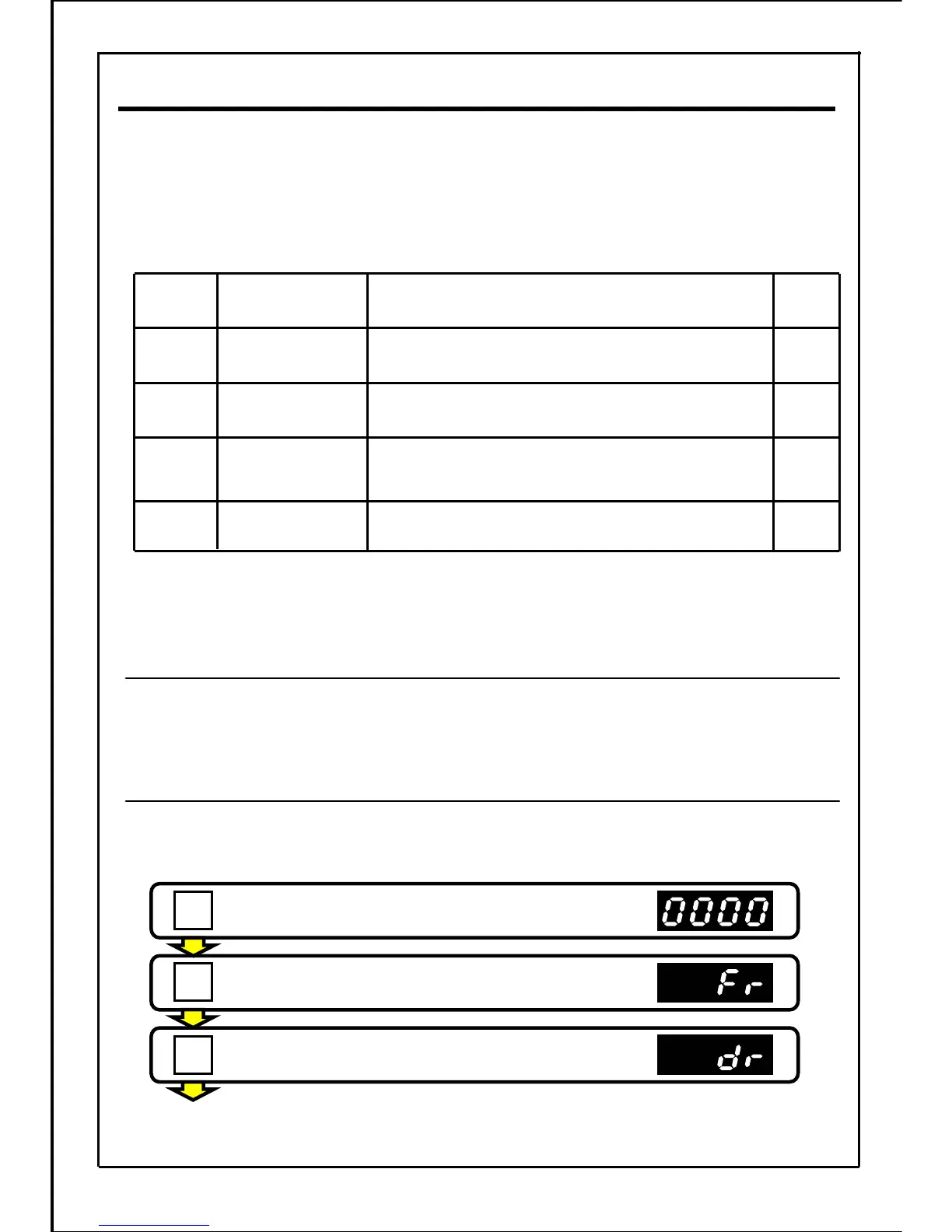
[Setting example] Change the maximum output frequency from 50.0Hz to 60.0Hz.
(Changing the built-in memory parameter E008 data from "50.0" to "60.0")
Press the STOP button to stop the inverter.
Press the MODE button.
Press the MODE button.
[Continued to next page]
145
MODE
MODE
STOP







 To Next Page