P061: 2
nd
acceleration time P063: 3
rd
acceleration time P065: 4
th
acceleration time
P062: 2
nd
deceleration time P064: 3
rd
deceleration time P066: 4
th
deceleration time
Used to set 2
nd
~4
th
acceleration time and 2
nd
~4
th
deceleration time for applying 4 step acceleration
and deceleration control operation. 2
nd
~4
th
acceleration and deceleration time is that from 0.5Hz
to max. output frequency.
0.1(0.1 to 999.9)、1(1000 to 3600)Setting unit (s)
0.1 to 3600Data setting range (s)
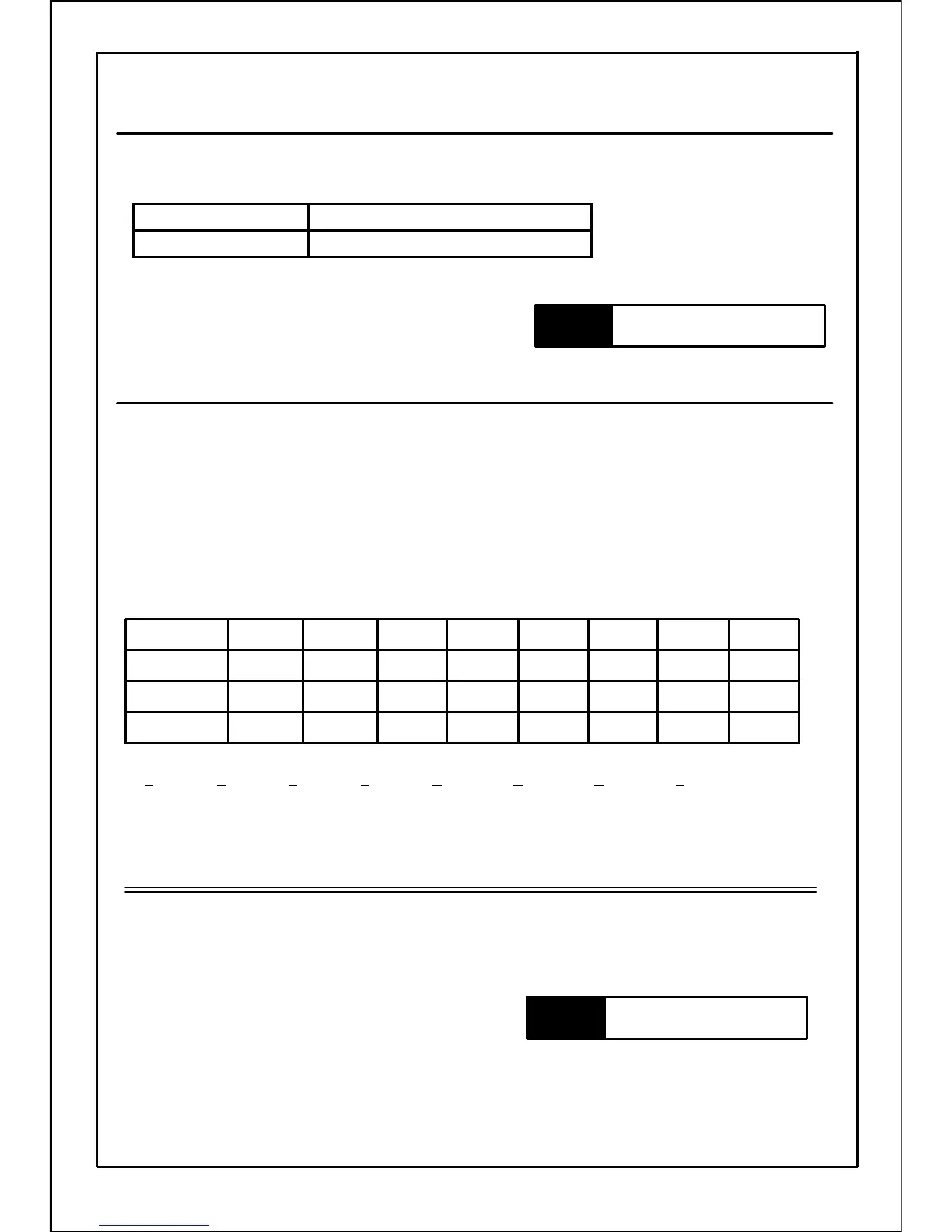
P067: Rotation direction of timer's operation
In "P045: Multi speed function select", if setting value is 3~6, set the rotation direction at each speed
from 1
st
to 8
th
speed.
Forward run is "0" and reverse run is "1". Using 1~8 speed as bit to determine 0 (forward run) or
1 (reverse run). The sum of 0 or 1 multiplied by 8 bits of additional value responding to each bit is
setting value.
(Refer to details in the table as follow. The total value of setting value
×
additional value of each
speed is setting value.)
[Setting example] 1
st
speed = forward run , 2
nd
speed = forward run , 3
rd
speed = forward run
4
th
speed = forward run , 5
th
speed = reverse run , 6
th
speed = reverse run
7
th
speed = reverse run , 8
th
speed = forward run
1286432168421
Additional value
0/10/10/10/10/10/10/10/1
Setting value
Forward
run
Reverse
run
Reverse
run
Reverse
run
Forward
run
Forward
run
Forward
run
Forward
run
Rotation
direction
8
th
speed
7
th
speed6
th
speed5
th
speed4
th
speed3
rd
speed2
nd
speed
1
st
speed
Speed
Set 112 in setting value.
(0×1)+(0×2)+(0×4)+(0×8)+(1×16)+(1×32)+(1×64)+(0×128)=112
Note
・This function is valid only when setting value is 3~6 in "P045: Multi speed function select".
・Note that rotation direction changes according to settings.
100
P036~P041, P045~P048
P067~P086
P001, P002, P045~P052
P061~P066
Related
parameters
Related
parameters







 To Next Page