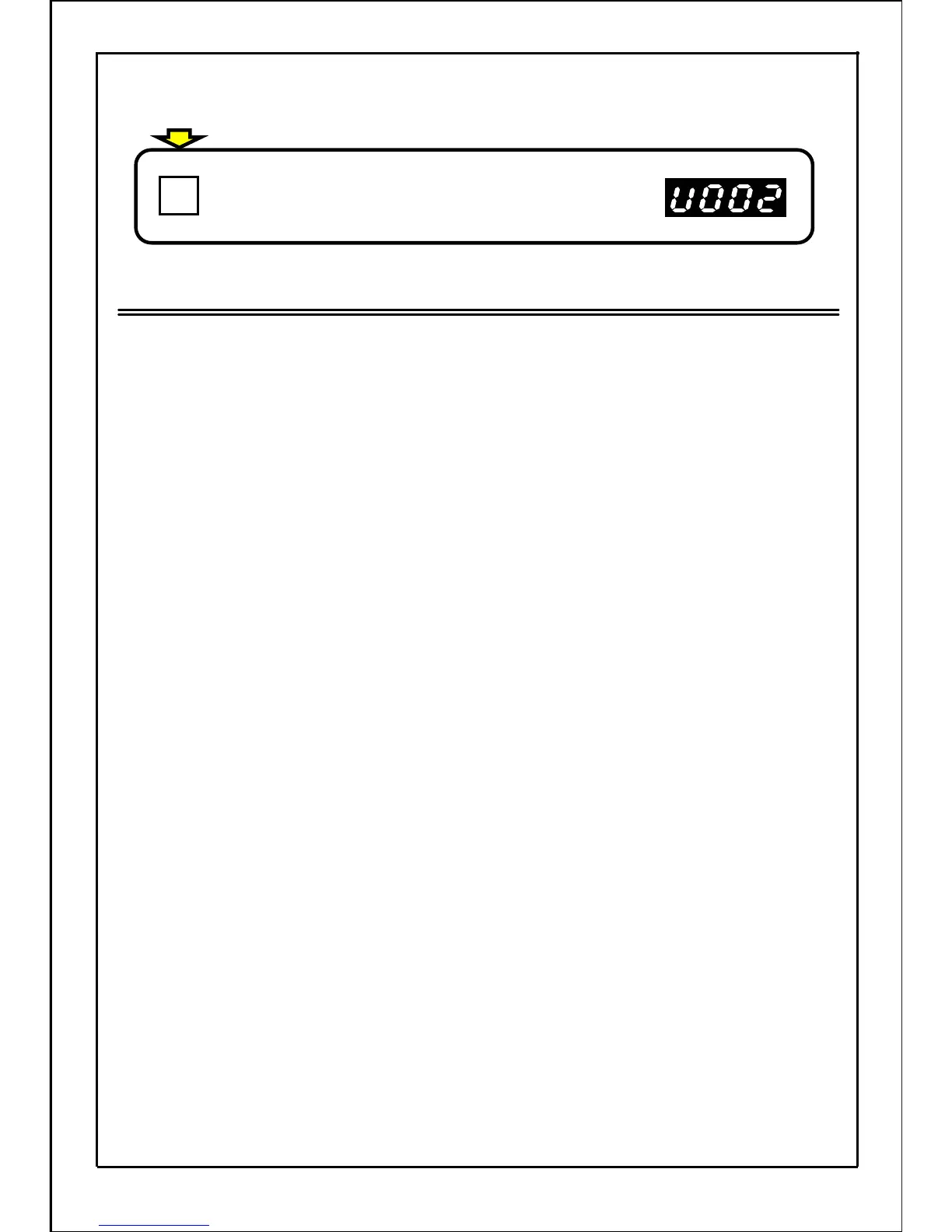
Press the SET button to set the data.
If data is changed during operation, new data is
applied hence.
Note
・ After the data is set, the inverter will not run unless the MODE button is pressed and the "operation
status display mode" is set to.
・ During data changing, the "0V stop" will be returned to if the inverter 0V stops.
・ While changing the data, the mode will return to the "operation status display mode" if a stop signal
is input and the inverter stops.
・ While changing the data in the "0V stop state", the mode will return to the "operation status
display mode" if the inverter enters operation state.
・ During operation, the parameters other than those that can be changed will be monitored only.
(The data can only be displayed, but cannot be changed.)
[Continued from previous page]
144
SET







 To Next Page