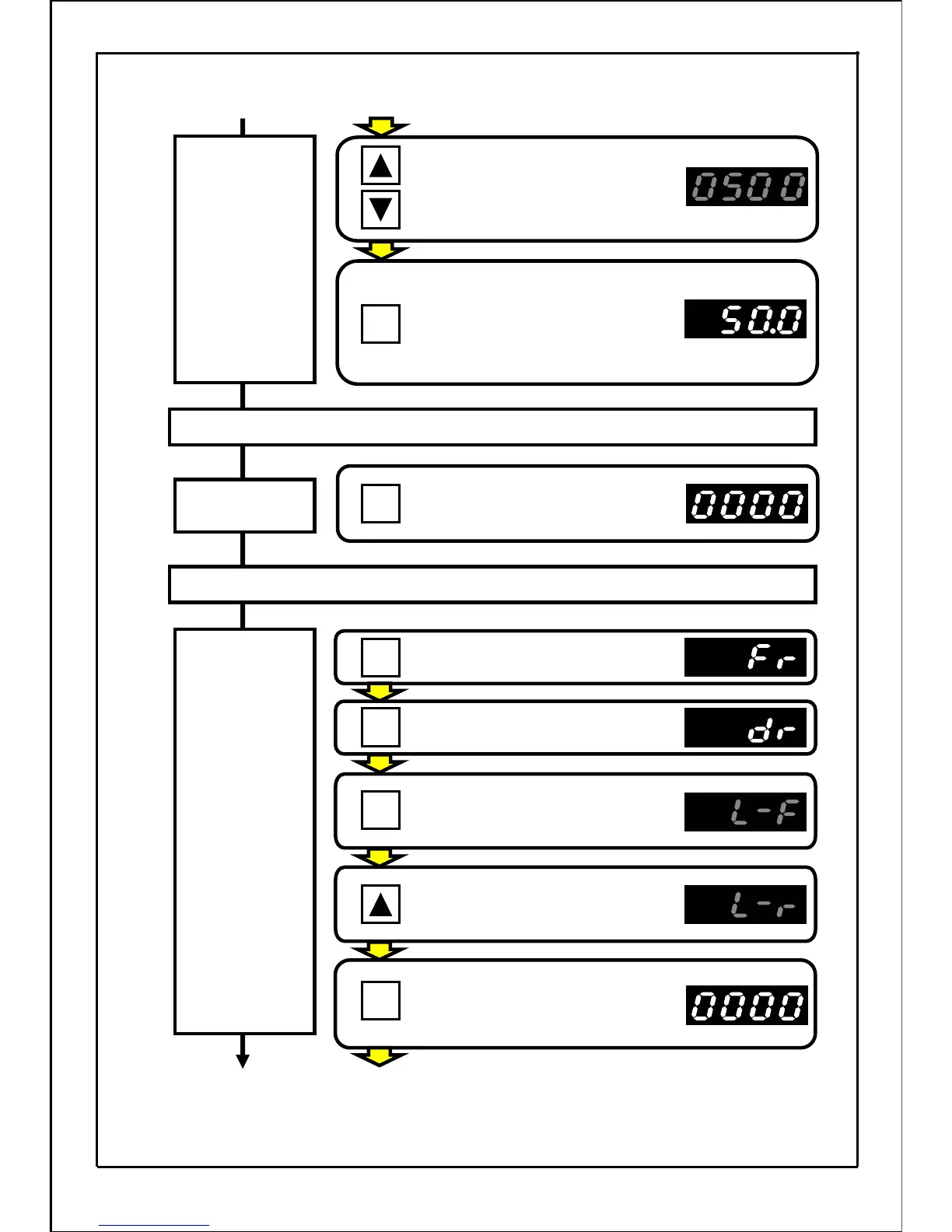
Press the UP and DOWN buttons
to display "50.0Hz" on the main
display.
(The main display will flicker.)
[Continued from next page]
Press the SET button to set the data.
Display will change to the output
frequency, and the motor is rotating
in forward direction at 50.0Hz.
Stopping operation
Press the STOP button.
The motor will start to decelerate
and will stop.
Stop command
Operating
frequency
setting
Changing
the rotation
direction
Press the MODE button.
Press the MODE button.
Press the SET button.
(The main display will flicker.)
Reverse run operation at operating frequency 50Hz.
Press the UP button.
(The main display will flicker.)
Press the SET button to set the data.
(Return to operation status
display mode.)
[Continued to next page]
35
.
MODE
MODE
SET
SET
SET
STOP







 To Next Page