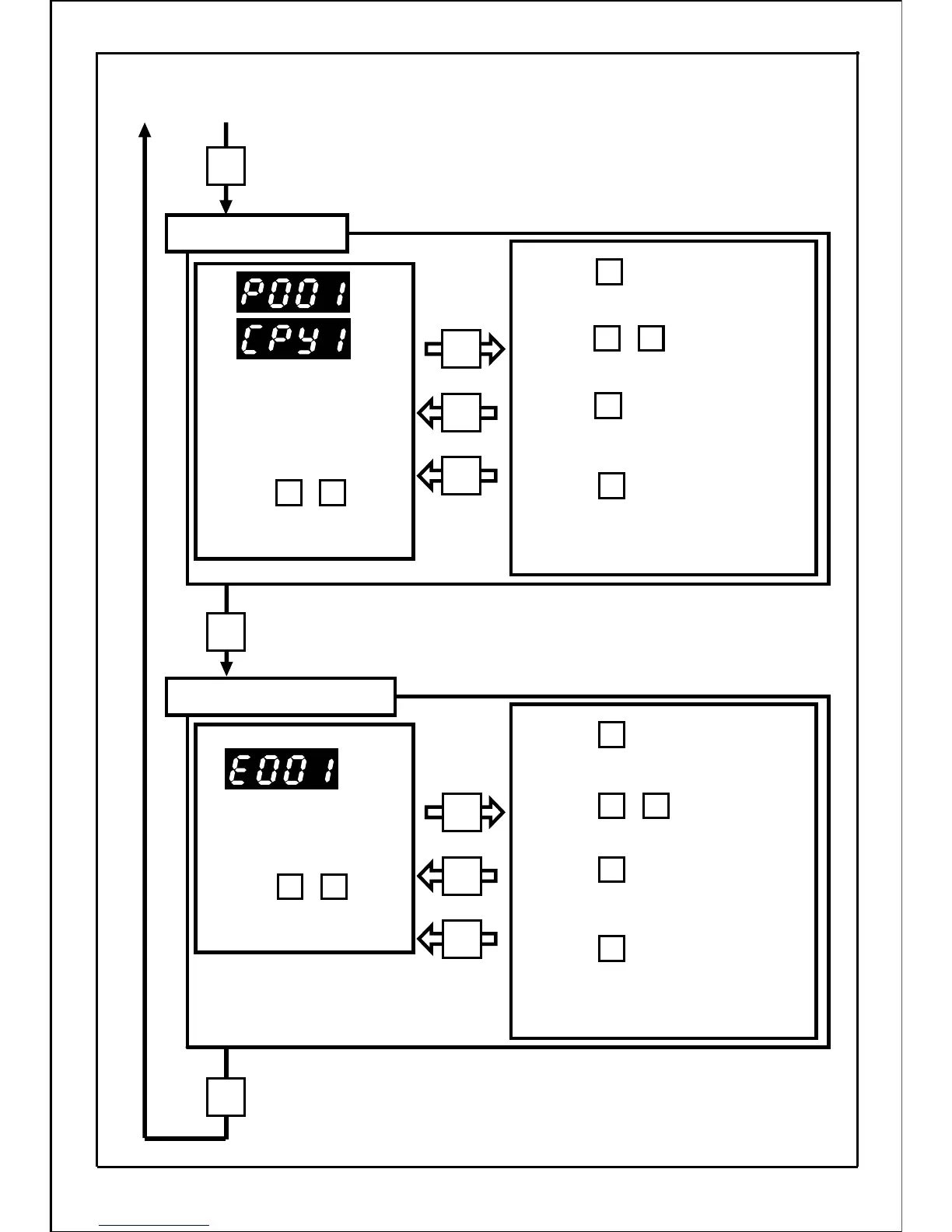
Built-in parameter No. is
displayed.
Press the buttons
to set the required No..
Press the button to change the
data set in the built-in memory.
Press the buttons to change
the data.
Press the button to display the
current built-in parameter No..
(The data is not changed.)
Press the button to change the
data and the next built-in parameter No.
will be displayed.
[Continued from previous page]
Built-in memory setting mode
Function setting mode
The parameter No. is displayed.
Press the buttons
to set the required No..
(Copy function No. is displayed
after parameter P151.)
Press the button to change the
required set data.
Press the buttons to change
the data.
Press the button to display the
current parameter No..
(The data is not changed.)
Press the button to change the
data and the next parameter No. will be
displayed.
44
MODE
MODE
MODE
MODE
SET
SET
MODE
SET
SET
・
▲
▲
・
▲
▲
・
▲
▲
・
▲
▲
SET
SET
SET
SET
MODE
MODE







 To Next Page