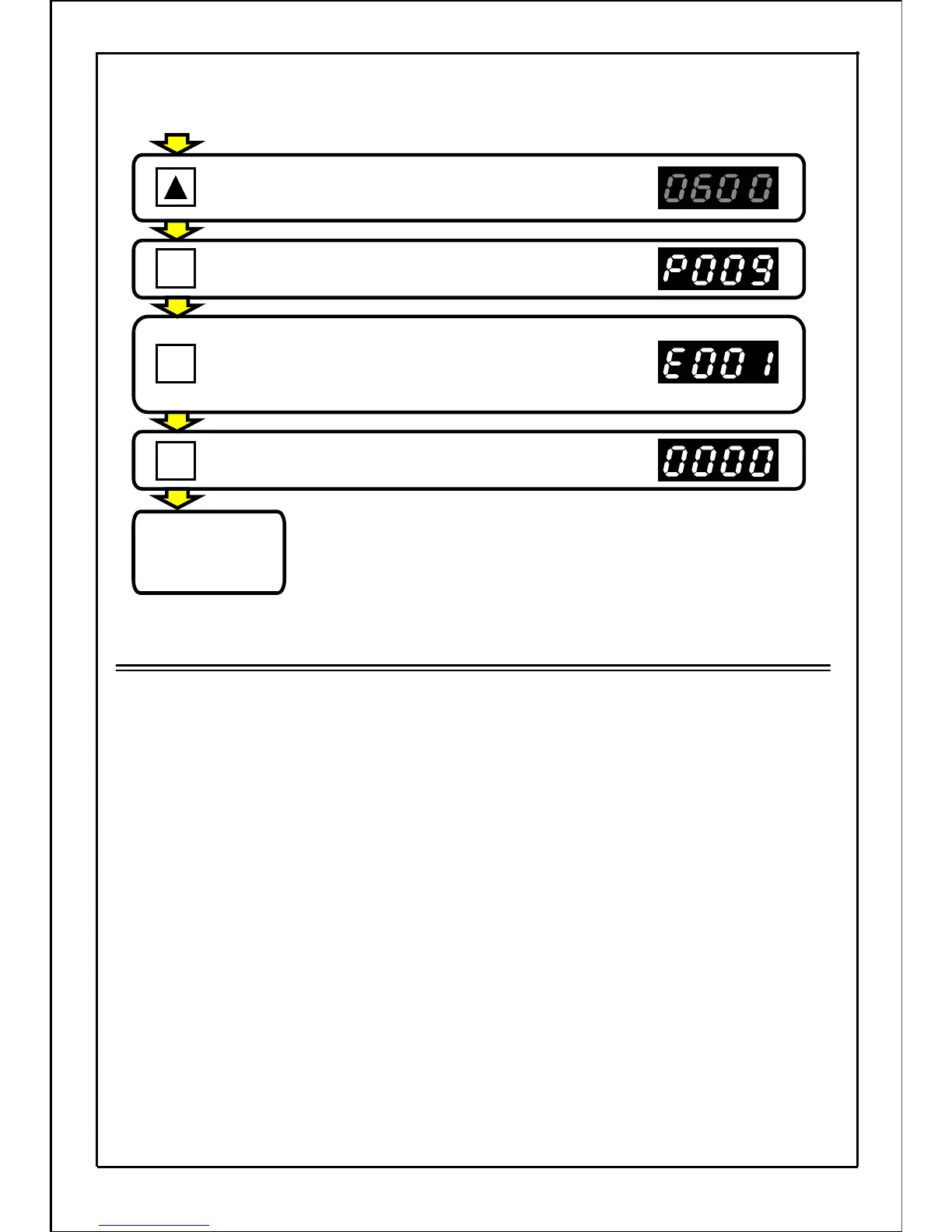
Press the UP button, and set the data display
value to "60".
(The main display will flicker.)
Press the SET button to set the data.
Press the MODE button to enter "operation
preparation completed" state when built-in memory
setting mode is not displayed.
Press the MODE button to enter "operation
preparation completed" state.
OPERATION
PREPARATION
COMPLETED
・・・
The normal stop state will be entered and the inverter can
be run.
(Operation status display mode)
[Continued from previous page]
Note
・
After the function parameter is set, the inverter will not run unless the MODE button
is pressed and the "operation status display mode" is set to.
・
If writing the set data in the non-volatile memory inside the inverter while the data is
being set and changed, the set data will be stored in the memory even after the power
supply has been turned OFF. The maximum writing times of the non-volatile memory
inside the inverter is 100,000 times. Therefore, note that the setting of parameters
cannot be changed frequently.
・
If the function setting returns to the "operation preparation completed" state during data
changing, while a start input signal is being applied through external control, an "OP" error
will be displayed, causing the inverter to remain inoperative.
Reset the fault indication using the instructions under "Resetting Fault Trips" (page 197).
54
SET
MODE
MODE
.







 To Next Page