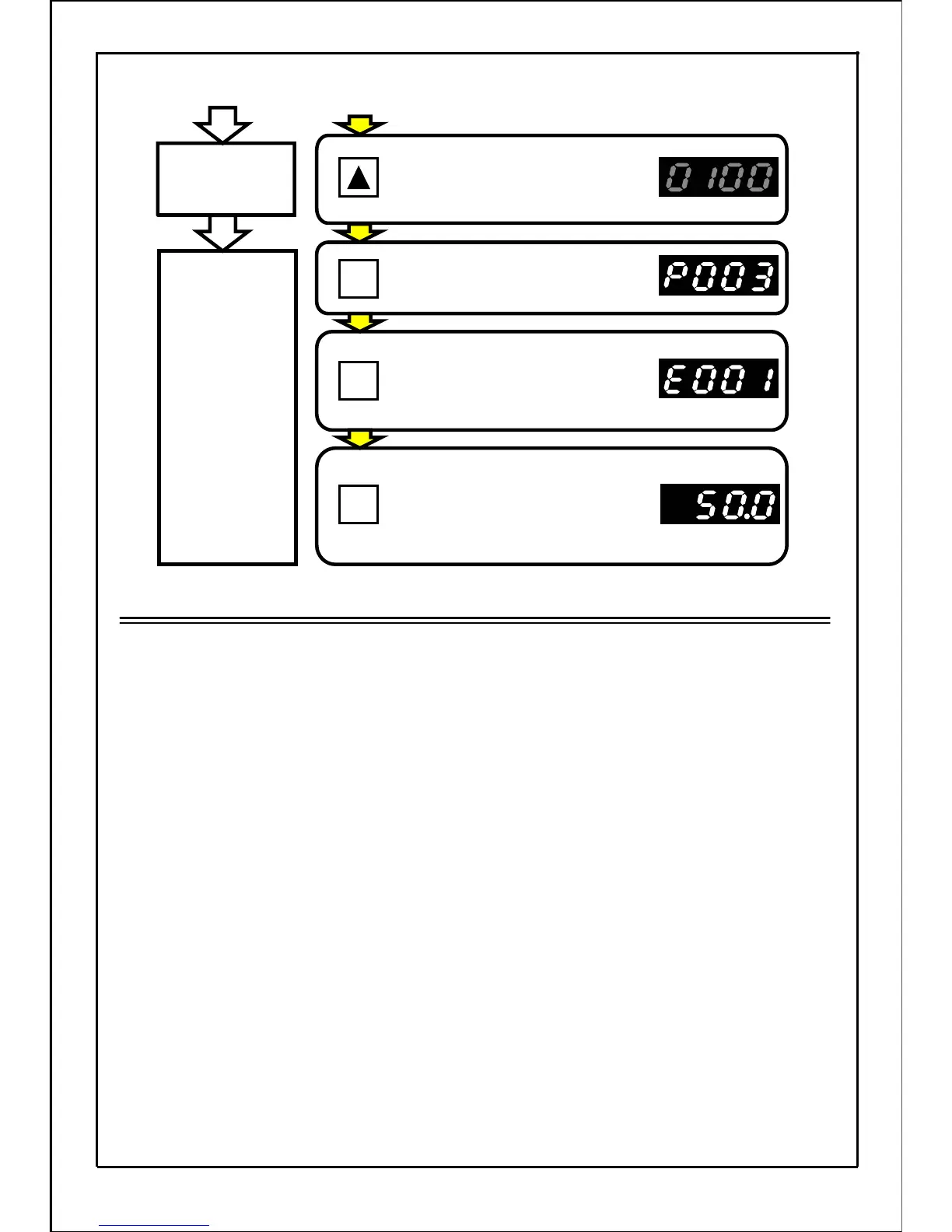
[Continued from previous page]
Press the UP button and set
the data display value to "10.0".
(The main display will flicker.)
Press the SET button to set
the data.
Press the MODE button to enter
the operation status display mode
if built-in memory setting mode is
not displayed.
Press the MODE button to set
the operation status display mode.
(The display will not change unless
the MODE button is pressed.)
Control motor
with new data
Note
・
During operation, the function parameters other than those that can be changed will
only be monitored.
(The function parameters can only be displayed, but cannot be changed.)
・
If the inverter occurs 0V stop while changing the data, it will return to the "0V stop state".
・
If a stop signal is input while changing the data and the inverter stops, the mode will
return to the " operation preparation completed" state.
・
While changing the data in the "0V stop" state, the inverter will return to the "operation
status display mode" after entering operation state.
・
When the speed frequency 2 ~ 16 of parameters P046 ~ P060 are set to "0000",
the inverter will carry out 0V stop.
If "bias frequency setting" and "bias frequency setting 2" of parameters P103 and P126
are set to "0" or less, the inverter will carry out 0V stop.
If "gain frequency setting" and "gain frequency setting 2" of parameters P104 and P127
are set to "0000", the inverter will carry out 0V stop.
(The motor will start or stop while the data is being changed and set to "0000", So ensure
personal safety before operation.)
Control motor
with current data
56
SET
MODE
MODE
.







 To Next Page