LIFEPAK 15 Monitor/Defibrillator
Service Manual
Troubleshooting
Using the Service/Status Features
Section Menu Section Contents Back Index
106
5
Using the Service/Status Features
Introduction
The device includes a series of service/status screens and menus that detail device data such as stored manufacturing data,
recorded errors, and counters for shock and pacing operation.
Displaying the Service/Status Submenu
To display the Service/Status submenu:
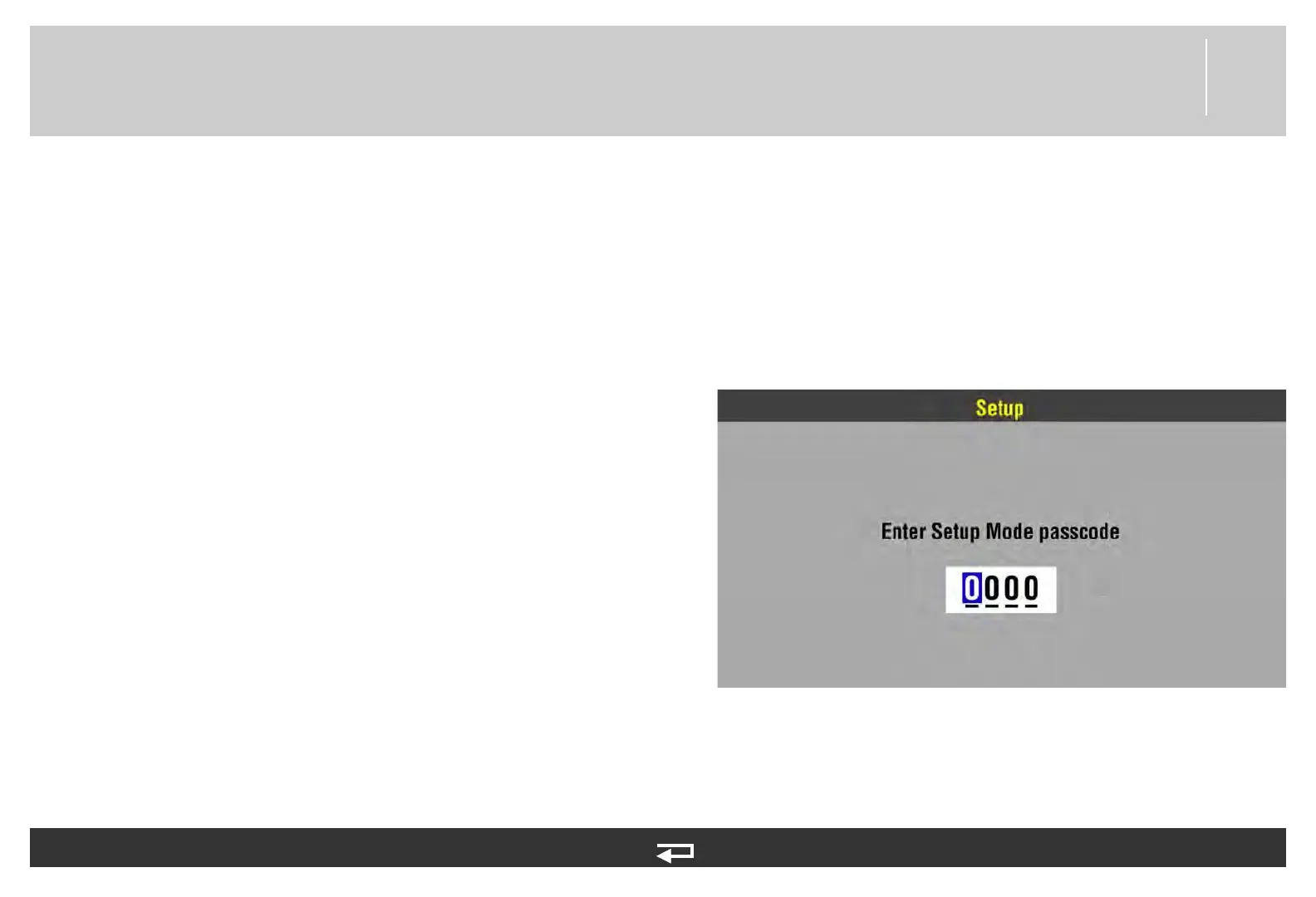
1. Press and hold the OPTIONS and EVENT buttons, and then
turn the device ON. Continue holding until the Setup mode
passcode prompt appears.
2. Enter the passcode 5433 by rotating the SPEED DIAL to
select a digit, and then pressing the SPEED DIAL to continue.
After the last digit is entered, the Setup menu appears.
3. Rotate the SPEED DIAL to select SERVICE in the Setup
menu, and then press the SPEED DIAL. At the service
passcode prompt, enter the passcode 5433. The Service
menu appears.














 To Next Page