LIFEPAK 15 Monitor/Defibrillator
Service Manual
Battery Maintenance
Battery Status Indicators
Section Menu Section Contents Back Index
160
7
Battery Status Indicators
Home Screen
The Home Screen displays battery indicators that show the following information about the batteries installed in the device:
• Presence or absence of battery in battery well
• Battery in use
• Battery charge state
When two batteries are installed, the device uses the battery with the lowest level of charge first. The battery in use is indicated by a white battery
number in a black box. When a battery reaches the “replace battery” state, the device automatically switches to the other battery. Table 7.1
provides a description of the various battery status indicators.
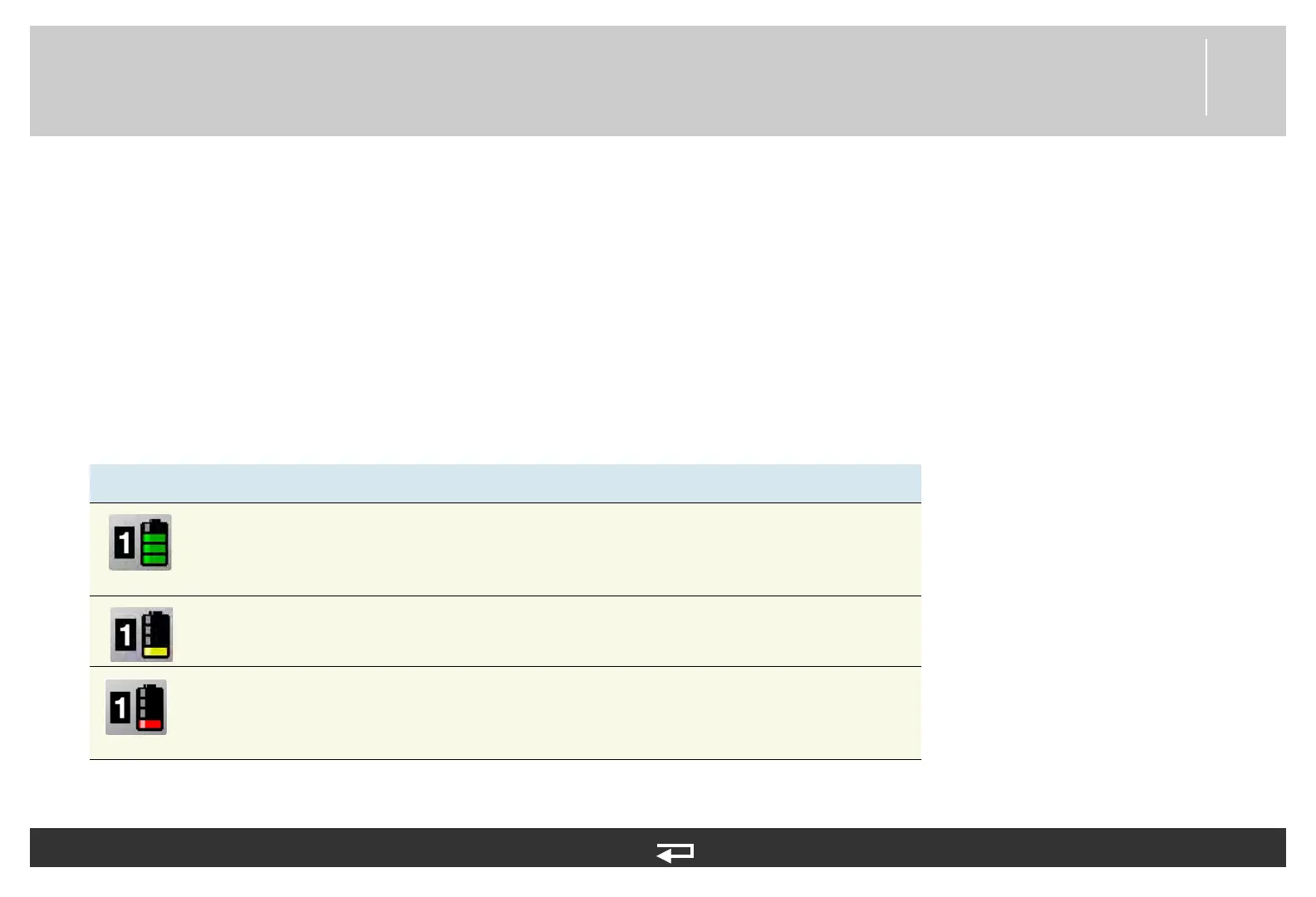
Table 7.1—Battery Status Indicator
Indicator Meaning Description
Active battery The device is using the battery in Well 1 for power. Battery status indicators
display up to four green bars. Each green bar represents approximately 25%
remaining charge. For example, three green bars indicate about 75%
remaining charge.
Low battery Battery in Well 1 is in use and is low. One yellow bar indicates 5% to 10%
remaining charge.
Very low battery Battery in Well 1 is in use and is very low. One red flashing bar indicates 0%
to 5% remaining charge. The device automatically switches to the other
battery only if adequate charge is available. If both batteries show red bars,
the REPLACE BATTERY voice prompt occurs.














 To Next Page