LIFEPAK 15 Monitor/Defibrillator
Service Manual
Replacement Procedures
Display Lens Replacement
Section Menu Section Contents Procedures Back Index
206
8
Display Lens Replacement
Refer to Inside Front Case Diagram (p. 189) and Figure 9.5 (p. 378).
Removing the Display Lens
To remove the display lens from outside the front case:
NOTE: Removing the front lens requires high
direct pressure to remove. Suggest
instead replacing front case; use Front
Case Repair Kit (MIN 3305431-023)
(p. 511)
1. Disassemble the case as described in Disassembling
the Case (p. 181)).
2. Remove the display shield as described in Removing
the Display Lens Shield (p. 203).
3. Remove the interface PCB as described in Removing
the Interface PCB (A05) (p. 193).
4. Remove the LCD assembly as described in Removing
the LCD Display Assembly (A11) (p. 205).
5. From the inside of front case, push out the display
lens.
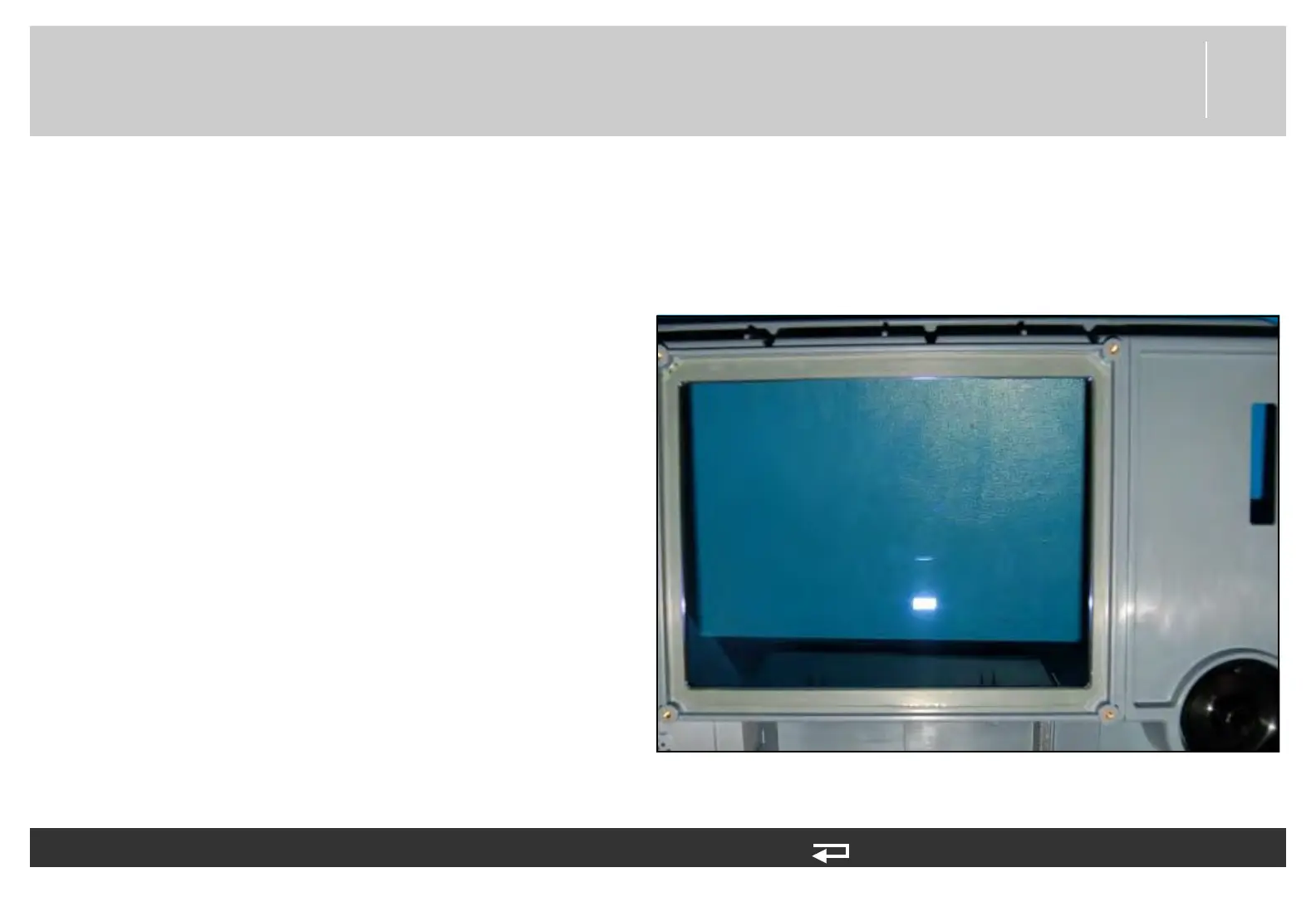
Figure 8.19—Display lens location














 To Next Page