LIFEPAK 15 Monitor/Defibrillator
Service Manual
Replacement Procedures
EMI Shield Replacement
Section Menu Section Contents Procedures Back Index
305
8
EMI Shield Replacement
The shield is supplied as part of the rear case. Follow the instructions in the Battery Pins / Power PCB Cable (W10) Replacement (p.
334) procedure to remove the EMI shield (3206960-002).
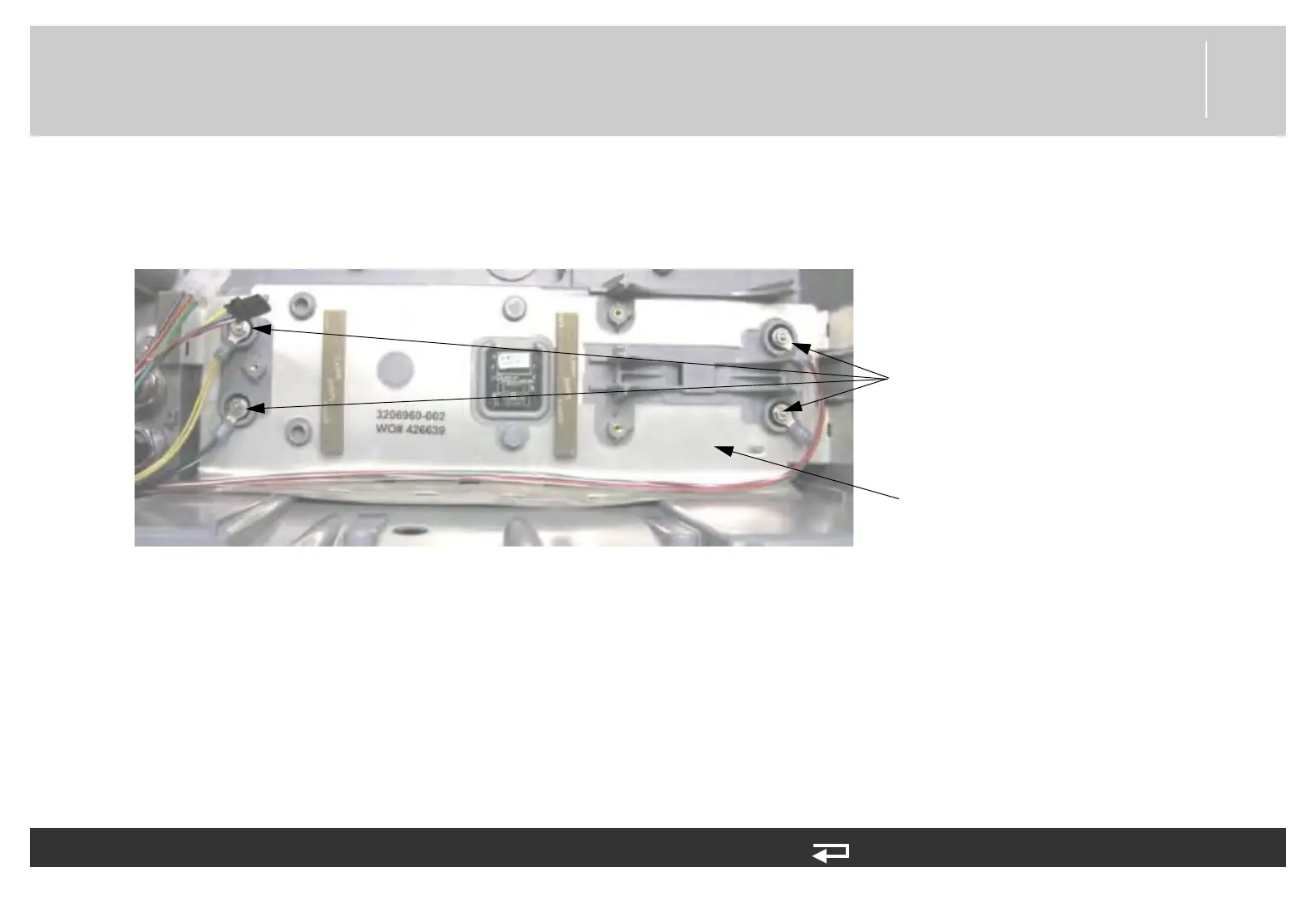
Figure 8.99—EMI shield and battery wire harness nut locations
To install the EMI shield, reverse the steps in the Rear Case Replacement (p. 315) procedure, using the following guidelines.
1. Clean with alcohol in the area where the EMI shield adhesive contacts case.
2. Pre-fold EMI case shield by placing the shield into the rear case.
3. Remove adhesive liners and secure EMI shield with Adhesive patches to case.
4. To complete EMI shield installation, follow the steps described in Installing the Battery Pins/Power PCB Cable (W10) (p. 336).
EMI shield
Kep nuts
(4 places)














 To Next Page