LIFEPAK 15 Monitor/Defibrillator
Service Manual
Replacement Procedures
Printer Assembly/Chassis Ground Cable (W19) Replacement
Section Menu Section Contents Procedures Back Index
227
8
Printer Assembly/Chassis Ground Cable (W19) Replacement
Refer to Inside Front Case Diagram (p. 189).
Removing the Printer Assembly/Chassis Ground Cable (W19)
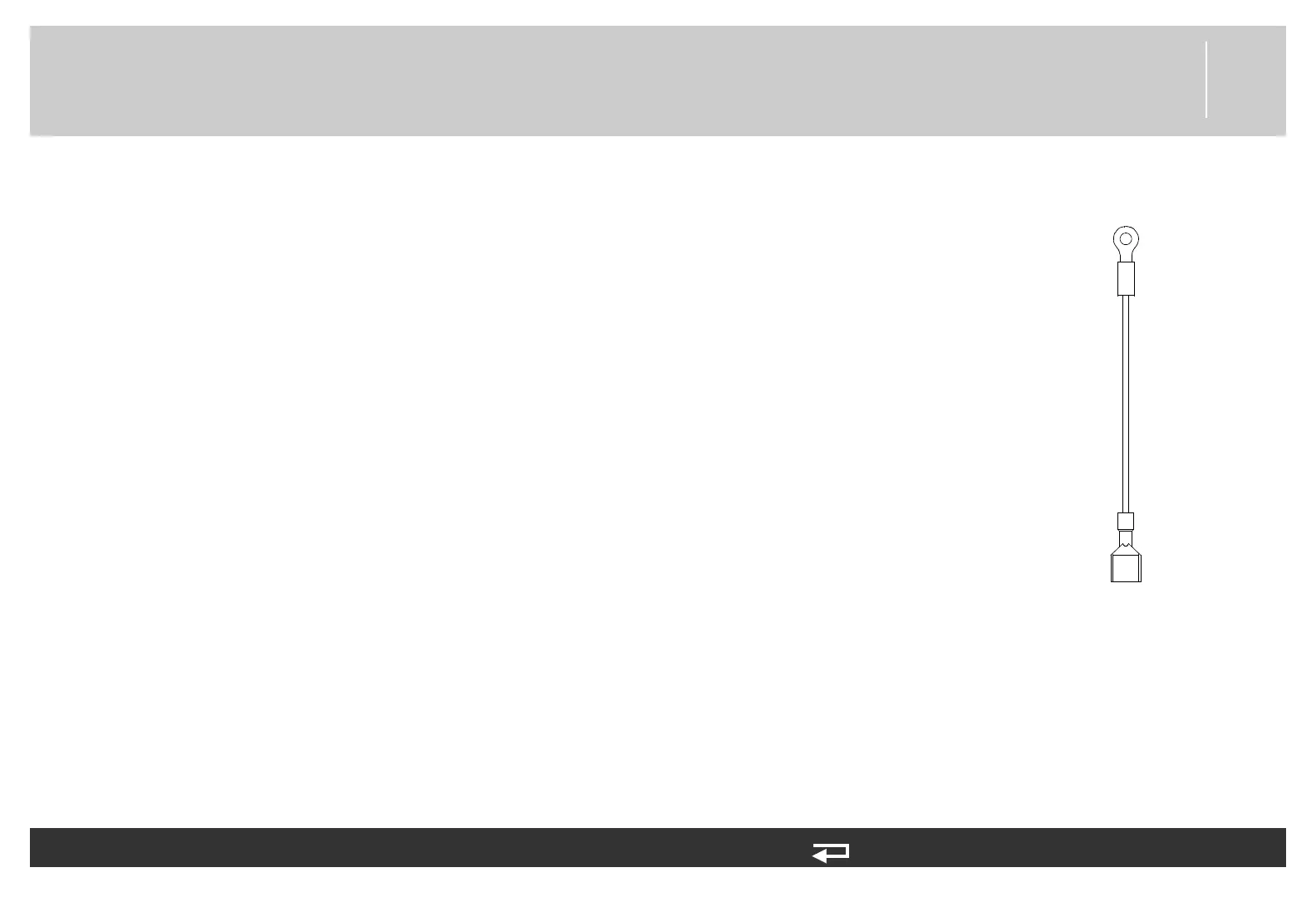
To remove the printer/chassis ground W19 cable (3009726-01) (see Figure 9.59 on p. 481)
from the front case:
1. Disassemble the case as described in Disassembling the Case (p. 181).
2. Remove the screw (202253-761) securing the W19 cable to the interface PCB and LCD
display assembly bracket (3006810-01). Discard the screw.
3. Disconnect the W19 cable ground terminal from the printer assembly connector bracket.
Installing the Printer Assembly/Chassis Ground Cable (W19)
To install the printer/chassis ground W19 cable (3009726-01) into the front case:
1. Connect the W19 cable ground terminal to the printer assembly connector bracket.
2. Secure the W19 cable to the interface PCB and LCD display assembly bracket (3006810-
01) with one new screw (202253-761); torque to 6.8 in-lb.
3. Reassemble the case as described in Reassembling the Case (p. 184).
chassis ground
Printer Assembly (A12)
Figure 8.34—printer cable
connection














 To Next Page