LIFEPAK 15 Monitor/Defibrillator
Service Manual
Replacement Procedures
Disassembling the Case
Section Menu Section Contents Procedures Back Index
181
8
Disassembling the Case
Refer to Front Parts Diagrams and Parts List (p. 377) and Rear Diagrams and Parts List (p. 399).
To disassemble the case halves: 12 steps, (Page 1 of 3)
1. If applicable, remove carrying case.
2. Remove all cables and patient connections, and then remove
the batteries.
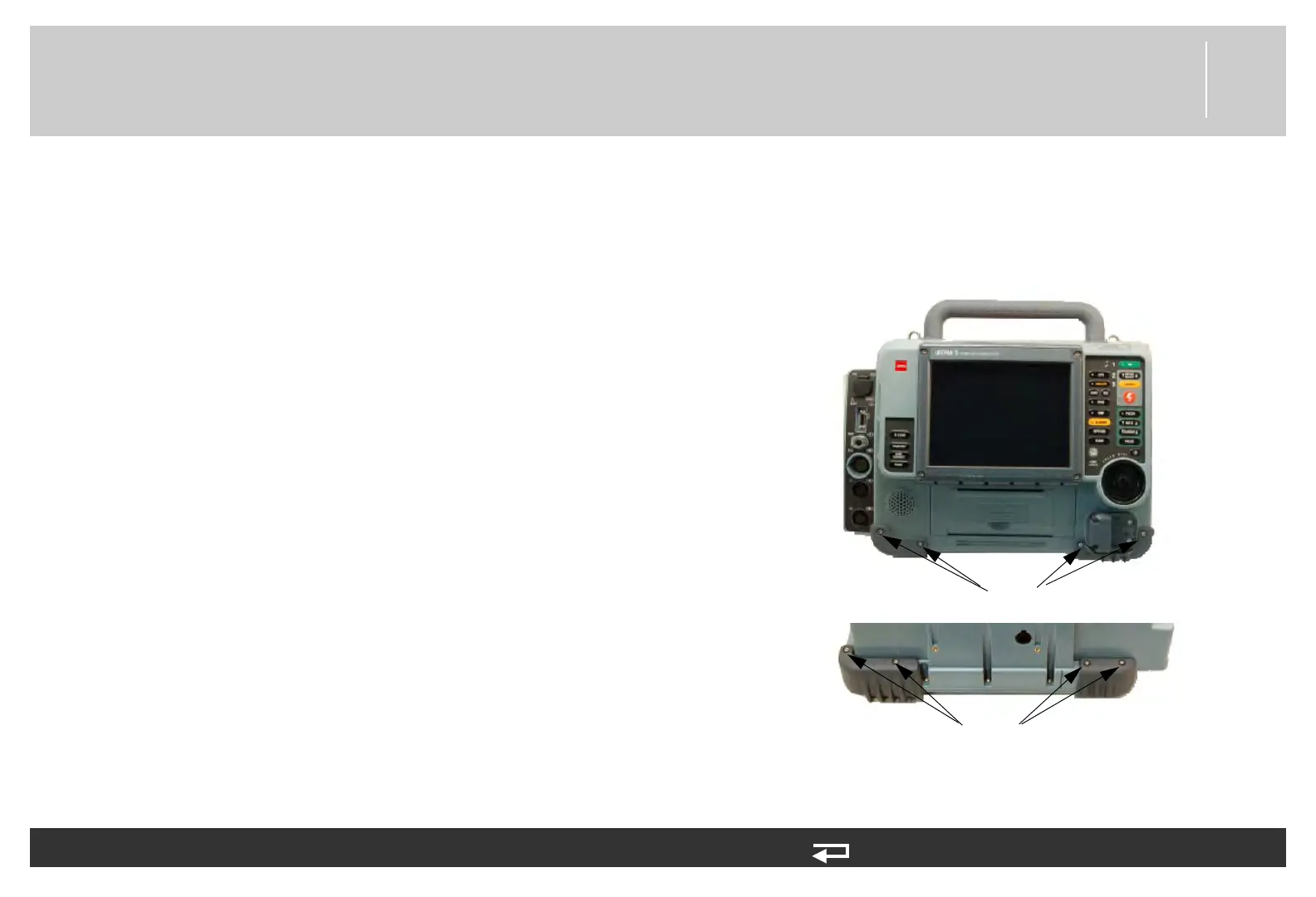
3. Remove the four front mounting screws (3207361-375) from
the bumpers.
4. Remove the four rear mounting screws (3207361-375) from
the bumpers.
5. Remove the bumpers (3207307-001 and 3206968-000)
from the case and set aside.
Figure 8.4—Bumper screw locations
Front bumper screws
Rear bumper screws














 To Next Page