LIFEPAK 15 Monitor/Defibrillator
Service Manual
Troubleshooting
Display Pixels Test
Section Menu Section Contents Back Index
144
5
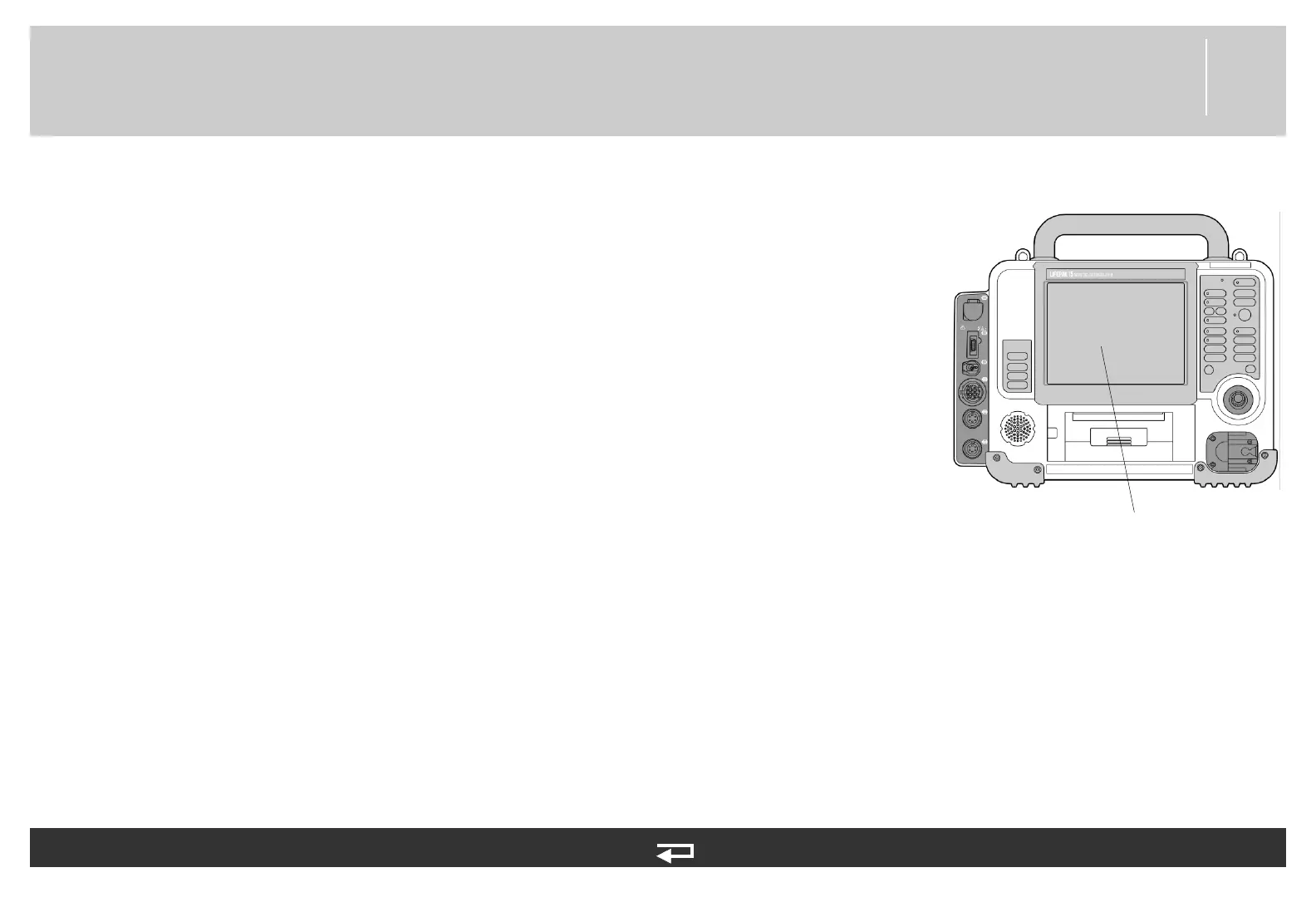
Display Pixels Test
To troubleshoot LCD display viewing issues:
1. Enter the Service mode (see Entering Service Mode (p. 95)) and select TESTS.
2. Select PIXELS in the Service/Tests submenu. The LCD display changes to a uniformly lit
screen of medium contrast.
3. Carefully examine the screen for any anomalies. Rotate the SPEED DIAL to examine
each color display on the screen.
4. Press SPEED DIAL to end the test and return to the Service/Tests submenu.
5. Turn the device OFF or navigate to other service options, as required.














 To Next Page