LIFEPAK 15 Monitor/Defibrillator
Service Manual
Replacement Procedures
Printer Assembly (A12) Replacement
Section Menu Section Contents Back Index
360
8
Printer Assembly (A12) Replacement
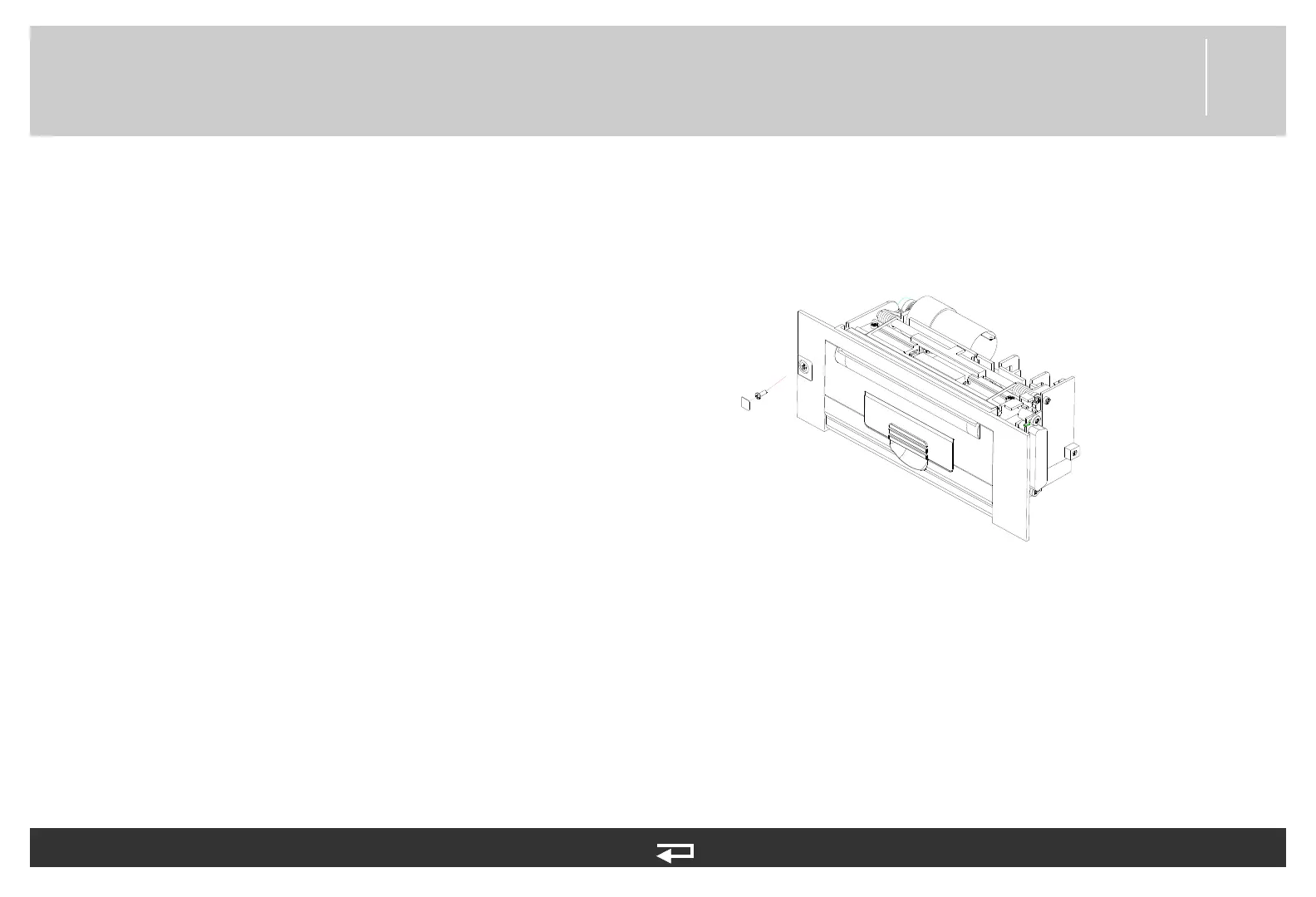
Printer assembly replacement consists of the following procedures:
• Removing the Printer Assembly (A12) (p. 360)
• Installing the Printer Assembly (A12) (p. 361)
Figure 8.123—Printer assembly replacement
Removing the Printer Assembly (A12)
To remove the printer assembly from outside the front case:
1. Lay the device face up on the battery wells.
2. Remove the printer paper.
3. Carefully peel away the label from the screw and loosen the screw.
4. Open the printer door and loosen the two screws from inside the printer assembly.
5. Grasp the door near the speaker side, and then gently pull up and push toward the speaker (to disengage the connector on the
opposite side). Lift the printer out and set it aside.














 To Next Page