LIFEPAK 15 Monitor/Defibrillator
Service Manual
Replacement Procedures
Battery Pins / Power PCB Cable (W10) Replacement
Section Menu Section Contents Back Index
336
8
Installing the Battery Pins/Power PCB Cable (W10)
To install the W10 cable: 12 steps, (Page 1 of 2)
If required, replace EMI shield as described in EMI Shield Replacement (p. 305).
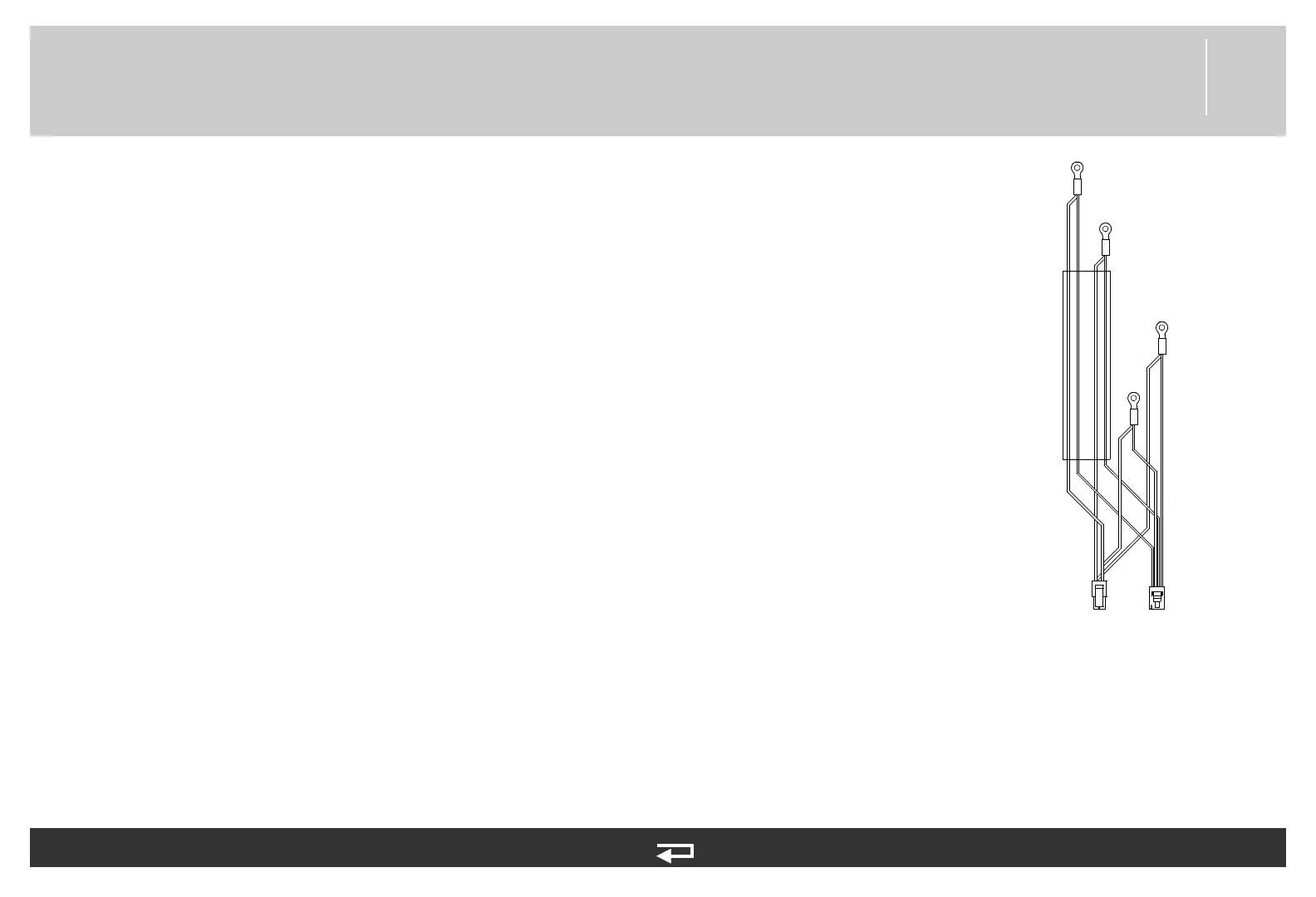
1. Install the battery pins/power PCB (W10) cable (V1- 3009726-08) or (V2-3303863-000).
2. Connect terminals P43 and P44 at Battery Well 1, and P45 and P46 at Battery Well 2 and
replace the four Kep nuts (201508-000) (torque to 4.0 in-lb using 1/4” socket and drive
adapter). See Figure 8.110 on p. 334.
3. Install the power PCB as described in Installing the Power PCB (A03) (p. 257).
4. If present, install the SpO2 PCB as described in Installing the SpO2 PCB (A16) (p. 280).
5. Connect the battery pins/power PCB cable (W10) connector locking tabs to the power PCB
at J11. V1 device will also install W10 at J13.
6. Install the NIBP/CO2 Module as described in Installing the NIBP (A21)/CO2 (A23) Modules
(p. 292).
7. Install the OEM PCB as described in Installing the OEM PCB (A06) (p. 265).
8. Install the energy storage capacitor as described in Installing the Energy Storage Capacitor
(A15) (p. 273).
9. Install the biphasic module and inductive resistor as described in Installing the Biphasic
Module (A22)/Inductive Resistor (A14) (p. 302).
10. Install the transfer relay assembly as described in Installing the Transfer Relay Assembly
(A13) (p. 270).
P11
P13
P46
P45
P44
P43
to Power PCB (A03)
to Battery Well 1
to Battery Well 2
Figure 8.111—(V1) Power
PCB cable connections. V2
cable, only P11 is used.














 To Next Page