LIFEPAK 15 Monitor/Defibrillator
Service Manual
Troubleshooting
Service Log
Section Menu Section Contents Back Index
114
5
Displaying the Service Log
To display the Service Log:
1. Display the Service/Status submenu (Displaying the Service/
Status Submenu (p. 106)).
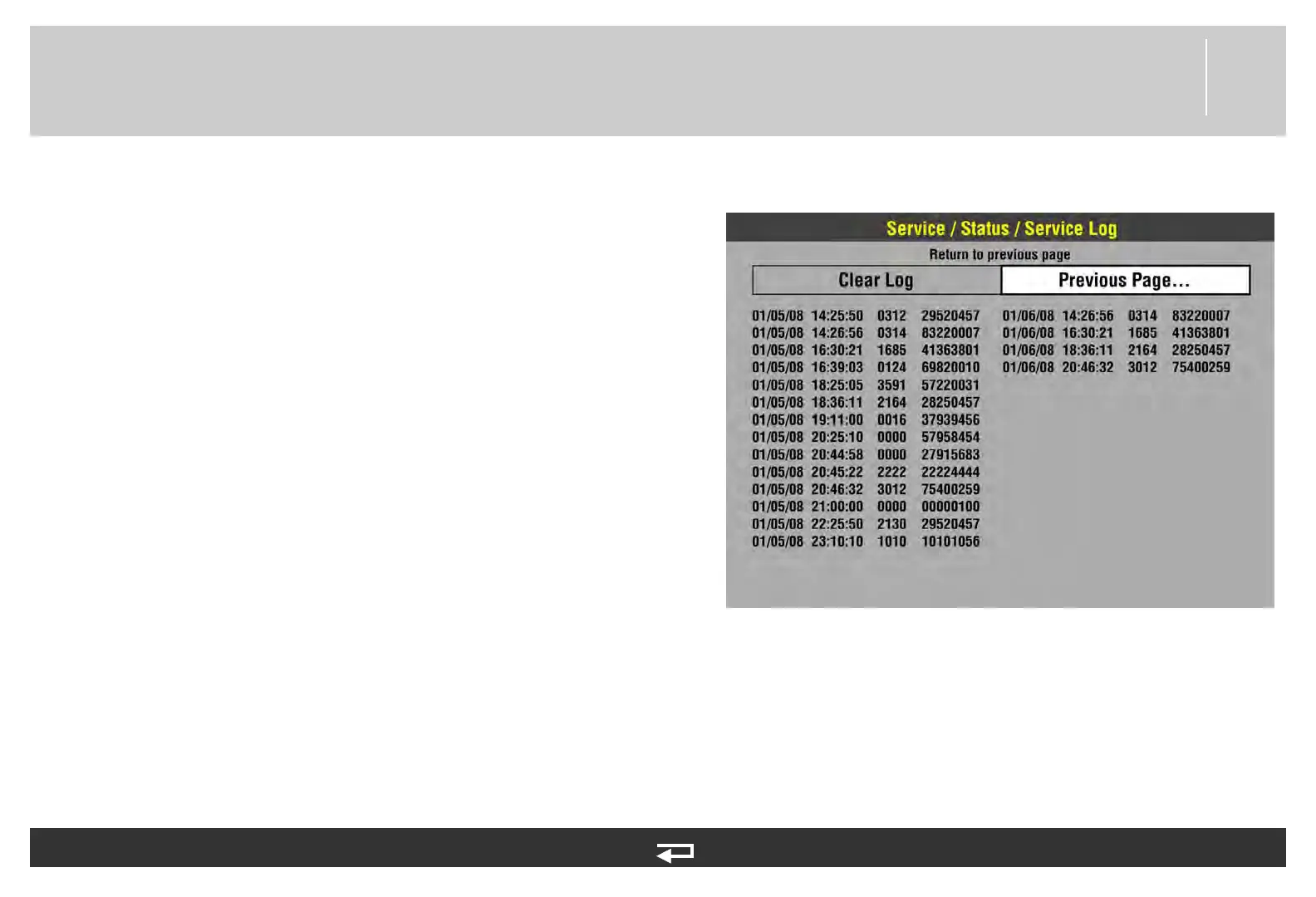
2. Select SERVICE LOG. The Service/Status/Service Log overlay
displays errors by date, time, error, and error extension.
Clearing the Service Log
To clear the Service Log:
1. Display the Service/Status submenu (Displaying the Service/
Status Submenu (p. 106)), and then select SERVICE LOG.
2. Using the SPEED DIAL, select CLEAR LOG on the Service/
Status/Service Log overlay.
NOTE: The CLEAR LOG action will record the error(s) on the
100-mm printer.
3. Turn the device OFF or navigate to other service topics, as
required.














 To Next Page