LIFEPAK 15 Monitor/Defibrillator
Service Manual
Modes of Operation
Setup Mode
Section Menu Section Contents Back Index
93
4
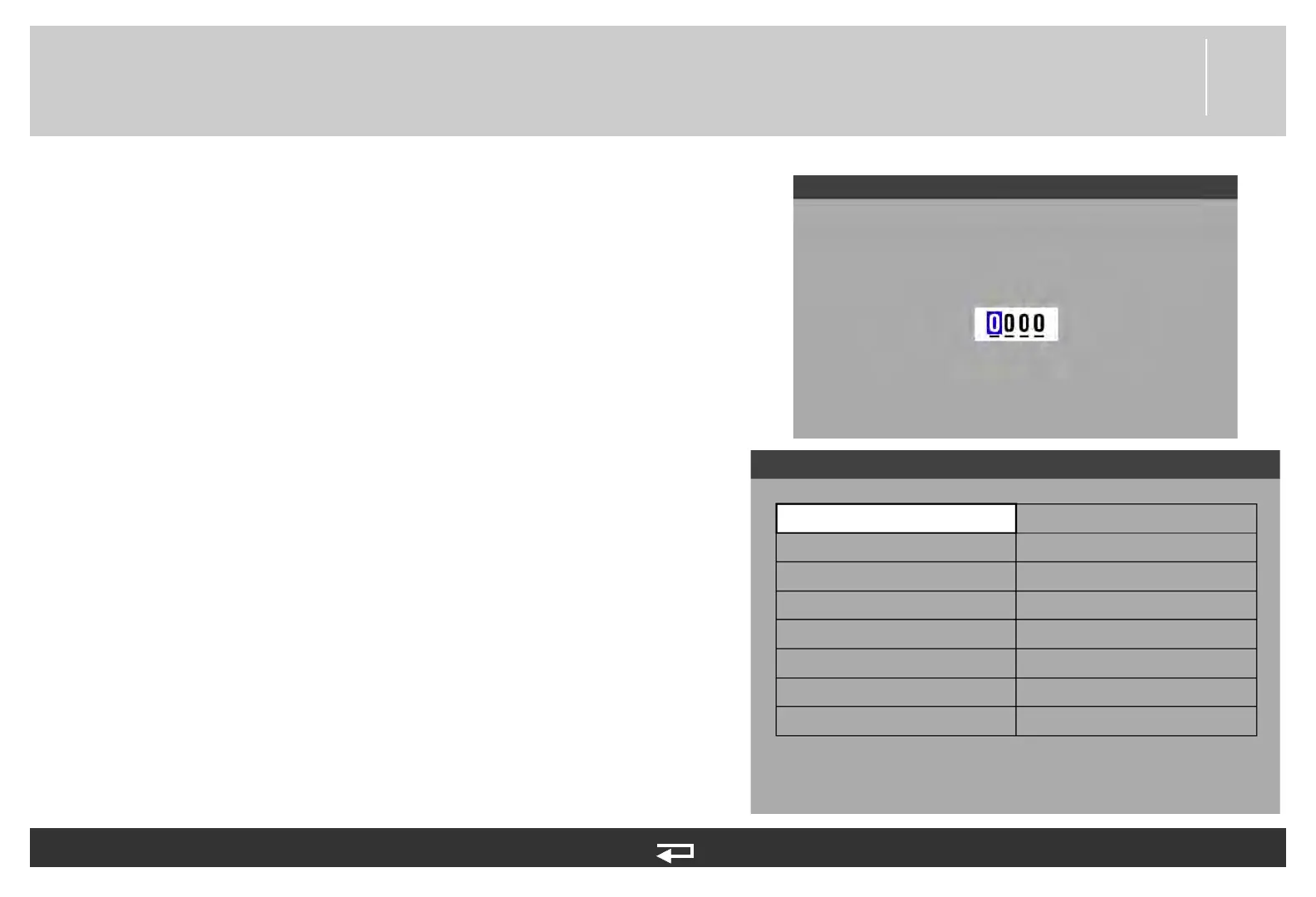
Entering Setup Mode
To enter the Setup mode:
1. Press and hold OPTIONS and EVENT, and then turn the device
ON. Continue holding until the Setup mode passcode prompt
appears. The factory default passcode is 0000; the reserved
technician passcode is 5433.
2. To enter the passcode, rotate the SPEED DIAL to select a digit,
and then press the SPEED DIAL to continue. After the last digit
is entered, the Setup menu appears.
3. Rotate the SPEED DIAL to select a setup option, and then press
the SPEED DIAL to display the option submenu.
For more detailed information about Setup mode options, see LIFEPAK 15
Monitor/Defibrillator Setup Options (MIN 3208011 for V1, or 3206226
for V2).
General...
Manual Mode...
AED Mode...
CPR Metronome...
Pacing...
Monitoring...
12-Lead...
Events...
Alarms...
Printer...
Transmission...
Clock...
Reset Defaults...
Print Defaults
Set Passcodes...
Service...
Setup
Enter Setup Mode passcode
Setup














 To Next Page