Polycom RealPresence Collaboration Server (RMX)1500/2000/4000 Deployment Guide for Maximum Security Environments
2-30 Polycom, Inc.
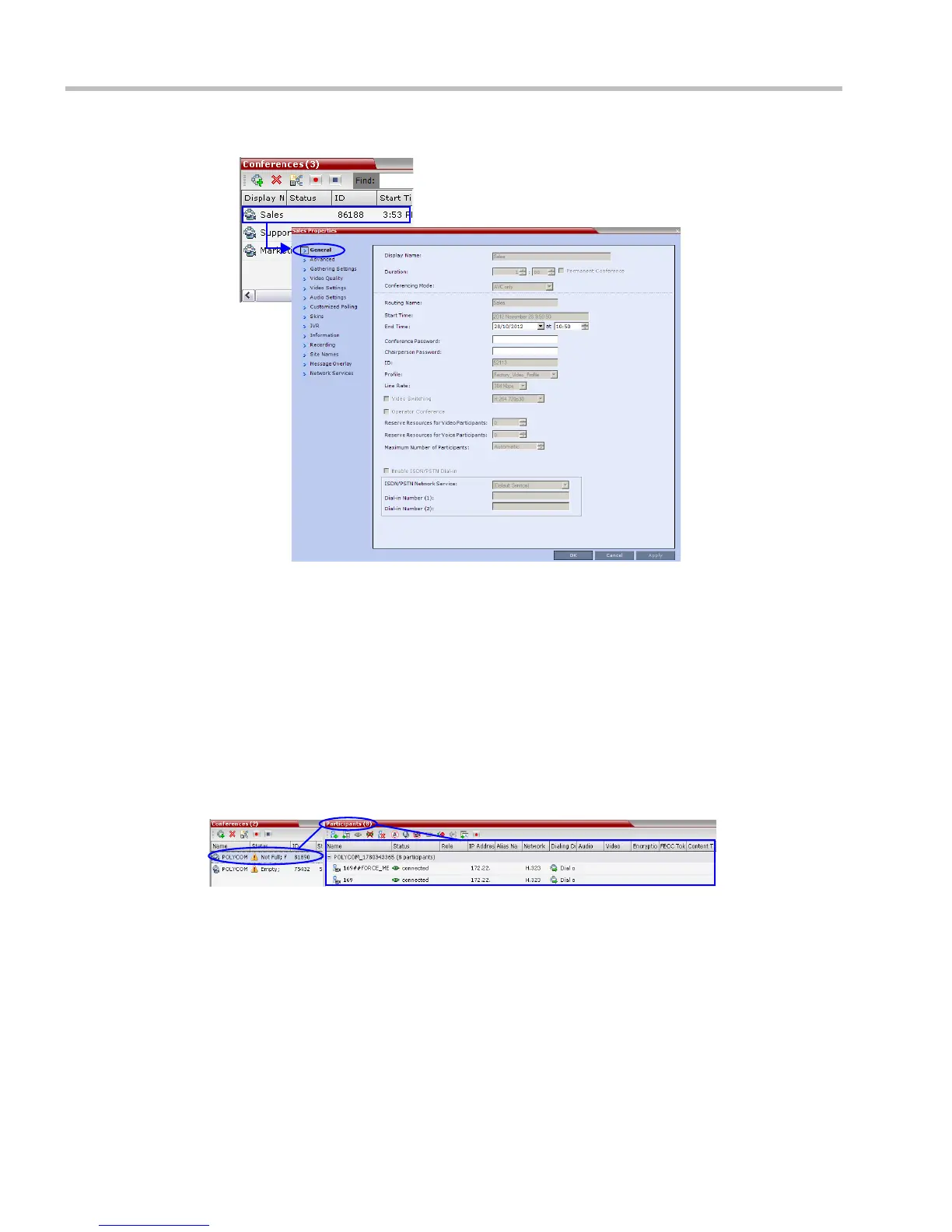
The Conference Properties dialog box appears with the General tab open.
You can view all the conference’s properties but those that appear with a gray
background cannot be modified.
For more information, see the RealPresence Collaboration Server (RMX) 1500/2000/4000
Administrator’s Guide 2000/4000 Administrator’s Guide, "Conference Level Monitoring” on
page 8-3.
Participant Level Monitoring
Participant Connection Monitoring
When a conference is selected in the Conference List, details of its participants appear in the
List pane.














 To Next Page