Polycom RealPresence Collaboration Server (RMX)1500/2000/4000 Deployment Guide for Maximum Security Environments
1-10 Polycom, Inc.
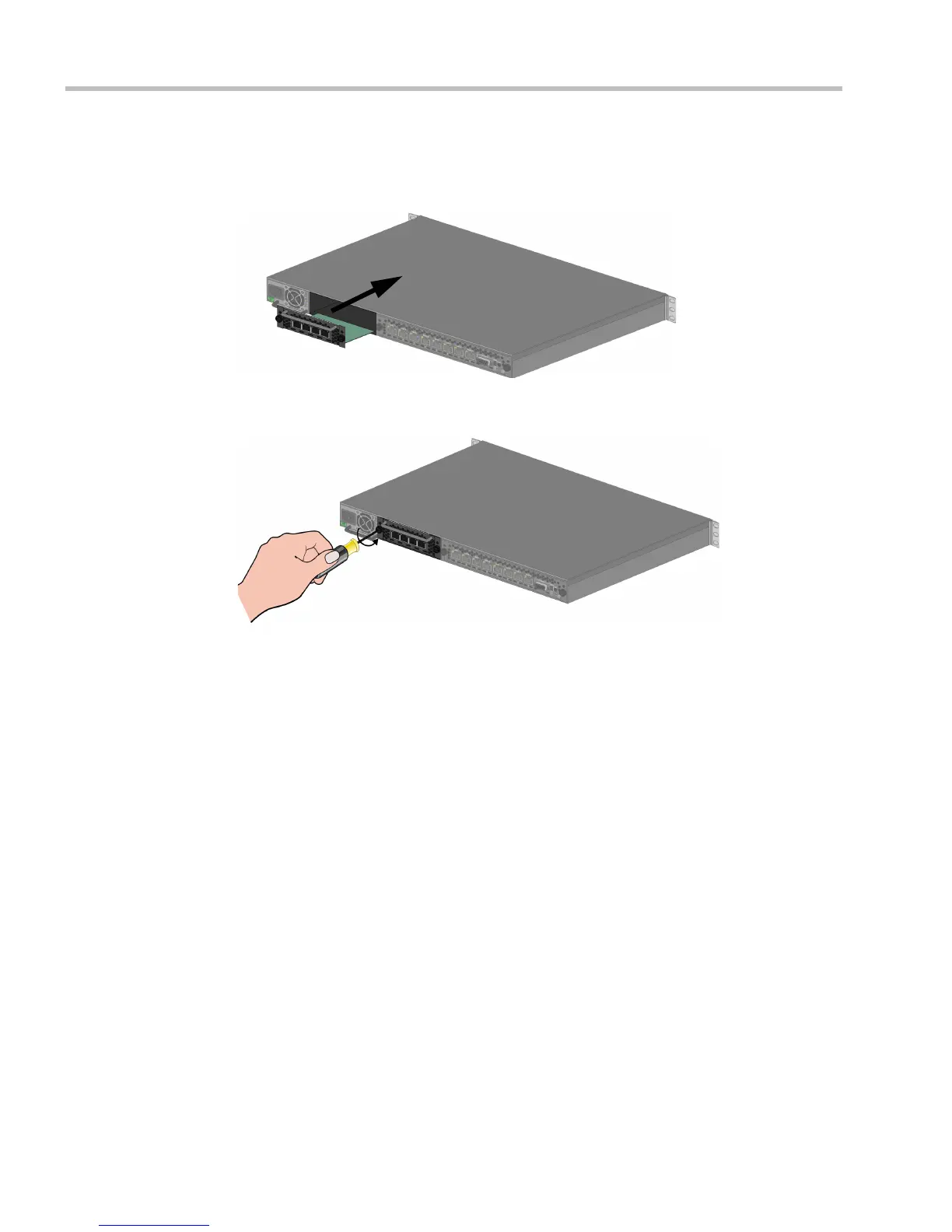
3 Slide out the cover.
Installing the RTM ISDN 1500 Card
1 Slide in the RTM ISDN 1500 card.
2 Insert the card into the slot and tighten the captive screws on each side of the rear panel
of the card, securing the RTM ISDN card to RMX.
A Software License is included with the ISDN card. This license must be registered as part of
the Product Registration and Product Activation process.
Mounting the RMX 1500 in a Rack
There are two methods for installing the RMX in a 19” rack:
• Using the rack rail runners on the RMX 1500
— Install the telescopic rail runners, as described in "Installing the Telescopic Rail
Runners on the Rack” on page 1-5.
— Mount the RMX 1500 on top of the rail runners.














 To Next Page