Chapter 2-Basic Operation
Polycom, Inc. 2-33
Operations Performed During On Going Conferences
Conference Level operations
Changing the Duration of a Conference
The duration of each conference is set when the new conference is created. The default
duration of a conference is 1 hour. All conferences running on the RMX are automatically
extended as long as there are participants connected to the conference.
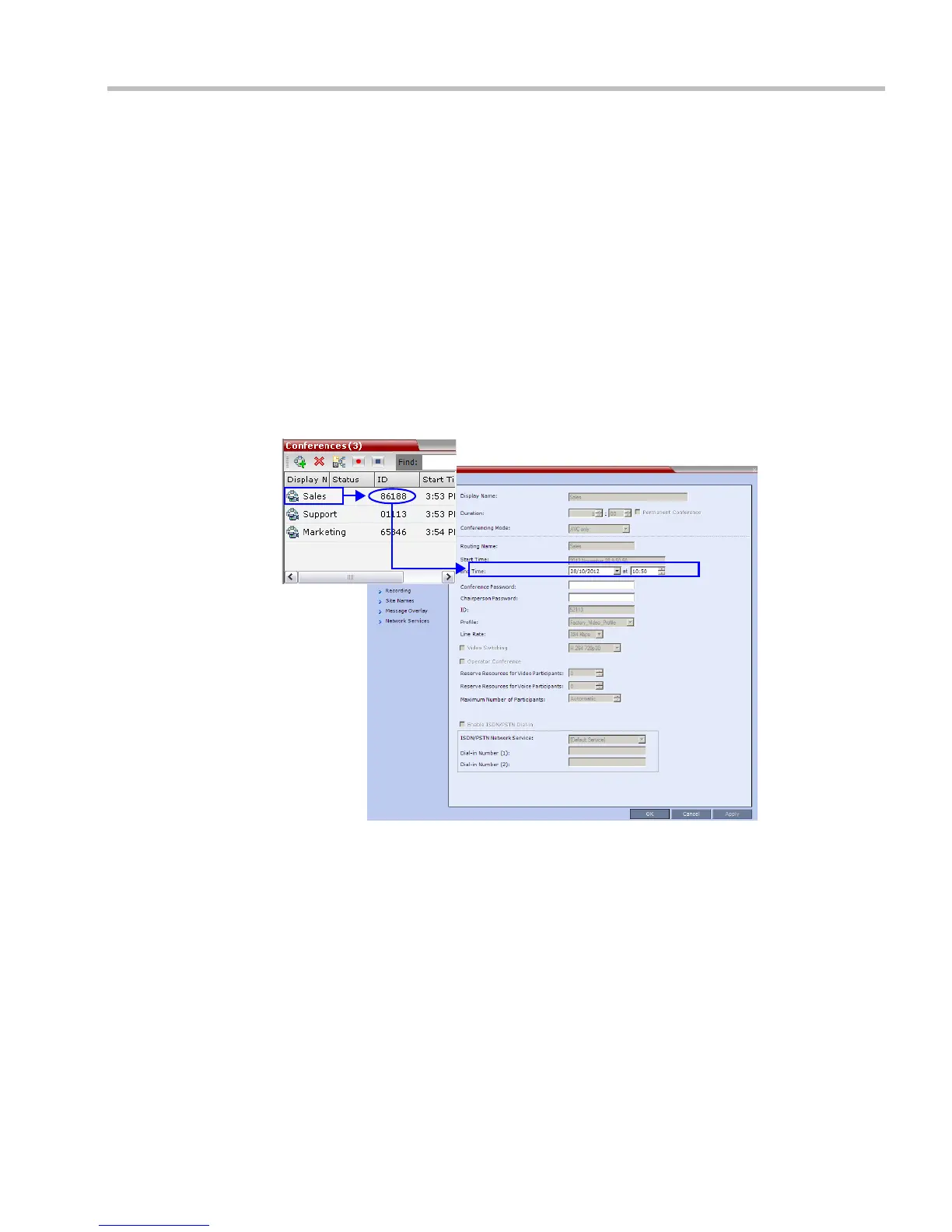
A conference’s Duration can be extended or shortened while it is running, by modifying its
scheduled End Time.
To extend or shorten a conference manually:
1 In the Conference List pane, double-click the conference Name.
2
In the
General
tab, modify the
End Time
fields and click
OK
.
The End Time is changed and the Duration field is updated.














 To Next Page