Chapter 2-Basic Operation
Polycom, Inc. 2-9
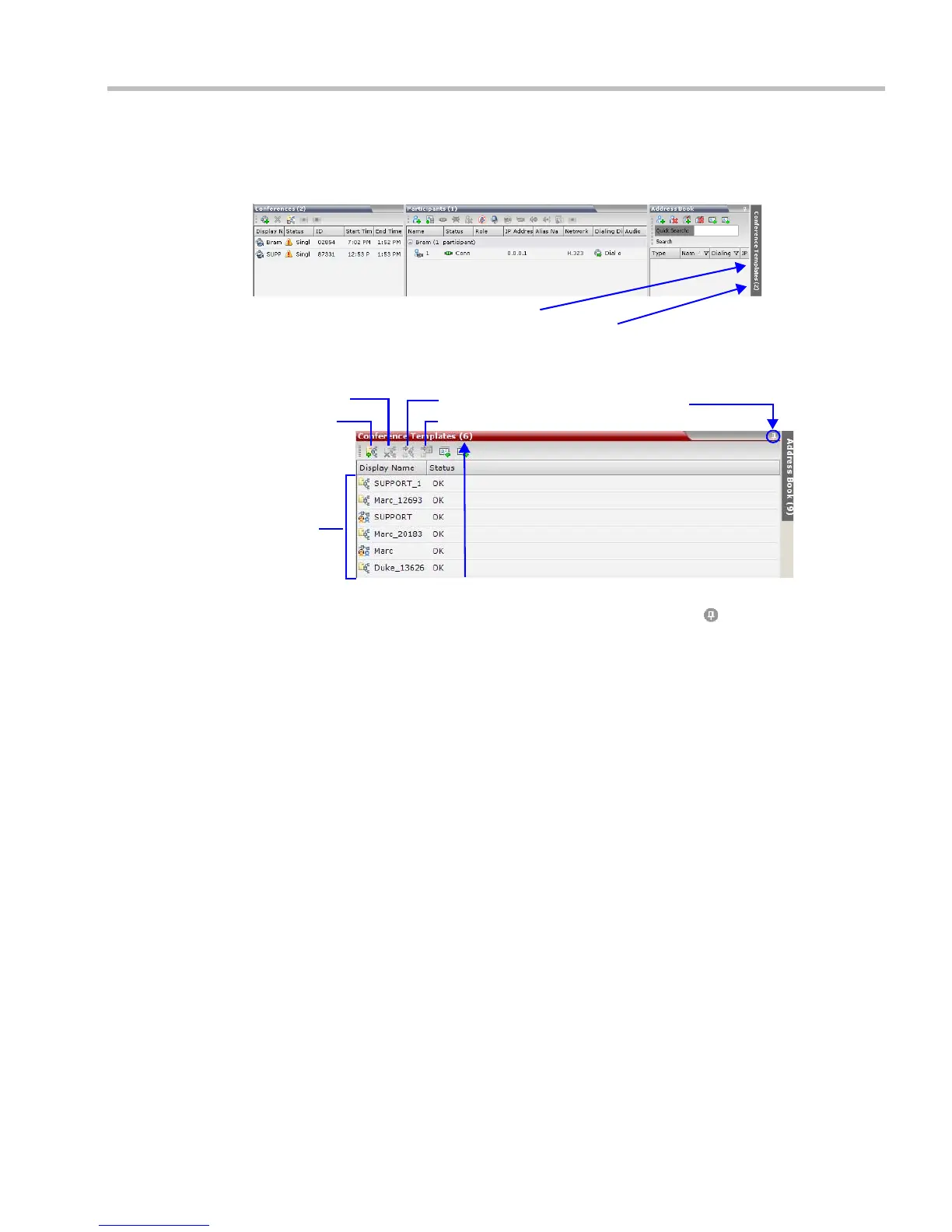
Displaying and Hiding Conference Templates
The Conference Templates list pane is initially displayed as a closed tab in the RMX Web Client
main window. The number of saved Conference Templates is indicated on the tab.
Clicking the tab opens the Conference Templates list pane.
Hide the Conference Templates list pane by clicking the anchor pin ( ) button in the top right
corner of the pane.
The Conference Templates list pane closes and a tab appears in the top right corner of the
screen.
Conference Templates Tab
Number of Saved Conference Templates
New Template
Delete Template
Start Template
Schedule Template
List of
Saved
Templ ates
Click to hide the
Conference Templates List
Number of Saved Conference Templates














 To Next Page