Chapter 2-Basic Operation
Polycom, Inc. 2-27
Monitoring Ongoing Conferences
Conference monitoring enables you to keep track of conferences and their participants: if all
its participants are correctly connected and whether errors or faults have occurred.
Maximum number of participants (voice and video) in a conference:
• RealPresence Collaboration Server (RMX) 1500 MPMx-Q card assembly: 90 (25 video)
• RealPresence Collaboration Server (RMX) 1500 MPMx-S card assembly: 180 (45 video)
• RealPresence Collaboration Server (RMX) 1500 MPMx-D card assembly: 360 (90 video)
• RealPresence Collaboration Server (RMX) 2000 MPM card: 400 (80 video)
• RealPresence Collaboration Server (RMX) 2000 MPM+ card: 800 (160 video)
• RealPresence Collaboration Server (RMX) 2000 MPMx card: 720 (180 video)
• RealPresence Collaboration Server (RMX) 4000 MPM+ card: 1600 (160 video)
• RealPresence Collaboration Server (RMX) 4000 MPMx-D card assembly: 1440 (180
video)
Operation Selection
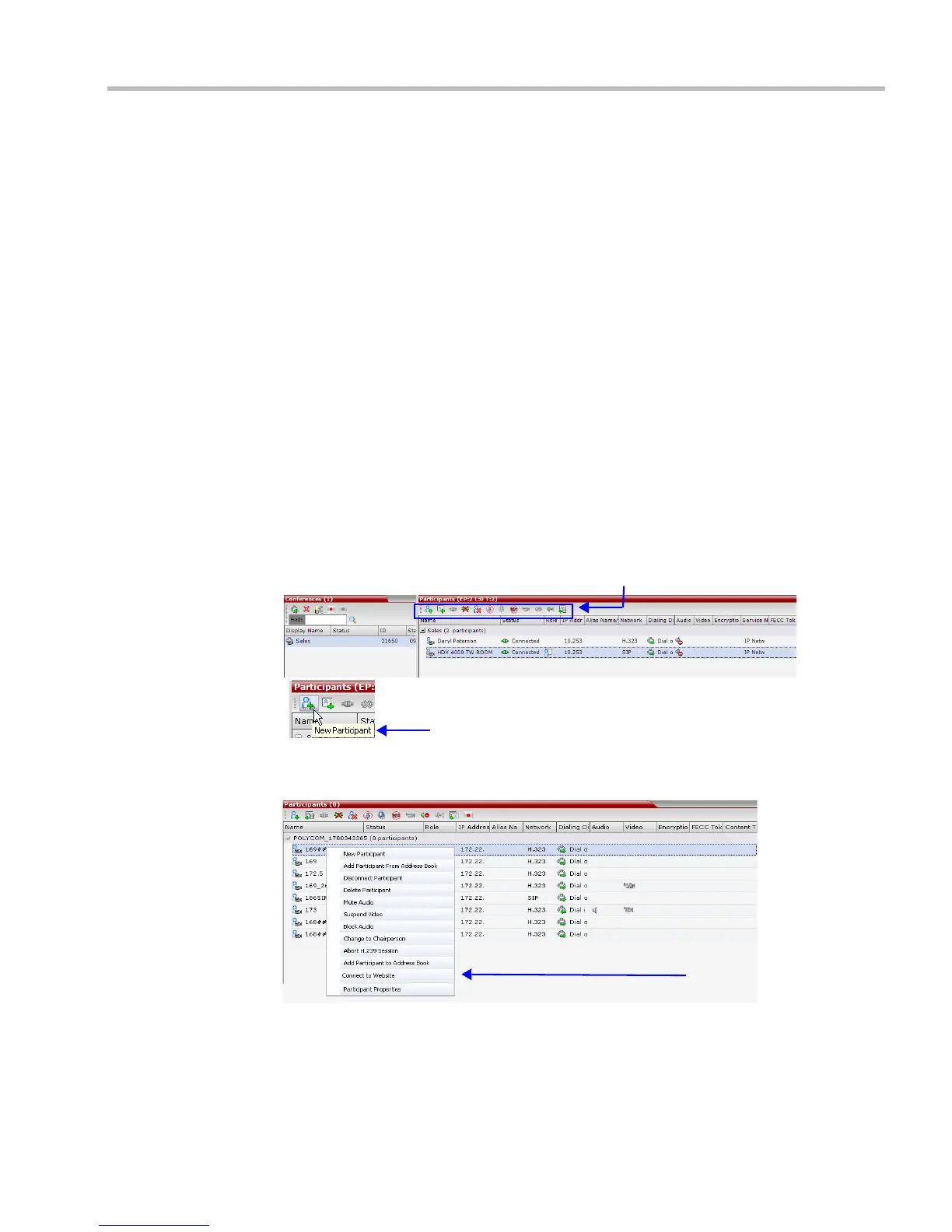
All monitoring and operations procedures performed during ongoing conferences can be
performed by either of two methods:
• Using the buttons in the toolbars.
• Right-clicking anywhere in the Conferences or Participants pane and selecting an
operation from the menu.
Multi Selection
Using multiple selection, you can monitor and perform simultaneous operations on
multiple participants in multiple conferences.
Toolbar Buttons
Tool tip appears when cursor is positioned over button














 To Next Page